

We’ve all been there. You find the perfect dress online, but your cursor just hovers over the “add to cart” button. A storm of questions floods your mind: Will it actually fit me? Is the color the same in real life? That tiny moment of doubt is where sales die and frustrating returns are born.
But what if you could erase that doubt for your customers? The try before you buy dresses concept isn’t a gimmick; it’s a direct answer to the biggest pain point in online fashion. In 2025, it’s about closing the gap between the convenience of online shopping and the confidence of an in-person fitting room, turning hesitation into a happy, decisive purchase.
The End of Online Shopping Guesswork
The ‘try before you buy’ model isn’t just a passing fad. It’s a powerful response to a deep-seated customer need for confidence. It’s about bringing the trusted experience of the dressing room right into their living room. By taking the speculation out of the equation, these tools are becoming an essential piece of modern conversion optimization strategies, giving customers the final push they need to click “buy.”

Why This Matters More Than Ever
The demand for this isn’t just a feeling—the data tells a compelling story. An incredible 74% of apparel shoppers admit to abandoning a purchase simply because they can’t try the item on first. What’s more, a huge majority say they would actively choose a store that offers a try-on feature over one that doesn’t. You can discover more about these consumer trends and see for yourself just how significant this shift in shopper expectation has become.
But this is about so much more than securing one sale. It’s about transforming your relationship with your customers. When you remove the biggest point of friction in their journey, you start to see a cascade of incredible benefits:
- Dramatically Lower Return Rates: When a customer knows how a dress will fit and look, there are far fewer unwelcome surprises, which means fewer packages heading back to your warehouse.
- A Huge Boost in Customer Loyalty: A confident and satisfied shopper is one who comes back again and again—and tells their friends about you.
- Skyrocketing Conversion Rates: Eliminating doubt is the most direct path to more completed checkouts. It’s that simple.
For any Shopify store owner who is serious about slashing return rates and building a base of fiercely loyal fans, offering a modern try-on experience is the most powerful next step you can take.
Bringing the Fitting Room to Your Product Page
Imagine turning your static product pages from simple photo galleries into dynamic, confidence-building experiences. This is where you can dissolve a shopper’s hesitation and turn it into a confident “add to cart” click.
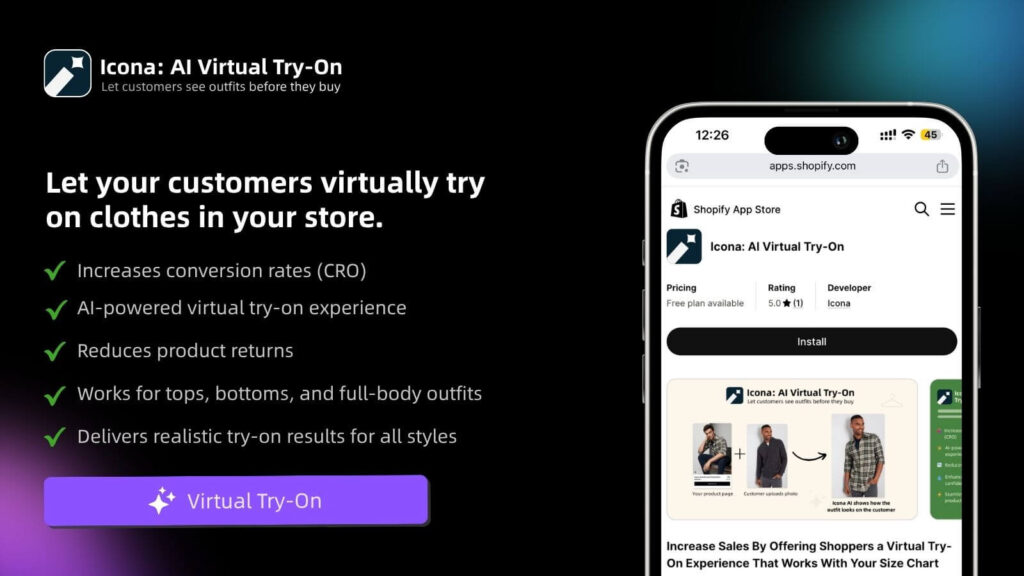
Thankfully, integrating a virtual try-on feature into your Shopify store isn’t the complex, code-heavy project it once was. With a tool like Icona, you can get this up and running directly from the Shopify App Store in just a few minutes. No digging into theme files, no hiring developers. You’re in the driver’s seat.
So, where do you start? I always advise merchants to focus on where they can make the biggest impact first. Which dress collections cause the most sizing headaches? Which ones have stubbornly high return rates? That’s your starting line. You can selectively enable the feature for specific products or entire collections, giving you the power to test and roll it out with a clear strategy.
Placing Your Confidence Booster
Once you’ve picked your dresses, the next big decision is where to put the ‘Try It On’ button. You want it to be impossible to miss, incredibly inviting, and a natural part of how someone shops your store.
From my experience, the sweet spot is right near the size selector and the ‘Add to Cart’ button. This isn’t by accident. It strategically positions the try-on as a core part of the decision-making process.
Think of it this way: your customer is considering the size, the color, and now, how it will actually look on them. Placing the try-on button right in that decision zone makes it an essential step, not just a cool feature.
The whole point is to present this as a genuinely helpful service. The button’s design and placement should feel like a premium feature that makes their life easier, not a clunky add-on that gets in the way.
Configuration Without the Complication
Getting set up should be fast and laser-focused on results. The best tools handle all the heavy lifting behind the scenes, making sure the feature loads in a snap without hurting your page speed—something we all know is critical for keeping shoppers from bouncing.
From your Shopify admin, you can manage everything you need:
- Model Setup: Start by uploading your high-quality product photos.
- Feature Activation: Simply toggle the try-on feature on for your chosen dresses.
- Button Customization: Tweak the look and feel of your call-to-action button so it blends perfectly with your brand’s aesthetic.
The entire process is designed to be straightforward. If you’re curious about the mechanics, you can explore the concepts behind this powerful virtual try-on technology to see what makes it all work.
Ultimately, your mission is simple: turn that moment of customer uncertainty into a powerful reason to buy, making your store the go-to destination for anyone looking to purchase a dress online with total peace of mind.
Crafting a Try-On Experience That Feels Real and Inclusive
A virtual try-on is only as good as it is believable. If the experience feels clunky, fake, or disconnected from reality, you’ve lost the very trust you were trying to build. This is where we move from just flipping a switch on a new feature toward creating a genuine connection with every person who visits your store.
It all begins with your product photography. This is your foundation. We’re talking clear, well-lit shots from multiple angles that honestly capture the fabric’s texture and the dress’s true color. Think of your product photos as the canvas; the AI technology is the brush that brings the final masterpiece to life.
The whole point is to make this journey seamless for your customer. They see a dress they love, and in a couple of clicks, they can see how it might look on them. It’s that simple.
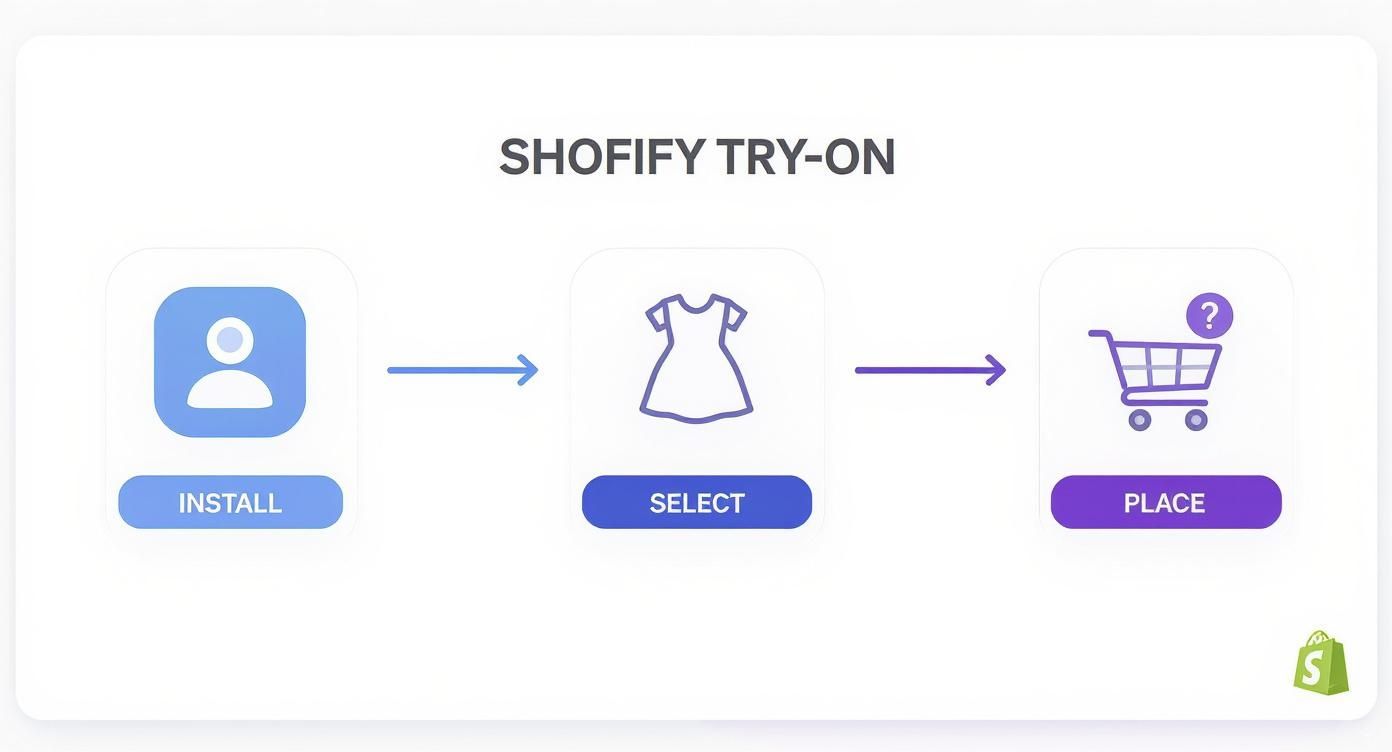
This quick, three-step flow is designed to feel effortless, removing any friction that might stand between your customer and that “add to cart” button.
From Mannequins to Mirrors
Here’s the game-changer: moving away from lifeless mannequins and embracing a lineup of models that actually looks like your customers. This is how you go from just selling dresses to building a loyal community. Using a tool like Icona Studio, you can generate a beautifully diverse range of AI models without the eye-watering cost of traditional photoshoots.
The goal? Make every single shopper feel seen.
- Diverse Body Types: Show your dresses on a variety of body shapes and sizes. This is more than just a nod to inclusivity—it directly answers the shopper’s biggest question: “But how will it look on me?”
- A Spectrum of Tones & Heights: Represent the real, beautiful diversity of the women you’re selling to. When a customer sees a model who reflects her own image, the product instantly becomes more personal, more attainable, and far more desirable.
This isn’t some fleeting trend; it’s where the entire industry is headed. The virtual fitting room market is projected to skyrocket from USD 5.57 billion in 2025 to an incredible USD 20.65 billion by 2030. That explosive growth is happening because technology is finally making it possible for brands of all sizes to offer realistic, inclusive shopping experiences. You can see the full research on the virtual fitting room market to truly appreciate the scale of this shift.
Showing Off the Perfect Fit
Getting the visuals right is what separates a good try-on experience from a great one. The way a dress drapes, hangs, and moves is something a flat image on a mannequin can never capture. To help you nail this, here’s a quick cheat sheet.
Visual Best Practices for Virtual Try-On
| Visual Element | What to Avoid (Low Conversion) | What to Do (High Conversion) |
|---|---|---|
| Model Posing | Stiff, robotic, or unnatural poses. | Natural, relaxed stances that mimic real life. |
| Lighting | Inconsistent, shadowy, or flat lighting that hides details. | Clear, even lighting that shows off fabric texture and color accurately. |
| Product Angle | A single, front-on shot that doesn’t show the full garment. | Multiple angles (front, back, side) to give a 360-degree feel. |
| Model Diversity | Using only one body type, height, or skin tone. | Showcasing the dress on a wide range of representative models. |
| Focus | The background is busy or distracting. | The dress and the model are the clear heroes of the image. |
Ultimately, you want your visuals to do the heavy lifting—answering questions about fit and feel before they’re even asked.
The best virtual try-on doesn’t just show what a dress looks like; it shows how it behaves. A static, lifeless image can’t communicate the flow of a silk skirt or the structure of a tailored bodice.
Use poses that feel authentic and highlight what makes each dress special. A slight turn of the hip can reveal intricate back detailing, while a casual, hand-in-pocket stance can convey everyday comfort. It’s all about creating an empowering, confidence-boosting moment that closes that nagging gap between the screen and reality. Get this right, and you’ll see those costly, fit-related returns start to disappear.
Writing Copy That Inspires a Click
You’ve done the hard work of setting up a beautiful, inclusive visual experience. The technology is running smoothly. But what good is it if your customers don’t feel that little spark of curiosity to actually click the button? The words you choose are every bit as important as the feature itself.
Sure, the generic “Try It On” is a starting point, but let’s be honest—it’s a bit dry. We’re not just offering a function here; we’re offering a feeling of confidence, of excitement, of certainty. The goal is to shift from a simple command to an emotional invitation.
Beyond the Basic Button
Put yourself in your customer’s shoes for a second. What are they really thinking in that moment of hesitation before they buy? They’re trying to imagine how that dress will look on them, not just on the model. Your call-to-action (CTA) needs to speak directly to that desire.
This is the perfect place to run a few A/B tests and see what truly resonates with your audience. Instead of the default, try a few more compelling alternatives:
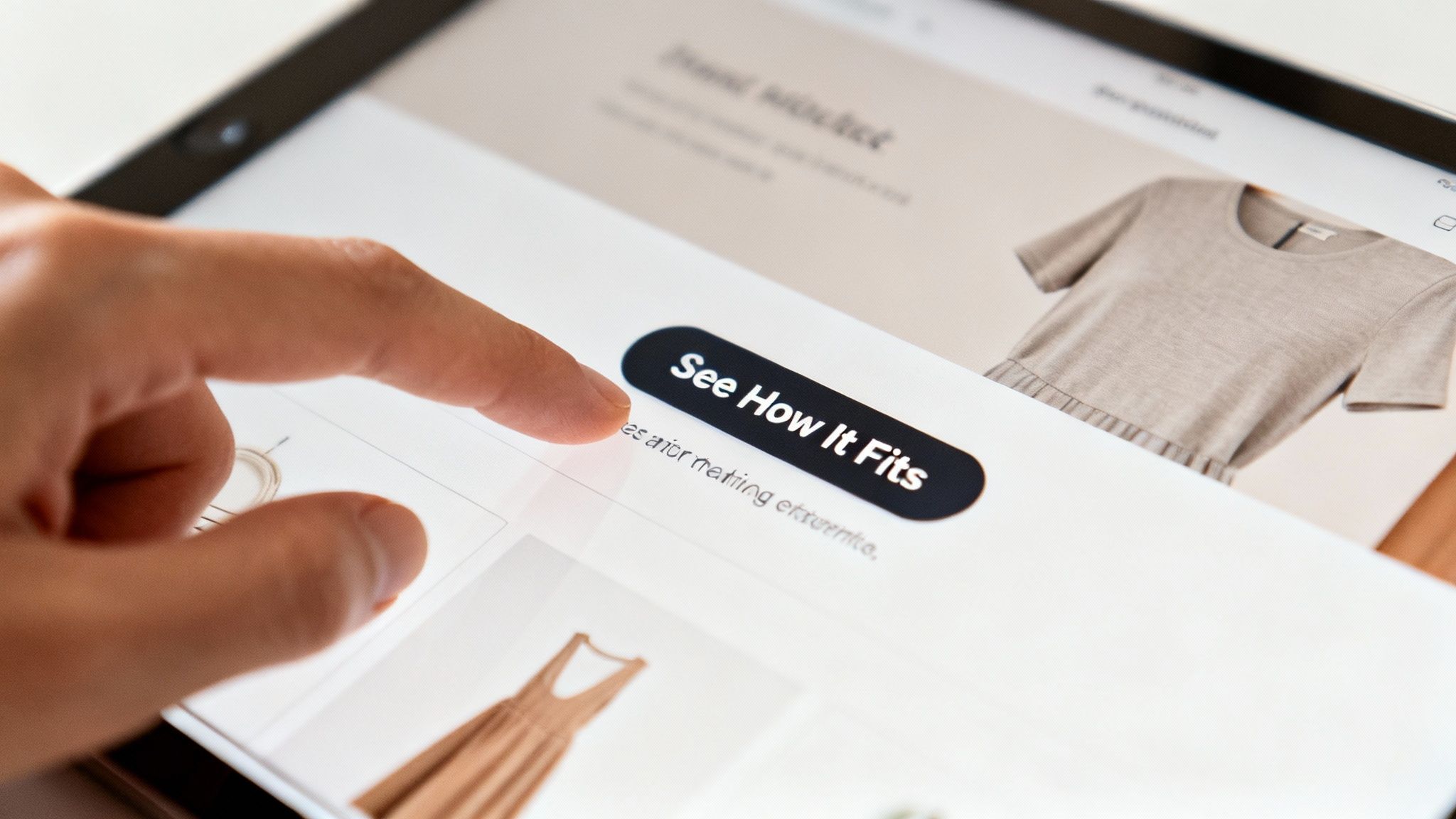
- See How It Fits: This is my personal favorite. It’s direct, benefit-focused, and answers the biggest question on their mind.
- Visualize Your Look: This one is a bit more aspirational, inviting them to dream and play with their style.
- Find My Perfect Fit: I love this because it feels personal. It positions your tool as a helpful, problem-solving assistant.
A simple wording change can completely reframe the feature, moving it from a cool gimmick to an essential shopping tool. It’s one of the most powerful yet overlooked tips for selling clothes online, and it can dramatically change how shoppers engage with your products.
The Power of Reassuring Microcopy
While the button grabs their attention, it’s the small, supporting text nearby—the microcopy—that builds the trust they need to take the next step. This is your moment to quickly explain the why behind the click and get rid of any friction or doubt.
Think of your microcopy as a quiet whisper of reassurance. It’s there to say, “This is easy, this is for you, and this will help you make a choice you’ll love.” It’s all about making something new feel familiar and safe.
Place this text right below or beside your CTA button. It’s your secret weapon for overcoming objections before they even fully form.
Microcopy Examples That Build Trust:
| Goal | Example Copy |
|---|---|
| Highlight Confidence | “Shop with confidence. No more size surprises.” |
| Emphasize Simplicity | “See it on a model like you in seconds.” |
| Focus on the Outcome | “Get the perfect fit, the first time.” |
| Address Privacy | “Your photo is private and deleted automatically.” |
This isn’t about writing an essay; it’s about choosing the perfect few words. By pairing a compelling CTA with a line of reassuring microcopy, you transform your virtual try before you buy dresses feature into a genuinely intuitive and valuable part of the shopping journey. You’re no longer just asking for a click—you’re guiding them toward a purchase they’ll feel fantastic about.
Measuring the Impact on Your Bottom Line
So, you’ve rolled out this incredible virtual try-on experience. It looks great, customers are curious, but now comes the real question: how do you prove it’s more than just a slick new feature? You have to connect it directly to your bottom line.
Forget gut feelings. We’re talking about hard numbers that show the real impact on your store’s health. This isn’t about getting lost in endless spreadsheets, either. It’s about zeroing in on a few crucial metrics that tell a powerful before-and-after story. Your own Shopify Analytics dashboard is the perfect place to start digging.
The whole point is to draw a straight line from a customer clicking “See How It Fits” to tangible, positive changes in your revenue and operational costs. This is how you make an undeniable case for the ROI.
The Metrics That Truly Matter
Vanity metrics don’t pay the bills. We’re focusing on the numbers that directly pad your pocketbook. Once you start tracking these, the value of a try before you buy dresses program becomes impossible to ignore.
Here’s exactly what I tell my clients to watch like a hawk:
- Conversion Rate Lift: This is the heavyweight champion of metrics. Simply compare the conversion rate on product pages with the try-on feature against those without it. A lift of even 1-2% on your best-selling dresses can mean a huge boost in new revenue over the year.
- Reduced Return Rates: This one is pure gold. Track the return rate for your key dress styles before and after you went live. Every return you prevent is a direct win for your bottom line, saving you a ton of money, time, and logistical migraines.
- Average Order Value (AOV): When a customer feels certain about a dress, does it give them the confidence to add more to their cart? Keep a close eye on your AOV. I’ve seen it happen time and again—once they know that one key piece will fit, they feel much more comfortable grabbing that matching clutch or a pair of earrings.
Tracking User Engagement
Beyond the final sale, you need to know if people are actually using the feature. This insight is everything. Your app dashboard, like the one inside Icona, should let you see exactly how many people are clicking the try-on button and how long they’re interacting with it.
Think of engagement as the leading indicator of success. High engagement proves the feature is solving a real customer problem—hesitation. When shoppers are actively using the tool, a lift in conversions and a drop in returns are sure to follow.
This is especially true in a hyper-competitive space. The fast fashion industry, for instance, is projected to explode from USD 148.23 billion in 2025 to nearly USD 318 billion by 2032. In a market that massive, features that remove friction and build trust are what separate the winners from everyone else. You can learn more about the fast fashion market’s growth and see why try-on is becoming a must-have.
By keeping an eye on both sales impact and user engagement, you get the full story. You’ll have the concrete data to prove that your investment in a virtual fitting room isn’t just another expense—it’s a powerful engine for growth.
Common Questions About Virtual Try-On
Jumping into a new way of selling always brings up a few questions. That’s a good thing—it means you’re thinking strategically. When it comes to something as personal as a virtual try before you buy dresses experience, I’ve found that merchants usually circle back to the same core concerns about performance, setup, and scope.
Let’s clear the air and tackle the big ones head-on, so you can move forward with total confidence.
Will This Slow Down My Shopify Store?
This is, without a doubt, the number one question I get—and for good reason. We’ve all spent countless hours optimizing site speed, and the last thing anyone wants is a new feature undoing all that hard work.
Here’s the good news: modern virtual try-on solutions like Icona were built with this exact problem in mind. They’re designed to load independently, almost like a separate element on the page. Your crucial content—product images, descriptions, and that all-important ‘Add to Cart’ button—loads first, keeping that snappy experience your customers expect. The try-on feature only fully activates when a shopper actually clicks on it, so it never becomes a performance bottleneck.
How Many Models Should I Offer?
The goal here isn’t to overwhelm your customers with endless choices, but to provide meaningful representation. You absolutely don’t need a hundred models; you just need the right ones.
A great starting point is to offer between 4-6 diverse models. Focus on showcasing a range of body shapes, sizes, and ethnicities that genuinely reflect your customer base. This gives most shoppers enough variety to find a model they connect with, making them feel seen and understood without causing “choice paralysis.” You can always add more later based on your analytics and customer feedback.
If you’re still wrapping your head around the core concept, this guide explaining what a virtual model is offers a great deep-dive into the technology.
Can I Use This for More Than Just Dresses?
Absolutely! While dresses are a perfect place to start—we all know how tricky their fit can be—this technology is incredibly versatile. Just think about any other category where fit is a major hurdle for your customers.
We’ve seen it work wonders for:
- Tops and blouses
- Jackets and blazers
- Skirts and even some styles of pants
The principle is universal: reduce uncertainty, build confidence. My advice? Be strategic. Start with the product category that has the highest return rate due to fit issues. For many stores, that’s dresses. Nail your process there, prove the ROI, and then expand.
By taking a focused approach first, you can master the strategy before rolling it out across your entire store. It’s a smart way to scale a feature that can fundamentally change how customers connect with your brand, turning your store into the place they trust for a perfect fit, every single time.
Ready to turn shopper hesitation into confident sales? Icona makes it simple to add a powerful, AI-driven virtual fitting room to your Shopify store in minutes. Boost conversions, slash returns, and give your customers the confidence they deserve. Start your free plan today and see the difference for yourself.