
Ever watched a customer hesitate on a product page, wondering, “But how will it actually look on me?” This single moment of doubt is the biggest hurdle every online fashion store faces, creating a gap between a customer loving your product and clicking “Add to Cart.” The good news is, there’s a practical way to bridge that gap and turn that hesitation into a confident sale.
A virtual fitting room is the actionable solution to this age-old problem. It gives your shoppers the power to digitally “try on” clothes right from their living room, combining the convenience of online shopping with the confidence of an in-person fitting. By implementing one, you can directly address the main reasons for abandoned carts and costly returns.
What Is a Virtual Fitting Room and Why Does It Matter in 2025?
Simply put, a virtual fitting room is an eCommerce tool that lets customers see how clothes will look on them without touching the fabric. It’s the practical answer to the most significant challenge in online fashion: uncertainty about size, fit, and style. This uncertainty is a massive driver of lost sales and expensive returns.
For your Shopify store, this is much more than a cool gadget—it’s a conversion-boosting tool. By 2025, shoppers expect interactive, personal experiences that help them make confident buying decisions. A virtual try-on tool helps you deliver exactly that.
Imagine one of your customers scrolling through your latest collection. Instead of guessing based on a generic size chart, they use a tool like Icona to upload a photo and instantly see your new dress on their own body. That immediate, personal connection erases doubt and makes the decision to buy almost effortless.
The Core Problem Solved by a Virtual Fitting Room
Let’s be direct: the traditional way of buying clothes online is filled with friction. A shopper finds a product they love, but then the questions begin. “Will the medium be too snug?” “Is that color right for my skin tone?” This hesitation creates a perfect storm of problems for store owners:
- Sky-High Return Rates: An eye-watering 71% of shoppers are more likely to send back clothes they bought online, almost always because of a poor fit. Returns actively eat into your profits through shipping costs, restocking labor, and sometimes, damaged inventory.
- Low Conversion Rates: Doubt is the ultimate conversion killer. When a customer can’t feel sure about how an item will look, they are far more likely to abandon their cart and leave your site.
- Eroding Customer Loyalty: Receiving an item that doesn’t fit is a disappointing experience. That frustration can break a customer’s trust in your brand and make them hesitant to buy from you again.
A virtual fitting room tackles these issues head-on. It replaces guesswork with genuine confidence, transforming a hesitant browser into a decisive buyer who trusts your brand.
By integrating this technology, you are fundamentally upgrading the entire shopping journey. You’re giving your customers the tools to make smart, happy decisions, which builds the kind of trust that turns first-time shoppers into loyal fans. This is how you win in the competitive 2025 eCommerce landscape.

How Does a Virtual Fitting Room Actually Work?
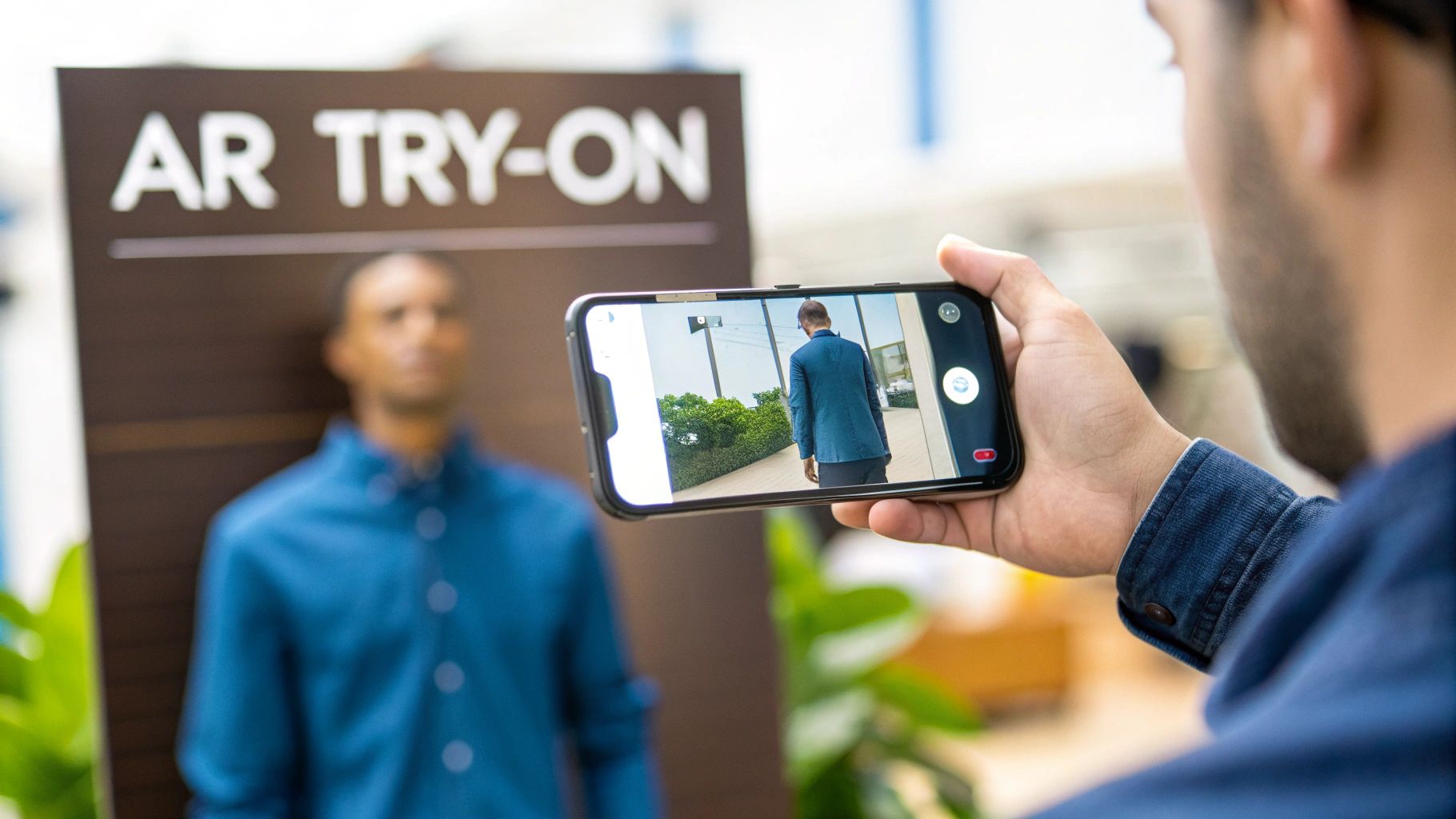
So, what’s the technology behind this powerful tool? A virtual fitting room might seem complex, but its goal is simple: give your customers the same “this is the one” feeling they get in a physical dressing room.
It’s not a single piece of tech, but a smart system where a few powerful tools work together to create a seamless, confidence-boosting experience. The whole process is powered by two main technologies: Artificial Intelligence (AI) and Augmented Reality (AR). You can think of AI as the expert personal stylist who knows all the right questions to ask, and AR as the full-length mirror that shows the final look.
The Two Pillars of Virtual Try-On Technology
Understanding these two concepts is key to seeing how a virtual fitting room brings your products to life. They often work together, but they can also function independently depending on the tool you choose.
AI Size Recommendations: This is the brains of the operation. The AI engine takes in information—like your product’s measurements, a customer’s height and weight, or their body shape from a photo—and predicts the best size for them. It’s all about moving beyond generic “S, M, L” tags to deliver a personalized recommendation.
Augmented Reality (AR) Visualization: This is where the magic becomes visible. AR technology takes a digital image of your product and overlays it onto a real-world image from the customer’s camera. Instantly, they can see how that dress will drape or how that color will look against their skin tone.
When a customer uses a tool like Icona, these two pillars work in harmony. The AI intelligently analyzes their photo to understand their body shape. Then, the AR kicks in, draping a realistic digital version of your garment onto their image. The result is a stunningly accurate preview that helps them buy with confidence.
Common Types of Virtual Fitting Rooms
Not all virtual try-on tools are the same. The technology ranges from simple quizzes to fully immersive experiences. Here’s a practical breakdown of the main types you’ll find for your Shopify store in 2025.
1. Size Recommendation Quizzes
This is the most straightforward entry point. The customer answers a few simple questions—height, weight, maybe the size they wear in a well-known brand—and an algorithm suggests the best fit. While not a visual try-on, it’s a great first step to reduce fit-related returns.
2. Photo-Based Try-On (2D)
This is where things get visual. A customer uploads a full-body photo, and the technology overlays a 2D image of the product onto their picture.
Practical Example: A customer shopping for a new spring dress uploads a picture of themselves. Within seconds, the photo-based try-on tool shows them exactly how the dress will look on their body, helping them decide between two styles. Solutions like Icona use this method because it’s highly effective and accessible—customers don’t need the latest smartphone or have to build a 3D avatar.
3. Augmented Reality (AR) Live Try-On
This is the real-time “magic mirror.” Using their phone’s live camera, a shopper can see a product on their body as they move. It’s incredibly engaging for accessories like sunglasses, jewelry, or makeup where seeing different angles is crucial.
4. 3D Model Avatars
With this method, the customer creates a personalized 3D avatar by inputting precise body measurements. They can then dress this digital twin in 3D versions of your clothes. It offers incredible accuracy but requires you to invest in creating 3D models for your entire collection. For more on AI-powered model creation, check out our guide on the AI fashion model.
Measuring the Real-World Impact on Your Store
The technology is cool, but what really matters is what it does for your bottom line. Integrating a virtual fitting room into your store is a strategic investment that directly boosts your most critical business metrics. This is where a shopper’s confidence turns into measurable growth for your business.
The market data confirms this trend. The global virtual fitting room space was valued at around $6.21 billion in 2024 and is projected to reach between $6.87 billion and $8.21 billion in 2025. This growth is driven by stores like yours solving the core problems of online fashion. You can see the full research on this market trend for more details.
This represents a fundamental shift in how people shop online. It’s about closing the gap between browsing and buying.
Skyrocket Your Conversion Rates
The biggest killer of online fashion sales is uncertainty. A shopper can love a dress on your product page, but if they can’t picture how it will look on them, they’ll hesitate. That hesitation is the number one reason for abandoned carts.
A virtual fitting room eliminates that barrier. When a customer sees an item on their body in seconds, hesitation is replaced with excitement.
Case Study Example: A Shopify boutique, “Boho Chic Threads,” implemented a photo-based virtual fitting room. Within three months, they saw a 45% increase in conversion rates on products with the try-on feature. Customers who used the tool were 2.5 times more likely to complete their purchase because they felt confident in their choice. This simple change turned passive “window shoppers” into active buyers.
Drastically Reduce Costly Returns
Returns are a nightmare. They’re a logistical headache and a direct hit to your profits, eating away at margins with shipping costs, processing fees, and unsellable inventory. The top reason for all this waste? The fit was wrong.
By giving customers an accurate size recommendation and a clear visual preview, you empower them to get it right the first time.
We’ve seen brands cut their return rates by as much as 40% after integrating a virtual fitting room. For a Shopify store, that’s a game-changer, leading directly to a healthier, more sustainable business.
Fewer returns also mean happier customers. When they trust that what they buy from you will fit perfectly, they come back again and again.
Boost Your Average Order Value
A confident shopper is a curious shopper. Once a customer knows an item fits them well, they feel free to explore. “What else would look good with this?” becomes a question they can actually answer.
A virtual fitting room invites experimentation. A shopper tries on the blouse they came for, loves it, and then thinks, “Why not try on those pants, too?” Before you know it, they’re building an entire outfit.
Here’s how it works:
- Zero Friction: Trying on another piece is just a click away.
- Effortless Styling: Customers can see how different items work together on their body, not a model’s. This encourages them to buy a complete look.
- Confident Spending: The certainty that multiple items will fit makes a larger purchase feel like a smart investment, not a gamble.
This cycle of confidence and discovery naturally leads to a higher Average Order Value (AOV). Many stores report seeing a 10-20% lift.
Virtual Fitting Room ROI Projections for a Shopify Store in 2025
This table illustrates the potential financial impact of implementing a virtual fitting room, based on 2025 industry benchmarks.
| Metric | Industry Average (Without VFR) | Projected Impact (With VFR) | Business Outcome |
|---|---|---|---|
| Conversion Rate | 1.5% | 2.5% – 3.0% | More sales from the same amount of traffic. |
| Return Rate | 25% | 15% – 18% | Lower costs and improved profit margins. |
| Average Order Value | $80 | $88 – $96 | Increased revenue per customer transaction. |
When you look at the numbers, the conclusion is clear. A virtual fitting room isn’t just an expense; it’s a high-return investment in your customer experience that pays for itself over and over again.
Choosing The Right Solution For Your Shopify Store
Picking the perfect virtual fitting room for your Shopify store is an exciting decision. The great news is there’s a solution for every kind of business, whether you’re a dropshipper just starting out or an established fashion brand ready to scale. The key is finding the tool that aligns with your budget, products, and goals for 2025.
Think of it this way: a store selling graphic tees has different needs than a boutique crafting bespoke jackets. Your job is to pick the tech that gives you the biggest return on investment.
Understanding Your Options
Virtual fitting room technology isn’t one-size-fits-all. Different approaches create different customer experiences and require different levels of effort to implement. Let’s break down the main options.
AI Size Recommenders: This is often the simplest and most affordable way to start. Customers input their height, weight, and perhaps the size they wear in another brand. An AI algorithm then suggests the best size. It’s a quick, powerful way to reduce fit-related returns.
Photo-Based (2D) Try-On: For many Shopify stores, this is the sweet spot. A customer uploads a photo, and the tech overlays a realistic image of your clothing onto their body. This provides that crucial “aha!” moment of visual confirmation. Apps like Icona are built on this model because it’s intuitive for shoppers and doesn’t require them to build a 3D avatar.
AR Live Try-On: Using a smartphone camera, this tech lets shoppers see products on themselves in real-time. It’s fun and engaging, especially for items like sunglasses, jewelry, or makeup.
3D Model Visualization: This is the most immersive experience. Customers create a detailed 3D avatar and “dress” it in 3D versions of your clothes. It’s fantastically accurate but requires a significant investment to create 3D models for your collection.
Making the right call comes down to a simple cost-benefit analysis, as this decision tree illustrates.
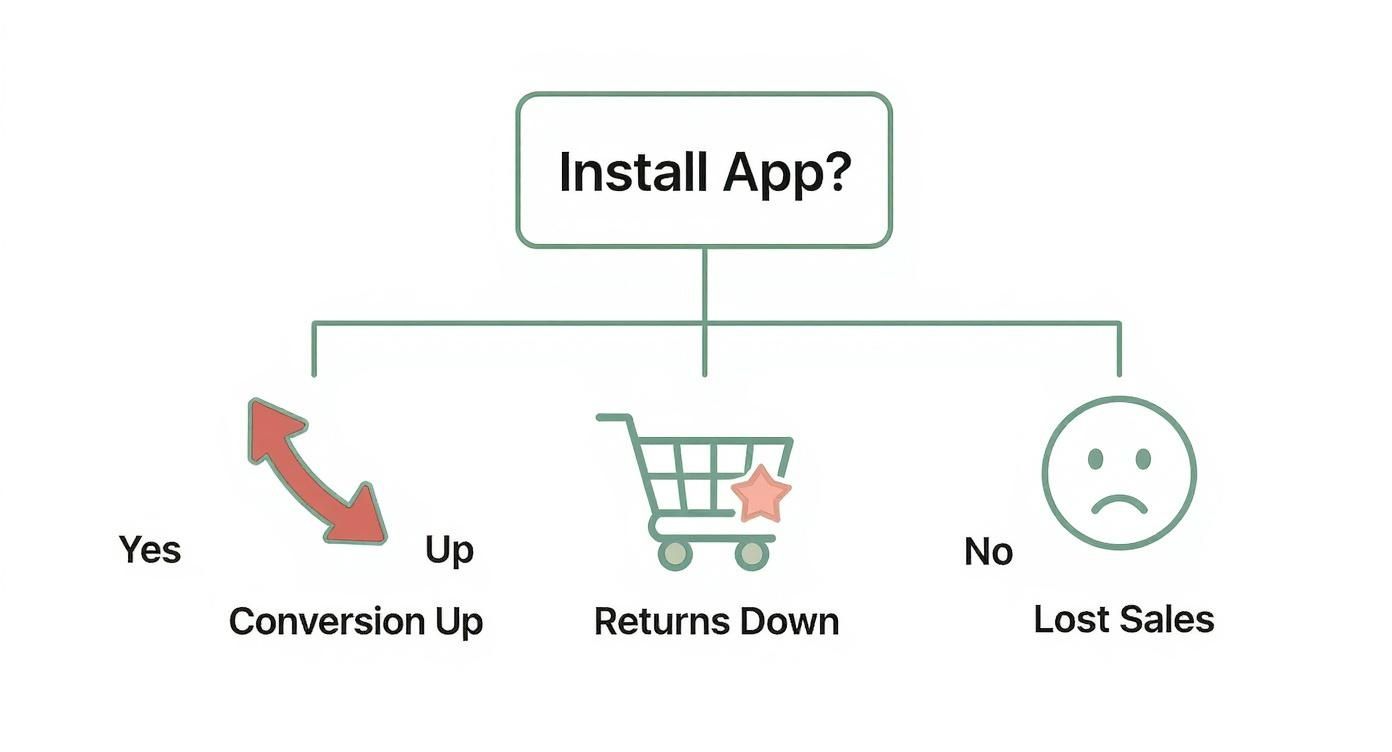
As you can see, adding a VFR is a direct path to boosting your most important metrics. Standing still means leaving money on the table.
A Practical Comparison For Your Store
To help you see things more clearly, let’s put these solutions head-to-head. This table breaks down each option based on what matters to a growing Shopify business.
Comparing Virtual Fitting Room Solutions for Your Store
| Solution Type | Best For | Implementation Effort | Typical Cost | Key Benefit |
|---|---|---|---|---|
| AI Size Recommender | Stores with standard sizing; dropshippers; beginners. | Low | $ – $$ | Quickly reduces returns with minimal setup. |
| Photo-Based Try-On | Apparel brands wanting a visual boost without high costs. | Low – Medium | $$ – $$$ | Balances powerful visuals with ease of use. |
| AR Live Try-On | Accessories, jewelry, and makeup brands. | Medium | $$$ – $$$$ | Creates a highly interactive and engaging experience. |
| 3D Model Visualization | High-end fashion; brands with significant resources. | High | $$$$ – $$$$$ | Offers the highest level of fit accuracy and immersion. |
For most Shopify merchants, a photo-based solution like Icona hits the perfect balance. It delivers the visual confidence shoppers want, integrates easily into your store without needing complex 3D models, and delivers a clear ROI through more sales and fewer returns. It’s a huge leap forward from a basic size chart without the massive investment of full 3D rendering.
Understanding these different technologies is a huge step in creating a better shopping experience and is just one of the many ecommerce personalization tools you can use to grow your business.
Your Step-by-Step Implementation Guide

Ready to bring the future of shopping to your store? It’s far more achievable than you might think. We’ve broken down the process into seven clear, actionable steps, turning what might feel like an intimidating project into a simple roadmap for success.
Step 1: Define Your Core Goals (The “How to Do It”)
Before installing any app, you need to know what success looks like for your brand. What specific problem are you trying to solve with a virtual fitting room? These goals will guide every decision you make.
Start by setting clear, measurable objectives for 2025:
- Actionable Step: Aim to reduce return rates by a specific target, like 20%, within the first three months.
- Actionable Step: Set a goal to increase the conversion rate on your top 10 product pages by 15%.
- Actionable Step: Plan to grow your Average Order Value (AOV) by 10% by making it easier for shoppers to buy complete outfits.
Having these Key Performance Indicators (KPIs) makes it easy to measure your return on investment later.
Step 2: Audit Your Product Data
A virtual try-on tool is only as good as the data you feed it. Now is the perfect time to get your digital house in order. For a tool like Icona, which uses your existing product photos, the most important thing is having high-quality, consistent images.
Actionable Step: Review your product catalog. Do you have crisp, front-facing photos of your apparel on a clean background? This is essential for the AI to accurately place the garment onto a customer’s photo. If not, schedule a photoshoot to update your key product images.
While you’re at it, double-check that your sizing charts are detailed and up-to-date. A visual try-on is powerful, but it becomes unstoppable when paired with precise sizing data.
Step 3: Choose the Right Shopify App
With your goals set and your product assets ready, it’s time to pick your technology partner. Look for a solution built specifically for Shopify to ensure a seamless integration that won’t slow down your site.
For most clothing stores, a photo-based app like Icona is the perfect starting point. It’s intuitive for customers and installation is usually a one-click process from the Shopify App Store. Do your homework: read recent reviews, compare pricing plans, and choose a tool that can grow with you.
Step 4: Configure and Customize the Experience
Once installed, it’s time to make the virtual fitting room truly yours. This is where you dive into the settings and align the experience with your brand’s look and feel.
Actionable Step: Customize the try-on button’s color, text, and placement on your product pages. Ensure it’s prominent but not intrusive. We share tips on this in our guide to Shopify product page customization. The goal is to make it feel like a natural, helpful part of the shopping journey.
Step 5: Launch and Promote Your New Feature
This is the fun part! But don’t just quietly flip the switch. You’ve added an amazing feature, so let your customers know.
Here are a few simple promotional steps:
- Announce the launch with a dedicated email to your subscriber list.
- Create short videos or social media posts showing customers exactly how to use it.
- Add a bold banner to your homepage to grab every visitor’s attention.
Step 6: Analyze the Performance Data
After the launch, it’s time to let the data roll in. This is where the goals from Step 1 pay off. Start tracking your KPIs. Are conversion rates climbing? Are return rates dropping?
Most apps, including Icona, have a built-in analytics dashboard. Use it to see which products get the most try-ons and how that engagement translates into sales.
Step 7: Iterate and Optimize
Your launch is just the beginning. The final step is to use your findings to make things even better. The data might reveal that certain product photos perform best, or that customers are trying on a specific jacket but not completing the purchase.
These insights are pure gold. Use them to refine your product pages, reshoot some photos, or even guide future inventory decisions. This is how you turn a great feature into an engine for sustainable growth.
Where Virtual Try-On Is Heading (And How to Stay Ahead)
Integrating a virtual fitting room is not just about solving today’s challenges; it’s a strategic move to get ahead of what’s next. This technology is evolving rapidly, and knowing where it’s going will give you a serious edge in 2025 and beyond.
The clearest indicator of the future? The Asia-Pacific region. It has become the fastest-growing market for virtual fitting room tech, with a staggering CAGR of 27.73%. This isn’t just growth; it’s a fundamental shift in shopper behavior driven by a massive, mobile-first population. Their expectations are setting a new global standard for what an interactive online store should be. You can dive deeper into these global market dynamics to see the full picture.
The Next Wave: Hyper-Personalization and Jaw-Dropping Realism
So, what does this mean for your store? Two major trends are about to redefine the virtual try-on experience.
1. AI-Powered Personal Stylists
The future isn’t just about showing if a shirt fits. It’s about giving smart, personal styling advice. Imagine an AI that not only shows a customer how a dress looks but also suggests the perfect pair of shoes from your catalog to complete the outfit, all based on their style and shopping history.
We’re moving from a simple fitting tool to an intelligent shopping assistant. The magic happens when you can anticipate a customer’s needs and delight them with ideas they hadn’t even thought of.
2. Immersive, True-to-Life Realism
The technology is also getting unbelievably realistic. As AI and AR models become more sophisticated, digital versions of your clothes will look and move just like they do in real life. We’re talking about capturing the subtle texture of linen, the way silk drapes, and creating realistic lighting. This push toward photorealism will make virtual try-on a non-negotiable part of the shopping journey.
Common Questions About Virtual Fitting Rooms
Adding a powerful new tool to your store naturally brings up questions. Here are the straightforward answers to what we hear most often from Shopify merchants.
Will It Slow Down My Shopify Store?
This is a critical question. We all know that in eCommerce, speed is everything. A slow site kills conversions.
Thankfully, modern virtual fitting room apps, especially those built for Shopify like Icona, are engineered to be lightweight. They are designed to load their scripts asynchronously, meaning the try-on feature loads in the background without holding up the rest of your page. Your site stays fast, and your customers get an amazing experience.
Is This Technology Expensive to Implement?
When you hear “AR,” you might see dollar signs. But the cost has dropped dramatically, making it accessible for stores of all sizes in 2025. You no longer need a massive budget.
Simple AI size finders are very affordable, and even advanced solutions offer flexible pricing. Most apps have tiered plans that grow with you. The best part? It pays for itself by boosting sales and cutting down on costly returns.
Think of it less as an expense and more as an investment. The return you get from reduced returns and increased conversions often provides a clear and rapid payback.
Do I Need 3D Models of All My Products?
No, you don’t. This is a common myth. While full 3D models create a top-tier experience, many of the most effective solutions today work perfectly with what you already have: your standard product photos. This flexibility means you can get a powerful visual try-on experience running fast, without a massive investment in creating new assets.
How Do I Measure the Success of My Virtual Fitting Room?
You measure success using the numbers you already track every day. Before you launch, take a snapshot of your key metrics: conversion rate, return rate, and average order value.
Once you go live, monitor those same KPIs. A successful implementation is a matter of data. You should see a measurable lift in conversions, a drop in returns, and a bump in your AOV. Plus, most apps come with their own analytics to show you how customers are engaging with the feature.
Takeaway
Implementing a virtual fitting room is one of the most impactful actions you can take in 2025 to increase conversions, reduce returns, and build customer loyalty. By replacing uncertainty with confidence, you empower shoppers to make better decisions and transform your store into a trusted destination for online fashion.
Ready to turn shopper doubt into confident purchases? Try Icona’s virtual try-on to boost your conversions.
Start your free trial of Icona today.
Featured image idea: A stylish split-screen image. On the left, a diverse group of people are happily using their smartphones to try on clothes virtually. On the right, a Shopify store’s sales analytics chart shows a clear upward trend for “Conversions” and “AOV” with a “Virtual Fitting Room Launched” marker on the timeline for 2025.
Stop guessing and start selling. Imagine a customer lands on your product page and sees your apparel on a model who looks just like them—instantly creating a personal connection that turns browsers into buyers. This isn’t a far-off dream; it’s what an AI fashion model makes possible for your Shopify store right now, and it’s your key to unlocking higher conversions and fewer returns.
Why Your Shopify Store Needs an Upgrade
If you’ve run a fashion eCommerce store for any length of time, you know the frustrations. You pour a small fortune into photoshoots, chasing that perfect look, only to find the final images don’t resonate with every person who visits your site. This expensive gamble leads straight to two of the biggest profit killers for fashion entrepreneurs.
First, you’re hit with staggering return rates. A customer loves a dress online, but when it arrives, the fit is completely off. It gets sent back, and you eat the cost of shipping, restocking, and a lost sale. Then there’s the abandoned cart—a digital graveyard of good intentions, often filled with items a shopper just couldn’t commit to because they couldn’t imagine how it would look on their body.
A Smarter Way to Sell Fashion
These aren’t isolated problems; they point to a core disconnect. Traditional product photos can’t answer the single most important question on a shopper’s mind: “How will this look on me?” An AI fashion model is the answer, a brilliant tool designed to finally close that gap. It gives shoppers the confidence to buy, which in turn cuts your operational headaches and creates a shopping experience that feels like it was made just for them.
The market data for 2025 confirms this shift. The global AI in fashion market is already valued at $2.92 billion and is on track to rocket past $26 billion by 2032. It’s no surprise that over 60% of fashion industry leaders are making AI their top priority this year, knowing it’s the key to unlocking serious profit growth. You can learn more about the future of AI in fashion and its market growth.
When you move beyond static images, you’re not just adding a cool new feature. You’re fundamentally changing the conversation with your customers. You’re proving that your brand sees them as individuals, building a kind of trust and loyalty that a simple product photo never could.
In this guide, we’ll pull back the curtain on how this technology actually works and give you a clear, actionable roadmap for bringing it to your own Shopify store. Get ready to discover how an AI fashion model can do more than just bump up your numbers—it can help you build a more inclusive, exciting, and profitable brand.
How an AI Fashion Model Actually Works
So, how does an AI fashion model turn a simple product photo into your most powerful sales tool? Let’s pull back the curtain. If traditional online shopping is like trying to guess a movie’s plot from the poster, think of this technology as giving your customers the full, immersive story. It’s all about replacing nagging uncertainty with solid confidence.
This isn’t just one single magic trick. It’s a suite of brilliant tools, all designed to answer that one critical question: “How will this actually look on me?” Each approach tackles this from a slightly different angle, but they all share the same goal—to create a more personal, reassuring, and profitable shopping experience.
This infographic neatly captures how an AI model can transform the customer journey from a point of friction into a catalyst for growth.
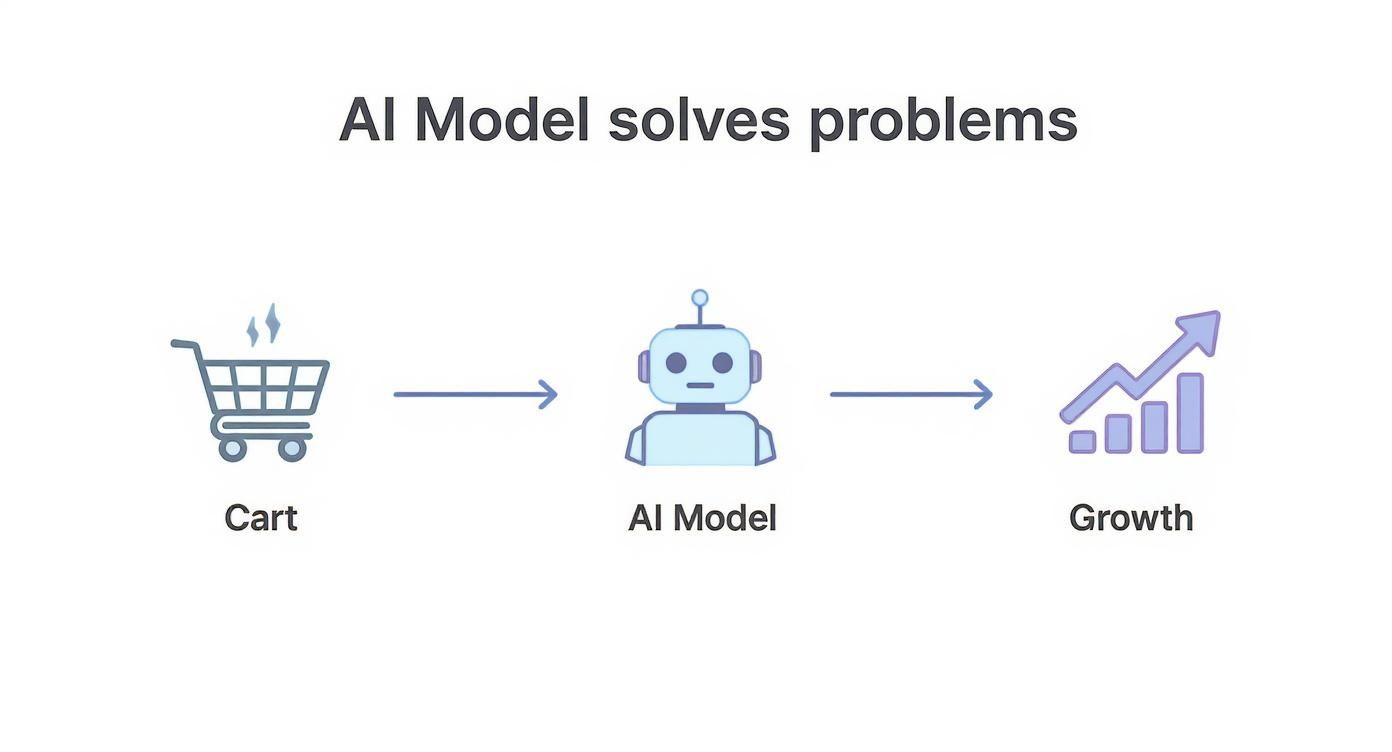
The flow is simple but incredibly powerful. AI steps in right where customers hesitate, turning that friction into a driver for both business growth and genuine customer satisfaction.
Generative On-Model Imagery
First up is Generative On-Model Imagery, the most accessible starting point for most Shopify stores. Imagine a full-blown digital photoshoot that happens in seconds, without the hassle of a studio, stylists, or sky-high costs. You just start with a basic photo of your product—a simple flat lay on a clean background or a shot on a mannequin works perfectly.
From that single image, the AI gets to work. It meticulously analyzes the garment’s shape, texture, and how the fabric drapes. Then, almost instantly, it generates a diverse gallery of photorealistic models wearing that exact item. This means you can showcase your apparel on a wide range of body types, ethnicities, and sizes, making sure every single visitor feels seen and represented.
This approach is a total game-changer for Shopify stores that need to produce high-quality, inclusive model photography at scale. It completely sidesteps the time-consuming and expensive traditional process, swapping it for a fast, automated, and incredibly effective solution.
Virtual Try-On Avatars
Next, we have Virtual Try-On Avatars. This is where things get really personal. This technology empowers your customers to literally become their own models by creating a digital version of themselves right on your site.
Shoppers can input their specific measurements—like height, weight, and general body shape—to generate a custom avatar. The AI then simulates exactly how your clothing would fit and hang on their unique proportions. This gives them a remarkably accurate preview of the fit, answering subtle questions that a standard size chart could never hope to address.
This isn’t just about overlaying a picture on a digital doll. It’s about simulating the actual physics of fabric on a specific body. When you do that, you’re directly tackling the #1 reason for returns: a poor fit.
For example, a customer wondering if a dress will be too tight across the hips can see a realistic simulation on their avatar before ever adding it to their cart. That level of detail builds immense trust and can dramatically slash your return rate.
Photo-Based Virtual Try-On
Finally, there’s Photo-Based Try-On, which might be the most direct and intuitive method of all. This is the technology that powers tools like Icona, allowing a shopper to upload a photo of themselves and see your product realistically placed right on their own body.
It’s an incredibly simple and natural process. A customer snaps a quick photo, and the AI model intelligently maps the clothing onto their image. Sophisticated algorithms account for their specific pose and body shape, preserving all the subtle nuances of how the fabric would naturally fall. The result is a “virtual mirror” that feels uncannily personal and real.
This method is brilliant at closing the imagination gap for good. When a shopper sees an item on their own photo, it’s no longer just an abstract product on a webpage; it instantly becomes their new top or their new dress. This creates an immediate emotional connection and provides that final nudge of confidence they need to click “Buy Now.”
How an AI Fashion Model Transforms Your Store’s Metrics
Putting an AI fashion model on your site isn’t just about adding a cool new gadget. It’s a direct investment in the metrics that actually matter—the ones that define whether your store thrives or just survives. This is where you see the real, tangible return, turning casual browsers into committed buyers and one-time customers into lifelong fans.
Let’s break down exactly how this technology will give your business a serious lift in 2025.

The biggest sales killer online is doubt. When a shopper sees a shirt on a model who looks just like them—or even better, on a virtual version of themselves—that wall of uncertainty crumbles. The thought process shifts instantly from “that’s a nice shirt” to “that shirt would look amazing on me.” This burst of confidence is the rocket fuel your sales funnel has been waiting for.
Skyrocket Your Conversion Rates
Think about every abandoned cart. Each one represents a moment of hesitation. A customer liked an item enough to add it, but something stopped them from pulling the trigger. More often than not, it’s that nagging uncertainty about fit and appearance.
AI fashion models tackle that hesitation head-on by giving shoppers the visual proof they crave. For example, a Shopify store selling dresses saw a 60% increase in add-to-carts for a new collection after implementing on-model AI imagery, simply because shoppers could finally visualize the fit on different body types. This confidence doesn’t just nudge them along; it propels them toward checkout.
It’s a powerful shift. In fact, some stores using virtual try-on technology have seen conversion rates jump by up to 250% on the product pages where it’s active. When you remove the guesswork, you build the confidence needed to buy.
“The single greatest friction point in online fashion is the inability to visualize fit. By solving this with AI, you’re not just improving the user experience; you’re fundamentally rewiring the path to purchase for your entire customer base.”
When you deliver a better, more personal shopping experience, you build a reputation as a brand that truly gets its customers. That’s what brings them back again and again. For those ready to go all-in, there are many fantastic eCommerce personalization tools that build on this very same principle.
Drastically Reduce Costly Returns
For any fashion brand, returns are more than just an annoyance—they’re a massive profit killer. The number one reason for returns is painfully simple: “it didn’t fit right.” Every single return eats into your revenue and adds operational costs for shipping, processing, and restocking an item that might already be out of season.
An AI fashion model hits this problem right at its source.
- Pre-Purchase Certainty: By showing a realistic preview of how a garment will look and fit on a similar body type, you erase the doubt that causes returns in the first place.
- Accurate Sizing: A virtual try-on gives a far better sense of an item’s drape and cut than a flat size chart ever could, guiding shoppers to the right size on the first try.
- Reduced Bracketing: You’ll see a big drop in “bracketing”—the costly practice of customers buying multiple sizes of the same item just to send most of them back.
Case in point: a dropshipping business that integrated a virtual avatar try-on saw its return rate for jeans drop from 35% to 20% in just three months. That’s pure profit that goes straight back to your bottom line.
Elevate Your Brand and Boost AOV
Beyond the hard numbers, using AI models says something powerful about your brand. In the crowded market of 2025, you’re not just another clothing store. You’re an innovative, inclusive brand that puts the customer’s experience first. That kind of forward-thinking approach builds incredible trust and loyalty.
And here’s the best part: that trust encourages people to buy more. Once a customer is confident that one item will fit them perfectly, they’re far more willing to add a second or third piece to their cart.
This naturally raises your Average Order Value (AOV) because the risk of trying something new feels so much lower. They aren’t just buying a product anymore; they’re building a whole wardrobe from a brand they know they can count on.
Impact of AI Fashion Models on Key Ecommerce Metrics in 2025
Let’s put this into perspective. The table below illustrates the kind of shift you can expect when you move from standard product pages to an experience enhanced by AI.
| Metric | Traditional Product Page | AI-Enhanced Product Page | Potential Uplift |
|---|---|---|---|
| Conversion Rate | 1-2% Average | 3-7% or Higher | 50-250% |
| Return Rate | 20-30% Industry Avg. | 12-18% | Up to 40% Reduction |
| Add-to-Cart Rate | 10% Average | 15-25% | 50-150% |
| Average Order Value | Baseline (e.g., $100) | Higher (e.g., $120-$135) | 20-35% |
| Customer Engagement | Low (short time on page) | High (interactive experience) | 3-5x Longer Session |
As you can see, the impact isn’t just marginal. It’s a fundamental improvement across the board, turning a good storefront into a great one by solving the core challenges of selling fashion online.
Your Step-by-Step Integration Plan
Ready to bring this powerful technology to your store? Getting started with an AI fashion model is far more straightforward than you might think. This isn’t some complex, technical ordeal reserved for massive brands; it’s an accessible upgrade designed for busy entrepreneurs like you.
Let’s walk through a clear, actionable plan to get you from idea to launch.
Step 1: Choose the Right AI Solution
First things first: you need to pick a partner that actually gets the unique needs of a Shopify store. With the boom in AI, the market is flooded with options, but they are not all created equal. You want a tool that feels like a natural extension of your business, not a clunky add-on that creates more problems than it solves.
Here’s what to look for in a top-tier solution for 2025:
- Seamless Shopify Integration: The best tools are built for Shopify. Look for an app that lives right inside your Shopify dashboard, requires zero custom coding, and won’t break your theme.
- A Truly User-Friendly Interface: You shouldn’t need a PhD in data science to use it. A great solution will have an intuitive dashboard that lets you upload photos, tweak settings, and apply models with just a few clicks.
- Transparent and Scalable Pricing: Steer clear of solutions with hidden fees or confusing credit systems. Look for clear, tiered pricing plans (ideally with a free or trial option) that can grow with your store.
- High-Quality, Realistic Models: The final image has to be believable. Make sure the provider’s AI generates photorealistic models that accurately show fabric drape, texture, and fit. This is how you build genuine customer trust.
Solutions like Icona are designed with these principles at their core, offering a Shopify-native experience that makes sophisticated technology feel surprisingly simple.
Step 2: Prepare Your Product Photos
Once you’ve found your app, it’s time to get your product images ready. You know the old saying, “garbage in, garbage out”? It’s especially true for AI. The quality of the photos you feed the system directly determines the quality of the on-model images it creates. But don’t panic—you don’t need a professional studio.
Pro Tip: Think of it like giving the AI a clean blueprint. The more detail and clarity you provide about the product’s shape, texture, and design, the more accurate and stunning the final on-model image will be.
Here is a simple checklist for prepping your photos:
- Use a Clean, Simple Background: A solid white or light gray background is perfect. It helps the AI easily separate the product from its surroundings.
- Ensure Good, Even Lighting: Avoid harsh shadows or bright hotspots that hide the details of the fabric and seams. Natural, diffused light is your best friend.
- Capture the Full Garment: Make sure the entire item is visible in the frame. Nothing should be cut off.
- Choose the Right Shot Type: Flat-lay (garment laid flat) or mannequin shots are ideal. They provide a clear, undistorted view of the product’s true shape, which is exactly what the AI needs.
Following these simple guidelines will set you up for success and ensure your AI-generated models look incredible.
Step 3: Launch and Optimize on Your Store
With your solution chosen and photos prepped, the final step is the launch! For a Shopify-native app, the process is incredibly straightforward.
Here’s how to do it:
- Install the App: Head to the Shopify App Store, find your chosen solution (like Icona!), and install it with one click.
- Configure Your Settings: Open the app right from your Shopify admin. This is where you’ll set your preferences for model diversity, background styles, and other display options.
- Upload and Generate: Select the product photos you prepared and upload them into the app’s dashboard. The AI will work its magic and generate your on-model photos.
- Publish and Test: Review the generated images, and once you’re happy, push them live to your product pages. Start with your top 5-10 best-selling products to test the impact before rolling it out store-wide.
Integrating a powerful AI fashion model isn’t a daunting project anymore. By choosing the right tool and following these clear steps, you can roll out a high-impact upgrade that boosts customer confidence and drives more sales. For a deeper dive into the mechanics, explore our guide to virtual try-on technology.
Merchandising Strategies That Drive Sales
Bringing an AI fashion model into your store is a fantastic first step, but the real magic happens when you weave it into your merchandising. Think of it like getting a world-class camera. The gear is amazing, but the photos only become art when you master the composition. In the same way, smart merchandising turns your AI tool from a cool feature into a powerful sales engine.
It all starts with making the technology impossible to miss. Your virtual try-on or AI-generated model images can’t be a hidden gem. They need to be front and center on your product pages.
Make Your Call-to-Action Irresistible
Your call-to-action (CTA) is the front door to the entire experience. A bland “Click Here” button won’t do. You need something compelling that instantly shows the shopper what’s in it for them. The goal is to spark curiosity and make them feel like they’re about to unlock a feature built just for them.
Here are a few powerful CTA examples that are resonating with shoppers in 2025:
- “See This on a Model Like You”: This language is warm, inclusive, and speaks directly to a customer’s biggest question.
- “Try It On Now”: It’s direct, actionable, and creates a sense of immediacy, capturing the feeling of stepping into a fitting room.
- “Visualize Your Fit”: This appeals to practical shoppers who hate the hassle of returns by focusing on the core benefit.
Place these CTAs right next to the “Add to Cart” button to make trying the garment on a natural step in the buying process. For a deeper dive into optimizing your layout, check out our guide on https://tryicona.com/shopify-product-page-customization/.
Champion Diversity and Inclusion
One of the most incredible advantages of AI fashion models is the power to showcase true diversity without the traditional roadblocks. Photoshoots are expensive and limited by model availability, which often leads to a very narrow look. AI completely shatters those barriers.
This isn’t just about doing the right thing; it’s smart business. When customers see models who reflect their own size, shape, and skin tone, it creates an instant, powerful connection. They feel seen, understood, and welcomed by your brand.
Use your AI tool to generate a beautiful spectrum of models that truly represents your customer base. A simple action, like showing a dress on a size 16 model as prominently as on a size 2, can have a massive impact. In fact, shoppers are 73% more likely to buy from a brand that offers a diverse and inclusive experience.
Use Data to Refine Your Strategy
Your work isn’t finished once the feature goes live. The best merchants are always learning and adapting. Modern AI tools, like Icona, come with analytics dashboards that give you a goldmine of information about how shoppers are actually using your virtual models.
Keep a close eye on these key performance indicators (KPIs):
- Engagement Rate: Which product pages are getting the most “try-on” clicks? This tells you which of your items benefit the most from this visualization.
- Conversion Lift: Look at the conversion rates of products with AI models versus those without. Run A/B tests to see which model poses or CTA placements are driving the most sales.
- Time on Page: Are people sticking around longer on pages with interactive features? More time spent on a page is a strong signal of genuine interest.
By digging into this data, you can spot trends and double down on what’s working. This feedback loop helps you continuously polish your merchandising strategy for maximum impact.
Takeaway: Your Next Step to eCommerce Growth
The AI fashion model isn’t some far-off idea; it’s a practical, powerful tool that ambitious brands are using right now to get ahead in 2025. We’ve walked through how this technology gives your conversions a serious boost, cuts down on the nightmare of returns, and creates a shopping experience so personal it builds true loyalty.
The future of online fashion is dynamic, inclusive, and far more profitable. Your journey starts with a simple step: stop making customers guess.
Make Your Move
The change is already happening. Your customers want to see themselves in the clothes you sell, and an AI model is the most direct way to make that happen. This is your chance to:
- Inspire real confidence by answering that crucial question: “But how will it look on me?”
- Cut down on operational headaches by dramatically lowering your return rates.
- Craft an experience people remember, turning first-time visitors into customers for life.
When you bring in a solution that puts your customer at the center of the story, you’re not just adding a new feature—you’re securing your brand’s future.
Ready to see how quickly you can bring this to life? Try Icona’s virtual try-on to boost your conversions.
Got Questions? We’ve Got Answers
Stepping into the world of AI can feel like exploring new territory, so it’s natural to have questions. Let’s clear up some of the most common things we hear from Shopify store owners just like you.
What’s the real cost of using an AI fashion model?
It’s probably much less than you’re imagining. Forget the budget for a traditional photoshoot—modern AI model solutions are designed to be incredibly cost-effective.
Most operate on a simple subscription basis, with tiers based on how many products you have. You can often get started for less than the cost of a single professional photo session, making it a smart move for everyone from one-person startups to established brands. Plus, many apps offer a free trial, so you can see the results for yourself without any risk.
Do I need to be a tech whiz to set this up?
Not at all. In 2025, the best tools are built for merchants, not developers. If you can install an app from the Shopify App Store, you have all the technical skill you need.
The whole process is designed to be intuitive. You’ll work through a simple, guided setup inside your store’s dashboard where you upload your product photos and choose the model looks you want. The AI does all the heavy lifting. Seriously, no coding is required.
Will AI models actually look real enough for my customers?
Yes, and the results are stunning. Today’s generative AI creates truly photorealistic, high-resolution models that look like they stepped right out of a professional studio.
The technology is sophisticated enough to capture the little things that matter—the texture of a linen shirt, the way a silk dress drapes, and the true fit of a pair of jeans. It gives your customers a genuine sense of the product.
The point isn’t to fool anyone. It’s about giving shoppers an accurate, helpful preview that lets them buy with confidence. The quality is so good that it builds trust, helping you bridge that critical gap between a great-looking product page and a happy customer.
This realism is what convinces a hesitant browser to click “add to cart.” It’s about creating a shopping experience that feels certain, personal, and trustworthy.
Ready to see how this could look on your own product pages? Stop wondering and start seeing the difference a more personal, confident shopping experience can make for your brand.
Explore what’s possible with Icona and start your journey with our virtual try-on solution today.
Boosting your online sales in 2025 isn’t about finding a secret hack. It’s about mastering two timeless principles: creating an unforgettable customer experience and building rock-solid trust. Getting traffic to your Shopify store is just the start; the real win is crafting a journey so smooth, personal, and immersive that customers wouldn’t dream of buying from anyone else. This guide will give you actionable steps on how to boost online sales by doing just that.
The 2025 Ecommerce Battlefield
Welcome to the new digital marketplace. It’s an arena buzzing with more opportunity—and more noise—than ever before. If you’re running a Shopify store, the first step to winning is truly understanding the scale of what you’re up against. The numbers don’t lie.
The global ecommerce market isn’t just growing; it’s exploding. By 2025, experts predict worldwide online retail sales will rocket to somewhere between $6.42 trillion and $7.5 trillion. That’s not just a big number; it’s a seismic shift in consumer behavior. We’re at a point where nearly a quarter of all global retail happens online. You can dive deeper into these global ecommerce trends with Shopify’s latest report.
And who’s behind this massive wave? An ever-growing army of digital shoppers. Right now, an estimated 2.77 billion people—more than a third of the entire planet—are buying things online.
What This Really Means for Your Shopify Store
Those trillion-dollar figures directly shape what your customers expect from you. In a market this crowded, shoppers have infinite choices. They’re smarter, more discerning, and have zero patience for a clunky experience.
A decade ago, a basic website with decent product photos might have been enough. Today, that’s just the price of admission. The modern shopper is looking for so much more.
- Effortless Personalization: They want you to know what they like, showing them relevant products before they even have to think about searching.
- Undeniable Trust: They need proof. From genuine customer reviews to user-generated photos, they’re looking for signs that your brand is the real deal.
- Immersive Visuals: Shoppers crave confidence. Static images are no longer enough. They want interactive experiences, like the virtual try-on technology from tools like Icona, which lets them see exactly how a piece of clothing will look on their own body.
- A Flawless Mobile Experience: With most people shopping on their phones, a frustrating mobile site isn’t just an annoyance—it’s a guaranteed sale-killer.
Here’s the big takeaway for 2025: Success isn’t just about having an online store. It’s about creating an experience so compelling, trustworthy, and convenient that your customers wouldn’t even think of going anywhere else.
The New Playbook for Growth
So, how do you actually increase your sales on this new battlefield? You evolve. You stop acting like a catalogue that just lists products and start behaving like a brand that builds experiences. It’s all about taking those massive market trends and making them real on your own Shopify store.
In this guide, we’ll skip the fluff and get straight to the actionable strategies you need to meet—and exceed—these new customer expectations. You’ll learn how to forge genuine trust, optimize your product pages for the phone-first world, and create visual experiences that sell. It’s time to turn more of your browsers into lifelong fans.
How to Boost Online Sales by Building Unshakable Trust
In the crowded world of ecommerce, trust isn’t just a bonus—it’s your most valuable sales currency. When a potential customer lands on your product page, they’re asking one simple question: “Can I really trust this?” Answering that with a loud and clear “yes” is how you turn browsers into buyers.
This is about more than just slapping a few star ratings on your site. It’s about weaving a story of credibility and genuine customer love directly into the fabric of your shopping experience.

Let’s face it, modern shoppers are detectives. They dig for the real story before they part with their money. In fact, an incredible 99% of customers hunt for reviews before making a purchase. This isn’t just a trend; it’s a fundamental part of how people shop now, making social proof an absolute must-have in your sales playbook. You can dive deeper into these essential ecommerce statistics to see just how critical this is.
Weave Authenticity into Every Product Page
The product page is where the magic happens—it’s where a customer decides to click “buy” or click away. You have to make your social proof impossible to ignore. Don’t hide your best reviews at the bottom of the page or tuck them away in a separate tab.
Actionable Steps:
- Place a star rating directly under the product title.
- Showcase a powerful quote from a happy customer next to the “Add to Cart” button.
- Feature a gallery of photos from real people using your products (user-generated content or UGC).
Pro-Tip: User-generated content (UGC) is your secret weapon. A photo from a real customer enjoying your product is infinitely more powerful than a slick, professional studio shot. It shows your products in the wild, helping new shoppers see themselves using—and loving—them.
Keep a Steady Stream of Genuine Reviews Coming
You can’t just sit back and hope reviews will magically appear. You need a simple, proactive system to gently nudge your customers for their feedback.
Here’s a proven process that works:
- Automate Your Requests: Set up an automated email using a Shopify app to ask for a review 7-14 days after an order is delivered. This timing is perfect—they’ve had time to use the product, but the great experience is still fresh in their mind.
- Make It Effortless: The email needs a single, clear link that takes them straight to the review form. No logging in, no searching. The easier it is, the more reviews you’ll get.
- Incentivize (But Do It Right): Offer a small thank-you, like 10% off their next order or an entry into a giveaway, for sharing their thoughts. This little gesture of appreciation can do wonders for your participation rate.
Go Beyond Stars with Powerful Visual Proof
Star ratings and written reviews are the foundation, but the future of social proof is visual. This is especially true if you’re in fashion, beauty, or home decor. People want to see how that dress looks on a body like theirs, not just on a professional model.
Case Study Example:
A shopper is eyeing a jacket on your store. She likes it, but she’s worried about the fit. Just below the main product photos, she finds a section called “See It On Our Customers” filled with photos submitted by people of all different shapes and sizes. Her uncertainty vanishes, and she adds it to her cart. That’s the power of visual proof.
Tools like Icona’s virtual try-on are taking this to the next level. Imagine letting shoppers see the item on their own body. That’s not just social proof; it’s the ultimate personalized shopping experience that builds confidence and reduces returns.
Win Over a Global Audience
Trust is a universal language. As your store grows, your social proof needs to speak to customers everywhere. Highlighting reviews from international shoppers shows the world that your brand is loved far and wide.
When a shopper in Germany sees a glowing review from someone in their own country, it instantly tells them your store is the real deal. Showcasing this diversity builds a narrative of a trusted, global brand—a powerful way to turn international traffic into lifelong fans.
Master Your Mobile-First Product Pages
Think about it: your product page is the final handshake between a curious browser and a new customer. In 2025, that entire journey, from discovery to decision, is happening on a smartphone. We have to stop treating mobile optimization as a box to check—it’s the entire playbook. This isn’t just about shrinking your desktop site; it’s about completely rebuilding the experience for the device that lives in your customer’s pocket.
The shift is seismic, and it’s already happened. Mobile commerce isn’t just a trend; it’s the new standard. Projections show mobile sales soaring to an incredible $2.51 trillion in 2025, making up nearly 59% of all global ecommerce. With smartphones driving a staggering 75% of all ecommerce website traffic, a clunky, slow, or confusing mobile experience is no longer a minor annoyance. It’s a gaping hole in your sales funnel.
If you’re serious about scaling your Shopify store, winning on the small screen is non-negotiable.

Design for Thumbs, Not Clicks
Mobile shoppers are on a mission. They’re often multitasking, scrolling with one hand while waiting for a coffee or riding the train. Your product page needs to be their trusted guide, getting them from “ooh, I like that” to “it’s on its way” without a single moment of frustration.
- Make Your Call-to-Action Unmissable: That “Add to Cart” button needs to be big, bright, and impossible to ignore. It should be thumb-friendly, meaning no precision tapping is required.
- Keep Navigation Simple: A clean “hamburger” menu and a prominent, easy-to-find search bar are your best friends. Don’t make people hunt for what they need.
- Use Accordions for Details: Instead of a giant wall of text, tuck product specs, shipping info, and your return policy into neat, collapsible accordion menus. This keeps the page clean and lets shoppers find exactly what they’re looking for.
Expert Tip: The best mobile product pages feel like they can read the user’s mind. Every single element, from the placement of a button to the flow of information, should feel intuitive and effortless.
Speed Is Everything
Let’s be blunt: mobile shoppers have zero patience. A one-second delay in your page load time can slash conversions by 7%. All your stunning product photography and persuasive copy mean nothing if the page itself takes an eternity to load.
How to do it:
- Compress Images: Use a Shopify app or online tool to shrink image file sizes without sacrificing quality.
- Enable Lazy Loading: This smart technique only loads images as a visitor scrolls down to them, dramatically improving initial load times.
- Audit Your Apps: Review your installed Shopify apps and remove any that are unnecessary or known to slow down your site.
To help you get started, here’s a quick checklist of where to focus your efforts.
Mobile Optimization Checklist
This isn’t just a to-do list; it’s a road map for turning your mobile site into a conversion machine. By tackling these items, you’ll address the biggest pain points for mobile shoppers and see a real impact on your bottom line.
| Priority | Optimization Area | Key Action | Impact on Sales |
|---|---|---|---|
| High | Page Load Speed | Compress all product images and implement lazy loading. | Significant boost in conversions; reduces bounce rate. |
| High | CTA & Checkout | Enlarge “Add to Cart” button; enable one-click payment options. | Drastically reduces cart abandonment. |
| Medium | Navigation & UI | Implement a “sticky” header with an accessible menu and search bar. | Improves user experience and product discovery. |
| Medium | Product Information | Use accordions for specs, shipping, and returns information. | Increases engagement and builds trust. |
| Low | Media & Fonts | Optimize video file sizes and limit the use of custom web fonts. | Minor speed improvements that add up over time. |
By working through this list, starting with the high-priority items, you’ll systematically remove friction from the buying process and make it easier for customers to say “yes.”
Make Your Descriptions Scannable
Nobody is reading a novel on their phone. Your product descriptions need to be punchy and scannable, delivering the key selling points in a heartbeat.
Think in bites, not paragraphs.
- Write short, direct sentences.
- Break up the text with bolded keywords and clear subheadings.
- Lean heavily on bullet points to call out features, materials, dimensions, and benefits. They’re a mobile browser’s best friend.
For a much deeper look into creating pages that truly sell, you should explore our complete guide on Shopify product page customization.
Embrace Immersive Mobile Technology
The truly great mobile product pages don’t just display products; they create an experience. This is where you can bridge the gap between the digital and physical worlds, giving customers the confidence they need to click “buy.”
This isn’t sci-fi anymore. Tools like augmented reality (AR) and virtual try-on are powerful, practical sales drivers right now. For a fashion or accessories store, a tool like Icona is a game-changer. It lets a customer see exactly how a piece of clothing or jewelry will look on their own body, all through their phone’s camera.
Think about that for a second. This one feature directly tackles the single biggest hesitation in online shopping: “Will this actually fit me?” By solving that problem, you can radically boost conversions and, just as importantly, cut down on the profit-killing headache of returns.
Create Immersive Shopping Experiences
Let’s be honest, flat product photos on a white background just don’t cut it anymore. If you want to stand out in 2025, you have to close the gap between scrolling on a screen and the real-world confidence of an in-store experience. This is where we move beyond just showing products and start creating an interactive journey that helps shoppers truly connect with your brand.
The real magic happens when you use visual merchandising to answer the biggest question holding a customer back: “Yeah, but what will this look like on me?” Nail this one thing, and you’ve unlocked one of the most powerful ways to boost sales.
Beyond the Flat Lay: The Rise of Virtual Try-On
Virtual try-on (VTO) isn’t some far-off sci-fi concept anymore; it’s a real, powerful tool that Shopify stores are using right now. By adding a simple “Try It On” button to your product pages, you give shoppers the power to see how something will fit and look on a body that actually represents them.
For anyone selling fashion, this is a game-changer. It directly attacks the biggest point of friction in online apparel shopping—fit uncertainty. That nagging doubt is a primary reason for abandoned carts and, even worse, the expensive headache of returns.
In 2025, one of the biggest drains on profit is returns driven by “fit uncertainty.” Data shows when customers can visualize how a product fits their unique body, return rates can plummet by as much as 36%. This isn’t just about saving money; it’s a huge win for customer happiness and loyalty.
Tools like Icona were built from the ground up for Shopify merchants, making this technology surprisingly easy to implement. A customer can upload a quick photo and, within seconds, see how your garments look on their body. All that guesswork? Gone. Trust? Built instantly.
Creating Studio-Quality Visuals Without the Studio
Another massive hurdle for growing brands is the sheer cost and hassle of professional photoshoots. Coordinating models, photographers, and locations eats up a ton of time and money. But you know that high-quality, consistent imagery is absolutely essential if you want your brand to look legit.
This is where AI-powered tools are completely changing the game. You can now generate stunning, realistic product images without ever setting foot in a studio.
Here’s how you can put this into action on your own store:
- Generate Diverse On-Model Shots: Take one simple flat-lay photo of your product and let an AI tool like Icona Studio create dozens of on-model images. Suddenly, you can showcase your products on a huge variety of body types, skin tones, and ages, making your brand feel far more inclusive and relatable.
- Create Lifestyle Context: Drop your products into compelling scenes. That handbag can be shown on a bustling city street, or that necklace can be featured at an elegant dinner party. These contextual shots help shoppers see the product as part of their own life.
- Maintain Brand Consistency: Keep your entire site looking sharp and cohesive. AI tools let you lock in specific backgrounds, lighting, and model styles, building a powerful and professional brand identity with every single image.
Building a High-Converting Visual Journey
A truly immersive experience isn’t about one single gadget. It’s the sum of its parts—a seamless visual story that guides a customer from discovery to checkout with total confidence.
Take a hard look at your product pages. Are you telling the whole story with your visuals? Think way beyond the standard front, back, and side shots.
- Incorporate Video: A quick clip showing how a fabric moves can be incredibly persuasive.
- Use High-Resolution Zoom: Let people get up close and see the texture and craftsmanship.
- Showcase User-Generated Content: Nothing builds trust like photos from real, happy customers.
When you combine these classic techniques with VTO and high-quality AI-generated imagery, you create a visual experience that’s hard to beat. If you’re looking for more inspiration, check out the latest in ecommerce personalization tools that can give you a real advantage.
The goal is simple: make the digital feel tangible. When you get that right, higher conversions and delighted customers are sure to follow.
Build a Sustainable Growth Engine
Flashy, one-off campaigns might give you a quick sales spike, but they won’t build a lasting business. Real, sustainable growth comes from creating a reliable system—an engine that consistently brings the right people to your store and turns them into genuine fans. Let’s build that engine for you, one that drives predictable revenue month after month.
Getting people to your site is the first piece of the puzzle, but we need to think bigger than just paid ads. While ads can give you an immediate boost, a truly durable strategy is built on assets you actually own. This is where getting your SEO foundation right and creating smart content makes all the difference.
Attract Your Ideal Customer Organically
Search engine optimization isn’t some mystical secret. It’s simply about making it incredibly easy for people already searching for your products to find you. For any Shopify store, this journey begins with your product and category pages.
Get inside your customer’s head. What exact words would they type into Google? Are you just a “dress shop,” or are you a “vintage-inspired dress shop specializing in retro floral midi dresses”? Specificity is your best friend here.
Nail Your Product Titles and Descriptions: Ditch the generic names. Instead of “Cool Shirt,” think like your customer. “Men’s Organic Cotton Graphic Tee – Black” is clear, descriptive, and hits the keywords they’re actually searching for.
Become a Resource with Your Blog: Create genuinely helpful content that solves a problem for your audience. If you sell hiking boots, a post like “The Top 5 Day Hikes for Beginners in 2025” isn’t just an article; it’s a magnet for qualified traffic. It builds trust and establishes your authority.
Obsess Over User Experience: Google wants to send its users to sites they’ll love. That means a fast, mobile-friendly store with dead-simple navigation isn’t just a “nice-to-have” for your customers—it’s a critical signal for your SEO.
A trap many new store owners fall into is chasing huge, competitive keywords. You’ll get much better results by focusing on long-tail keywords. Think about it: a search for “eco-friendly waterproof women’s hiking boots size 8” shows someone is ready to buy, far more than a generic search for “boots.”
Turn First-Time Buyers into Lifelong Fans
Getting a customer to your site is just the starting line. The real money, the real stability in e-commerce, comes from retention. It costs a whole lot less to convince a happy customer to buy again than it does to find a new one from scratch. This is where you stop just selling and start building a community.
A simple, powerful retention strategy really only needs three parts: rewarding loyalty, recovering sales you almost lost, and keeping the conversation going long after the package has arrived.
Build a Simple and Rewarding Loyalty Program
You don’t need some overly complicated system. Start simple with a points-based program. Customers can earn points for every dollar spent, for following you on social media, or for writing a review. They can then cash in those points for discounts or exclusive products.
This achieves two incredibly important things: it gives customers a real reason to come back to you, and it makes them feel like valued insiders.
Master Your Email Automation Flows
Don’t sleep on email. It’s still one of the most powerful tools you have for driving repeat business. If you set up these three automated flows, they’ll be working for you around the clock.
The Welcome Series: When someone new joins your list, roll out the red carpet. Send a series of 3-4 emails that tell your brand’s story, show off your best-sellers, and maybe offer a small “welcome” discount on their first purchase.
The Abandoned Cart Reminder: Life happens. People add items to their cart and get distracted. A friendly, gentle email sent a few hours later, reminding them what they left behind, can recover a shocking amount of revenue you thought was gone for good.
The Post-Purchase Follow-Up: Your job isn’t done when the order ships. Follow up after it’s delivered. Ask for a review, share a few tips on how to get the most out of their new product, or suggest a few complementary items. This shows you care about their experience, not just the transaction.
This powerful combination of attracting organic traffic and genuinely nurturing your customer relationships creates a flywheel. More happy customers lead to more reviews and word-of-mouth, which boosts your SEO and brings in even more high-intent traffic. That’s how you build an engine that doesn’t just run on its own—it gets stronger over time.
Growth Strategy Comparison
| Tactic | Focus | Average Cost | Potential ROI |
|---|---|---|---|
| Paid Ads (PPC) | Immediate Traffic | $$$ (High, ongoing) | Medium to High (short-term) |
| SEO | Organic Traffic | $$ (Upfront/ongoing) | Very High (long-term) |
| Content Marketing | Brand Authority & SEO | $$ (Time & creation) | High (long-term) |
| Email Marketing | Customer Retention | $ (Low, platform costs) | Very High (compounding) |
| Loyalty Programs | Customer Retention | $ (Platform & discounts) | High (compounding) |
As you can see, the strategies with the highest long-term return—SEO, Content, and Email—are the ones built on assets you own. They require patience, but they create a foundation that can’t be easily taken away from you.
Your Action Plan for Immediate Growth
Alright, we’ve covered a lot of ground—from building trust to mastering the mobile experience and creating visuals that truly connect. Now, let’s get down to business and build a plan that starts delivering results right away.
The secret to actually boosting your sales isn’t trying to do everything at once. It’s about making the right moves first.
Prioritize Based on Your Goals
Every single store has its own unique hurdles. Your job is to figure out your biggest one right now and let that single goal steer your ship. This framework will help you zero in on what truly matters.
Goal: Tame a High Return Rate
If returns are eating into your profits, your first move has to be better product visualization. A virtual try-on tool like Icona is a game-changer here, letting you tackle fit uncertainty head-on. When a shopper can see how an item looks on their body, they buy with confidence. That means fewer returns. Simple.Goal: Lift Your Conversion Rate
Put your mobile product pages under the microscope. Start with the basics: compress all your images so pages load in a flash, and make sure that “Add to Cart” button is big, bold, and impossible to miss. Then, layer in some powerful social proof—customer reviews, star ratings, and user-generated photos—right where people are making their decisions.Goal: Increase Average Order Value (AOV)
The lowest-hanging fruit here is almost always a killer post-purchase email sequence. A few days after a purchase, send a friendly follow-up showing off products that perfectly complement what they just bought. It’s an easy, automated flow that can seriously lift your AOV with minimal effort.
This visual really brings home the core idea of sustainable growth—it’s a continuous cycle of attracting new shoppers, making sales, and turning them into loyal fans.
Think of it like a flywheel. A healthy sales engine depends on constantly feeding the top of the funnel while taking amazing care of your existing customers. That’s what creates a powerful, self-sustaining growth loop.
Your First Step This Week: Pick just one goal from the list above. Commit to taking that one action this week. Small, focused wins are what build incredible momentum over time.
And don’t forget, all this effort leads to one critical moment: the checkout. To tighten up that final step, dive into our guide on how to reduce cart abandonment.
Frequently Asked Questions
Running a Shopify store means you’re constantly problem-solving. Let’s tackle some of the most common questions that pop up on the journey to growing your sales, with answers you can put into action right away.
What’s the Fastest Way to Boost Sales for a New Shopify Store?
When you’re just starting out, you need momentum, not a massive ad spend. The quickest path to those first sales is a smart, two-pronged attack: go all-in on micro-influencer marketing and make your product page absolutely irresistible.
Forget about casting a wide, expensive net. Instead, find a handful of influencers in your niche with smaller, hyper-engaged communities. Their followers trust their recommendations. Send that high-intent traffic directly to a product page that screams credibility with amazing photos and a few glowing reviews (even if you have to ask friends and family for those first ones).
The final, critical piece? Make sure your mobile checkout is lightning-fast and dead simple. This focused strategy gets your product in front of the right people and gives them every reason to click “buy now.”
How Can I Reduce Cart Abandonment on My Website?
It’s painful to see those abandoned carts pile up. More often than not, the culprit is one of three things: surprise costs, a clunky checkout, or a last-second flicker of doubt.
How to fix it:
- Kill Surprise Costs: Be completely upfront about all costs, especially shipping, on the product and cart pages.
- Streamline Your Checkout: Cut out every unnecessary field and step. Always offer a guest checkout option—forcing account creation is a major conversion killer.
- Build Trust at Checkout: Prominently display security badges (like Shopify Secure) and link to your return policy. A well-timed abandoned cart email a few hours later is also a fantastic way to recover sales.
What Are Effective Ways to Encourage Repeat Purchases Besides Discounts?
Discounts can feel like an easy win, but overusing them can cheapen your brand. The real goal is to build a loyal following that comes back because they love what you do, not just because you’re on sale.
Here are a few powerful ways to build that loyalty without slashing your prices:
- Roll out a simple loyalty program. A points system for purchases, reviews, or referrals makes customers feel appreciated and gives them a real incentive to shop with you again.
- Offer exclusive early access. Treat your best customers like insiders. Giving them a sneak peek at new products before anyone else is a powerful way to make them feel special.
- Share genuinely useful content. Your email list is for more than just promotions. Send styling guides, how-to videos, or behind-the-scenes stories that add real value to their lives.
- Nail the post-purchase experience. A handwritten thank-you note or a quick, personal email to check in on their order can build an incredible amount of goodwill and turn a one-time buyer into a lifelong fan.
Key Takeaway: Boosting online sales in 2025 comes down to building trust and creating an exceptional, customer-centric experience on mobile. By focusing on social proof, optimizing your product pages, and using immersive visuals, you can increase conversions and reduce returns for your Shopify store.
Ready to turn fit uncertainty into confident sales? Try Icona’s virtual try-on to boost your conversions. Explore Icona and start your free trial today.
SEO Meta Description:
Learn how to boost online sales in 2025 with actionable strategies for Shopify. Increase conversions, reduce returns, and improve the shopping experience.
Featured Image Idea:
A Shopify store owner smiling as they analyze a positive sales growth chart on their laptop, with their products and branding visible in the background.
Your product page is your digital sales floor. It’s the critical moment where a curious visitor decides to become a paying customer or clicks away forever. Effective Shopify product page customization isn’t about adding flashy gimmicks; it’s about engineering a persuasive, seamless journey that turns “what’s this?” into “I need this.”
Why Your Product Page Foundation Matters
Before diving into the theme editor or adding a new app, let’s get the fundamentals right. A high-converting product page is built on a deep understanding of your customer. It’s a masterful blend of stunning visuals, persuasive copy, and rock-solid trust that separates stores that just get by from the ones that truly thrive.
A confusing or cluttered page is a conversion killer. It creates friction, doubt, and ultimately, a lost sale. If your “Add to Cart” button is hard to find or a shopper can’t easily see your shipping policy, they’re gone. We’ve seen it happen time and again. For a deeper dive, our guide on how to reduce cart abandonment is a must-read. This is why establishing a clear visual hierarchy isn’t just a design choice—it’s essential for sales.
The Anatomy of a Winning Page
Think of your product page as a one-on-one conversation with your ideal customer. Your goal is to anticipate their questions and answer them logically, building confidence and excitement with every scroll. The most successful pages guide the user’s eye from one key piece of information to the next, making the decision to buy feel natural and easy.
Before we get into specific customizations, let’s ensure these core elements are optimized.
Core Elements for Product Page Success
This table breaks down the non-negotiables that every high-performing Shopify product page should have. Use it as your pre-flight checklist for boosting engagement and driving sales.
| Element | Purpose | How to Do It: Best Practice Example |
|---|---|---|
| High-Quality Visuals | Replace the physical experience of touching and seeing the product. | Build a gallery with 5-7 high-res images, a lifestyle shot showing the product in use, a close-up detail shot, and a short video. |
| Clear Call-to-Action (CTA) | Make the primary action (buying) obvious and effortless. | Design a brightly colored ‘Add to Cart’ button that contrasts with your page and stays visible as the user scrolls. |
| Compelling Product Description | Connect emotionally and sell the benefits, not just the features. | Instead of “Made with 100% cotton,” write “Experience the breathable, all-day comfort of our premium soft-spun cotton.” |
| Social Proof & Trust Signals | Overcome buyer hesitation and build instant credibility. | Prominently display star ratings, customer reviews, “secure checkout” badges, and a clear, easy-to-find return policy. |
Mastering these fundamentals creates the perfect launchpad for more advanced customizations.
The difference this makes is staggering. Strategic Shopify product page customization is one of the most powerful levers you can pull to increase your conversion rate. While the average Shopify store converts at around 1.4%, the top 20% of stores hit over 3.2%, and the top 10% achieve a massive 4.7% or more. That’s not just an improvement; it’s a different league entirely.
The infographic below puts this performance gap into perspective.
This data screams opportunity. Thoughtful, customer-focused optimization of your product page is the most direct path to joining the ranks of those top-performing stores.
How to Customize Your Page Without Writing Code
Think you need a developer to build a product page that truly pops? The good news is, those days are over. Modern Shopify themes, especially those built on the Online Store 2.0 framework, give you incredible control right from your dashboard. This is where your Shopify product page customization journey truly begins—and you won’t need to write a single line of code.
Your command center for this is the Shopify Theme Editor. It’s a powerful, visual tool that lets you build your page block by block. You can add, remove, and drag-and-drop different sections to create a layout that tells a compelling story about your product.
Actionable Steps: Mastering Sections and Blocks
The Theme Editor is your creative playground. Here’s how to get started:
- From your Shopify Admin, go to Online Store > Themes.
- Find your live theme and click the Customize button.
- Use the dropdown menu at the top of the page to navigate to Products > Default product. This is your main template.
- On the left-hand panel, you’ll see the sections that make up your page, like “Product information” and “Related products.”
This is where you can instantly change the flow of your page. Want to feature a glowing testimonial right below the “Add to Cart” button? Simply click “Add section,” choose a “Testimonials” block, and drag it into position.
Here are a few powerful sections you can add to transform a page:
- Collapsible Content: Perfect for creating a clean FAQ section. You can answer common questions about sizing, shipping, or materials without cluttering your main description.
- Image with Text: Use this to highlight a key benefit. Pair a stunning lifestyle photo with a short, punchy headline that shows how your product solves a real problem.
- Video: A well-placed video block can boost engagement significantly. Use it for product demos, unboxing experiences, or to share your brand’s story.
Actionable Steps: Unleashing the Power of Metafields
While sections control the layout, metafields are all about the content. Think of metafields as custom data fields that let you store and display unique information for each product. This is how you go from a generic template to a rich, detail-oriented experience.
Imagine you sell high-end leather bags. A standard description box can quickly become a wall of text. What if you could add specific, structured details that are easy to scan?
Pro Tip: Use metafields to display information that builds confidence and answers niche questions before a customer has to ask. This reduces friction and makes the decision to buy much easier.
Here’s how to use metafields to add structured details:
- In your Shopify Admin, go to Settings > Custom data.
- Under Products, click Add definition to create new metafields. For the leather bag, you could create fields for:
- Material Specs: (e.g., “Full-Grain Italian Leather”)
- Dimensions: (e.g., “15” x 11” x 4””)
- Care Instructions: (e.g., “Wipe with a damp cloth; condition monthly.”)
- Go to a product in your admin and fill out the new metafields you created.
- Back in the Theme Editor, click Add block within your “Product information” section and choose a Text block.
- Click the Connect dynamic source icon (it looks like a stack of coins) and select the metafield you want to display.
Now, instead of a messy paragraph, your page has clean, scannable information that makes your product feel premium and well-documented.
Elevate Functionality with Strategic Apps
Your Shopify theme is the foundation—the sturdy structure of your store. But apps? That’s where the real magic happens. Think of them as the interactive displays and helpful sales staff that transform browsers into loyal customers. This is your chance to add powerful, conversion-focused features that make your product pages unforgettable.
But let’s be friendly and honest—it’s easy to get carried away. The Shopify App Store is like a candy shop for merchants. The key is to be strategic. Every app adds code to your site, and too many can slow down your page speed, which is a classic conversion killer. We’re aiming for precision here, choosing only the tools that solve a real customer problem.
Actionable Steps: Choosing the Right Apps
Before you even open the app store, ask yourself: “What one thing could I add here to make it easier for my customers to say ‘yes’?” Your answer is the compass that will guide your search.
If you’re a fashion brand, the biggest hesitation is almost always fit and visualization. This is where an Augmented Reality (AR) or virtual try-on app can be a game-changer. Suddenly, a customer isn’t just looking at a flat photo; they’re seeing how that dress might actually look on them.
Here are a few other examples of how targeted apps can solve specific problems:
- Product Bundles: Apps like “Frequently Bought Together” are brilliant for increasing average order value by showing customers the perfect complementary items.
- Subscriptions: Selling coffee, skincare, or vitamins? Subscription apps are a must for creating that sticky, recurring revenue.
- User-Generated Content (UGC): There’s nothing more powerful than social proof. Tools that pull in customer photos from Instagram and display them on your product page build instant trust.
The goal is to make your product page feel less like a static catalog and more like a dynamic, helpful, and personal shopping experience. Every app should contribute to that feeling.
App Categories for Product Page Enhancement
To help you find the right tool, it’s useful to think about apps in terms of the function they serve. Here’s a breakdown of common categories and how they can level up your product pages.
| App Category | Functionality | Example Use Case |
|---|---|---|
| Reviews & Social Proof | Collects and displays customer reviews, ratings, and photos. | A clothing store shows customer-submitted photos of people wearing their jeans, helping new buyers see how they fit on different body types. |
| Virtual Try-On & AR | Allows customers to visualize products in their own space or on themselves. | An eyewear brand lets shoppers use their phone camera to “try on” different frames, boosting purchase confidence. |
| Upsell & Cross-Sell | Suggests complementary products or upgrades at key moments. | A skincare brand suggests a matching serum when a customer adds a moisturizer to their cart, increasing the average order value. |
| Subscriptions | Manages recurring orders for consumable products. | A coffee company offers a “subscribe and save” option, locking in repeat customers and predictable revenue. |
| Personalization | Shows different content or product recommendations based on user behavior. | An online bookstore displays a “Recommended for You” section based on a visitor’s browsing history. |
Choosing from these categories allows you to target specific weaknesses in your customer journey and turn them into strengths.
The Rise of AI and Built-in Theme Features
The world of Shopify product page customization is evolving fast, driven by AI-powered personalization and smarter themes. In fact, as of 2025, an incredible 92% of businesses are using AI to create more relevant shopping experiences. This isn’t just a trend; it’s a direct response to shoppers who have less time and higher expectations than ever.
This shift is great news for you. It means achieving sophisticated results is getting easier. Many modern Shopify themes now come with built-in features that once required multiple apps, like sticky add-to-cart buttons, “Only 3 left!” urgency banners, and countdown timers. You can often enable these with a simple checkbox, giving you an instant conversion lift without slowing your site down.
If you’re looking to go deeper, you can explore powerful ecommerce personalization tools that integrate with your store. The art of app selection today is about finding that perfect balance—knowing when to use your theme’s built-in power and when to add a specialized app that delivers a clear, measurable return.
Optimize for Every Shopper on Every Device
It’s easy to get lost in creating a beautiful desktop design and forget where most of your customers are shopping. Today, the majority of ecommerce traffic is on a smartphone. That means your Shopify product page customization absolutely has to be mobile-first. A clunky mobile page is a guaranteed sale-killer. Real mobile optimization means crafting an experience built for thumbs, taps, and short attention spans.
Actionable Steps: Designing for Mobile
Picture your customer: they’re probably scrolling with one hand while waiting for coffee. Your design needs to make their life easy. Your “Add to Cart” button should be big, bold, and impossible to miss. Text needs to be crystal clear without any pinching or zooming. And your images must load lightning-fast.
Here’s how to nail the mobile experience:
- Simplify Navigation: Tuck complex menus away behind a simple hamburger icon. Keep your search bar front and center.
- Embrace the Vertical Scroll: Stick to a single column for your content. No one wants to deal with frustrating horizontal scrolling on a phone.
- Create Big Touch Targets: Ensure every button and link is large enough for a thumb to tap confidently. Add plenty of space around them to avoid mis-clicks.
Think about the most crucial information. Your product images, the price, and that all-important CTA button should be immediately visible “above the fold”—no scrolling required.
Actionable Steps: Building an Inclusive and Accessible Page
When we say “optimize for every shopper,” we mean every shopper. Accessibility isn’t just about compliance; it’s about good business and great customer service. An accessible store opens your doors to a wider audience.
The great thing is, many accessibility improvements make the experience better for everyone. High-contrast text, for example, helps someone with a visual impairment, but it’s also great for anyone shopping on their phone in the bright sun.
By making your pages accessible, you’re not just helping a fraction of users; you’re fundamentally improving the clarity and usability of your store for every single visitor.
Here are a few things you can do right now to make a difference:
- Write Meaningful Alt Text: Don’t skip the alt text on your product images. Describe what’s in the photo. This helps visually impaired shoppers using screen readers and gives your image SEO a boost.
- Test Keyboard Navigation: Can someone browse your entire page—from selecting a size to adding to cart—using only their keyboard? They should be able to.
- Check Your Colors: Use a free contrast checker online to ensure your text is easily readable against its background.
Beyond these basics, learning how virtual try-on technology works can show you how to give customers more confidence and make online shopping feel more inclusive. These small adjustments ensure your beautifully customized page is a welcoming place for all potential customers.
Test, Measure, and Refine Your Page
You’ve put in the work to customize your Shopify product page. Now for the most important part: figuring out what’s actually working. Making changes without measuring the results is just a shot in the dark. This is where your efforts pay off—when they’re guided by real customer data, not just a hunch.

Actionable Steps: From Guesswork to Growth with A/B Testing
It all starts by asking simple, testable questions. “Would a green ‘Add to Cart’ button outperform our current blue one?” “Will a shorter, punchier headline hold attention longer?”
Instead of debating it, let your customers give you the answer. This is the magic of A/B testing (or split testing). You show two different versions of your page to different groups of visitors at the same time and see which one performs better. Thankfully, you don’t have to be a developer to do this. The Shopify App Store is full of tools that make it easy to test everything from your product images to your button copy.
The Metrics That Really Matter
To know if your changes are a hit, track the right numbers. Focus on the metrics that directly impact your sales.
- Conversion Rate: The big one—the percentage of visitors who make a purchase.
- Add-to-Cart Rate: How many people are adding products to their cart? A high rate here but a low conversion rate might signal an issue in your checkout process.
- Bounce Rate: The percentage of people who land on your page and leave without doing anything. A high bounce rate could mean your images, price, or description aren’t hitting the mark.
- Average Time on Page: How long are people sticking around? More time generally means more engagement.
Actionable Steps: Seeing Your Page Through Your Customers’ Eyes
Numbers tell you what is happening, but not always why. For that, you need to step into your customers’ shoes. This is where visual analysis tools become your secret weapon.
Heatmaps are incredible. They show you exactly where people are clicking, how far they’re scrolling, and where their mouse is hovering. You can instantly see if visitors are trying to click on something that isn’t a link or completely scrolling past a key benefits section. These insights are pure gold.
Your goal isn’t to get the page “perfect” on the first try. It’s to build a system of continuous improvement—test, measure, learn, and repeat. Each iteration gets you closer to a page that consistently turns browsers into buyers.
This iterative process can have a massive impact. Global benchmarks show that while the average Shopify store converts at 1.4%, highly focused and optimized product pages can achieve an average conversion rate of 6.6%. You can learn more about these product page conversion statistics and see what’s possible.
When you combine smart A/B testing with a close eye on your key metrics and visual insights, you’ll start making confident, data-backed decisions that lead to real growth.
Your Customization Questions Answered
Jumping into Shopify product page customization always brings up a few questions. Let’s tackle some of the most common hurdles merchants face so you can move forward with confidence.

How Often Should I Update My Product Pages?
Think of your product pages as living documents, not static brochures. While there’s no magic number, a quarterly review is a solid baseline. More importantly, keep a close watch on your analytics. If you see the conversion rate suddenly dip for a specific product, that’s your cue to investigate. You should also be running small, ongoing A/B tests on elements like headlines, images, or CTA buttons. And of course, whenever you get fantastic new customer photos or a glowing review, add it to the page immediately to keep things fresh.
Can Too Many Apps Slow Down My Product Page?
Yes, they absolutely can. Every app you add injects code that has to load when someone visits your page. Pile on too many, and you can seriously hurt your page speed, which harms both user experience and SEO.
Be incredibly intentional. Only install an app if it delivers a clear benefit to your customer’s journey. Before you install, scan recent reviews for comments on performance.
My Pro Tip: Every time you add a new app, run a test on a tool like Google PageSpeed Insights to see the impact. Make it a habit to audit your apps every few months. If you aren’t using an app or it’s not pulling its weight, uninstall it.
What Is the Most Important Element to Get Right?
This is the question I get most often. If I had to pick one thing, it’s the powerful duo of high-quality product imagery and a crystal-clear Call-to-Action (CTA) button. Your photos and videos create that initial spark of desire, replacing the tangible, in-store experience. The CTA—your “Add to Cart” button—is the final step. It has to be impossible to miss, standing out with a color that pops. If your visuals don’t build trust or your CTA gets lost in the noise, nothing else you do will matter as much.
Your Next Step to Higher Conversions
You’ve learned the strategies to build a product page that converts. Now it’s time to put them into action. Remember, effective Shopify product page customization is a continuous process of listening to your customers and refining their experience. By focusing on a strong foundation, using the right tools, and constantly testing, you can transform your product pages from simple listings into powerful sales engines.
Ready to give your customers that final push of confidence and slash your return rates? Icona adds a powerful virtual try-on button right on your product page, letting shoppers see how your clothing looks on their own bodies in just a few seconds. Best of all, it’s completely code-free and takes just minutes to set up.
Start your free trial and transform your product pages today at tryicona.com
Tired of seeing abandoned carts and processing endless returns? The biggest hurdle in online fashion is the customer’s nagging question: “But how will it look on me?” This guide will show you exactly how to solve that problem with virtual try-on technology, a powerful tool that gives every shopper a personal fitting room on their phone, boosting conversions by up to 30% and drastically cutting down on costly returns.
Why Your Store Needs Virtual Try-On Technology
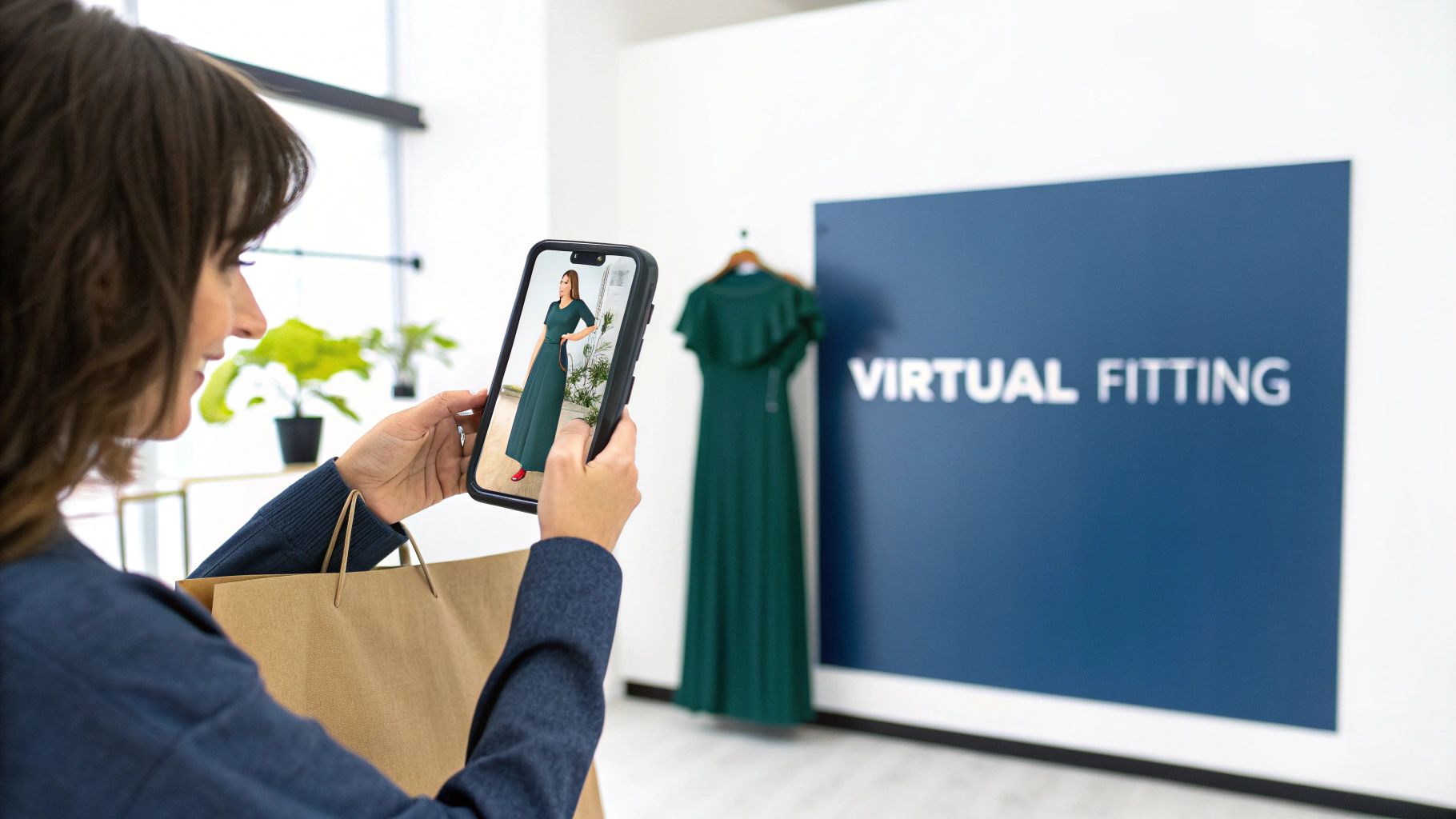
For anyone running a Shopify store—from seasoned fashion entrepreneurs to ambitious dropshippers—the challenge is universal: how do you replicate the confidence of an in-store fitting room online? Customers hesitate when they can’t imagine how a shirt or a dress will actually look on their unique body shape. This uncertainty leads directly to abandoned carts and, even worse, profit-draining returns.
This is where virtual try-on technology steps in. It’s no longer a futuristic gimmick; it’s a practical, accessible e-commerce tool that solves some of your biggest headaches. By letting shoppers see a realistic preview of how an item looks and fits them, you eliminate the guesswork that stops them from clicking “Buy Now.”
Boosting Confidence and Conversions
When customers feel confident about how an item will fit, they are far more likely to complete their purchase. The data is clear: poor fit is the culprit behind a massive 70% of returned fashion items. Virtual try-on provides the visual reassurance shoppers need, directly impacting your conversion rates. For example, Shopify merchants using this tech have reported conversion rate increases of up to 250%.
A confident shopper doesn’t hesitate. They aren’t stuck ordering multiple sizes “just in case.” They can choose the right size from the start, leading to a smoother, more satisfying shopping journey that builds real brand loyalty.
Slashing Costly Return Rates
Product returns aren’t just a logistical nightmare; they are a direct hit to your bottom line. Every return comes with shipping costs, restocking labor, and the risk of damaged goods. By helping customers nail the right fit the first time, virtual try-on technology can reduce return rates by as much as 40%.
A significant drop in returns doesn’t just pad your profits. It also helps build a more sustainable business by cutting down on wasteful reverse logistics.
The Rapid Growth of Virtual Try-On
The market for this technology is exploding, signaling a major shift in online retail. The global virtual try-on market was valued at USD 9.17 billion in 2023 and is projected to skyrocket to USD 46.42 billion by 2030. This incredible growth is happening because the technology is proven to work. You can find more data on this trend in a report from Grand View Research.
This isn’t just for mega-brands anymore. With accessible apps like Icona available on Shopify, this powerful technology is within reach for stores of all sizes, offering a clear path to a better customer experience and a healthier bottom line.
How Virtual Try-On Technology Actually Works
Ever wondered what’s happening behind the curtain when you virtually “try on” a new shirt on your phone? It’s not magic, but it’s close. For a Shopify store owner, the tech is more straightforward than you might think. It’s a clever combination of a camera, smart software, and your product photos, all working together to answer one crucial question: “How will this look on me?”
The process kicks off the second a shopper clicks the “Try On” button on your product page. From there, a series of automated steps creates a realistic preview in just seconds. Let’s break down the key components.
The Power of Augmented Reality as a Digital Overlay
The most familiar piece of the puzzle is Augmented Reality (AR). If you’ve ever used an Instagram filter that puts virtual sunglasses on your face, you’ve used AR. In e-commerce, the principle is the same. AR acts as a digital layer, placing a 2D or 3D model of your product onto the live feed from a customer’s camera or an uploaded photo.
The software intelligently identifies key points on a person’s body—like their shoulders, waist, and hips—to position the clothing correctly. It gets a sense of the person’s general shape and size, ensuring the digital garment scales and sits in a believable way. It’s a fast and simple method to give someone a solid impression of style and general fit.
This is a great visualization of how augmented reality overlays digital information onto the real world.
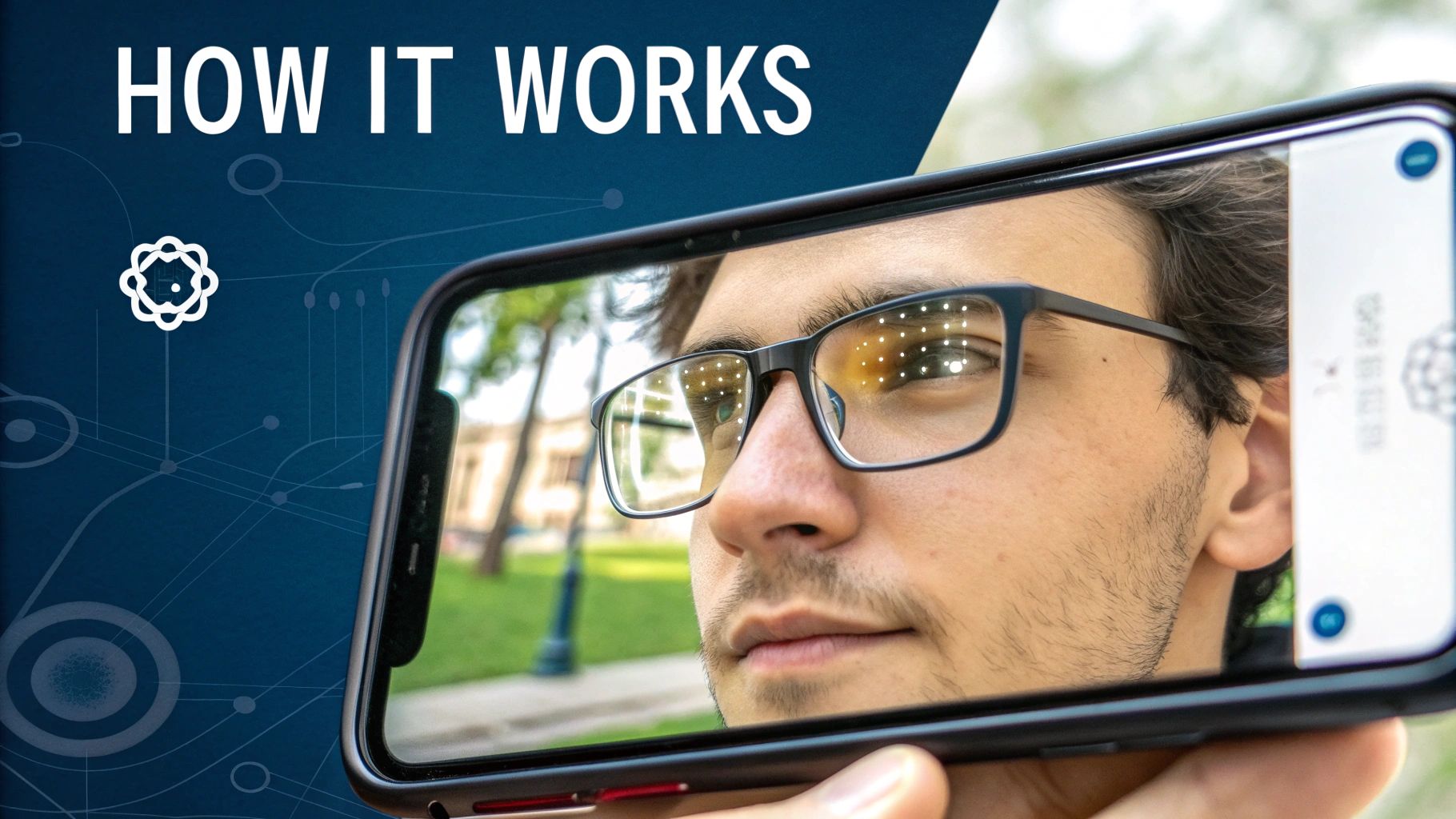
The image shows how an AR system identifies real-world objects to map and superimpose computer-generated graphics accurately.
Artificial Intelligence: The Personal Stylist
Working behind the scenes, Artificial Intelligence (AI) is the brain of the operation. While AR handles placing the image, AI makes the experience feel personal and smart. Think of it as the ‘personal stylist’ in the system, ensuring the fit looks convincing.
AI algorithms analyze data from a customer’s photo to understand how different fabrics and cuts behave on various body types. For example, the AI knows a silk blouse should drape softly, while a denim jacket holds its structure. It adjusts the digital clothing based on the customer’s unique shape to create a simulation that’s much more true to life. This is what elevates a basic image overlay into a genuinely helpful fitting tool.
To get a better handle on the specifics, you can learn more about how AI for e-commerce works and the different ways it can personalize the shopping experience.
Comparing Virtual Try-On Technologies
Not all virtual try-on tools are created equal. Each technology offers a different balance of realism, speed, and setup complexity. For a Shopify store owner, understanding the differences is key to choosing the right solution for your products and customers.
Here’s a quick breakdown to help you compare:
| Technology | How It Works (Simple Analogy) | Best For | Implementation Complexity |
|---|---|---|---|
| 2D Overlay (Basic AR) | Like putting a high-tech sticker on a photo. | Sunglasses, hats, makeup, jewelry, and simple tops. | Low |
| AI-Powered 2D Try-On | A smart sticker that warps to fit the person’s shape. | Apparel where general style and color are most important. | Medium |
| 3D Body Mapping | Creating a custom digital mannequin for a perfect fit. | High-end fashion, tailored items, and reducing fit returns. | High |
Ultimately, the best choice depends on what you’re selling. For accessories, a simple AR overlay is fantastic. But for a clothing brand battling high return rates due to poor fit, the investment in more advanced AI or 3D mapping can pay for itself many times over.
Body Mapping and Creating a Digital Mannequin
For the most accurate fit possible, top-tier virtual try-on systems use a technique called body mapping to create a personalized 3D model of the shopper. This is a huge leap from simply laying an image over a photo; it’s about creating a digital twin.
Here’s a step-by-step look at how it typically works:
- Step 1: Data Capture: The customer either uploads a full-body photo or uses their device’s camera for a quick scan.
- Step 2: Key Point Identification: The software locates dozens of precise measurement points on the body—think bust, waist, hips, inseam, and shoulder width.
- Step 3: 3D Model Generation: Using these measurements, the system constructs a custom 3D avatar that accurately mirrors the customer’s real-life proportions.
- Step 4: Digital Garment Simulation: Finally, a 3D version of your garment is “dressed” onto this avatar, showing exactly how the fabric will stretch, hang, and conform to their body.
This method provides a hyper-realistic preview that goes beyond just aesthetics. It gives genuine confidence in choosing the right size, which is a game-changer for slashing fit-related returns. It’s more involved, but the results are unmatched.
The Tangible Benefits for Your Shopify Store
Implementing new tech can feel like a big step, but virtual try-on isn’t just a flashy feature—it drives real, measurable results for your bottom line. For any Shopify store selling apparel, this technology directly tackles the biggest pain points of online retail. It’s not just a “cool” feature; it’s a powerful engine for growth.
The value is simple: it closes the trust gap. When a shopper can see how a dress or shirt actually looks on their body, that nagging uncertainty melts away. This confidence boost directly impacts your most important metrics, turning curious browsers into paying customers and first-time buyers into loyal fans.
Skyrocket Your Conversion Rates
The biggest win for any online store is getting more visitors to click “Add to Cart.” Virtual try-on is a proven conversion machine because it dismantles the number one obstacle in fashion e-commerce: fit anxiety. When someone gets a realistic preview of an item on themselves, the hesitation to purchase shrinks dramatically.
This transforms a passive shopping session into an engaging, personal experience. Instead of just scrolling through photos on a model who looks nothing like them, your customers are actively interacting with your products. That deeper connection gets them invested and makes them far more likely to complete the purchase.
Retailers using virtual try-on have seen an average 30% increase in sales conversion rates. The tech also gives buyers a serious confidence boost, with 45% more customers feeling sure about their purchase and 60% less hesitation at checkout. You can dig into these findings on virtual try-on from Sensape to see the full picture.
The data makes it clear: give people a better way to visualize, and they’ll be far more willing to buy.
Drastically Reduce Costly Returns
Returns are a massive profit-killer for online apparel brands. You’re not just losing a sale; you’re hit with reverse logistics costs, restocking fees, and the risk of getting back damaged or unsellable items. And what’s the top reason for all these returns? “Wrong size or fit.”
Virtual try-on attacks this problem at its source. By giving customers an accurate size recommendation and a visual preview, you help them pick the right size on the first try. That one change can have a huge financial impact.
A lower return rate means:
- More Profit: You hold onto more revenue from every single sale.
- Fewer Headaches: Your team isn’t buried under a mountain of return processing.
- Happier Customers: Shoppers love it when their order is a perfect fit right out of the box.
- A Greener Business: Fewer shipments going back and forth means less packaging waste and a smaller carbon footprint.
Cutting down your return rate isn’t just about saving money—it’s about building a smarter, more reputable, and more efficient brand.
Enhance Customer Engagement and Loyalty
In today’s crowded market, customer experience is everything. A virtual try-on feature makes shopping on your site more interactive, memorable, and frankly, more fun. It gives people a reason to spend more time on your product pages, playing with different styles and options.
This increased “dwell time” doesn’t just feel good; it’s a powerful signal to search engines that your site is valuable, which can give your SEO a nice bump. More importantly, it builds a genuine, personal connection with your brand. When you provide tools that truly help people make better choices, you earn their trust and loyalty. This is the foundation of a modern, personalized shopping journey. You can even explore other e-commerce personalization tools to see how they all work together to build a stickier brand.
A great try-on experience makes shoppers far more likely to return for future purchases and recommend you to their friends, turning a one-off sale into a lasting relationship.
A Step-by-Step Guide to Implementation
Ready to bring virtual try-on to your Shopify store? Great! The good news is, you don’t need a team of developers to make it happen. Modern apps have turned what sounds like a massive technical project into a series of clear, manageable steps.
Let’s walk through exactly how to get it done.
Step 1: Define Your Goals and Budget
Before you even browse the app store, clarify what you want to achieve. What’s the end game?
- Goal: Are you trying to slash that pesky return rate? Boost conversions? Or simply create a more memorable shopping experience? Your primary goal will guide you to the right kind of tool. For instance, if returns are your biggest problem, you’ll need a solution focused on accurate sizing. If your main goal is getting more people to click “Add to Cart,” a visually slick and fast tool might be better.
- Budget: VTO solutions range from free plans to enterprise subscriptions. Determine what you can realistically spend each month. This will immediately narrow down your options. Remember to think in terms of ROI—if a small monthly fee cuts your return rate by 20%, it easily pays for itself.
Step 2: Choose the Right VTO App
With your goals and budget locked in, it’s time to head over to the Shopify App Store. This is where you’ll find and compare your options.
The App Store is your best friend here. You can read honest reviews from other store owners, see feature lists side-by-side, and get a clear picture of the pricing.
Use this checklist as you compare:
- Ease of Setup: Does it require a developer to mess with your theme’s code? Look for apps that offer a simple, one-click install.
- User Experience: Is the try-on process fast and intuitive for a first-time user? If it’s clunky or slow, people won’t use it.
- Product Compatibility: Ensure the tech is a good fit for what you sell, whether that’s dresses, t-shirts, sunglasses, or jewelry.
- Pricing Structure: Does it scale as you grow? Flexible plans based on usage (like the number of try-ons per month) are often a great starting point.
- Customer Support: Don’t overlook this. Knowing you can get a quick, helpful answer when you’re stuck is invaluable.
Step 3: Get Your Product Assets Ready
Once you’ve picked your app, it’s time to prep your products. For most modern AI-powered VTO solutions, you don’t need to commission expensive 3D models. The system works with the product photos you already have.
The key is using high-quality, clean images. The AI needs to see the garment clearly, without clutter, to work its magic. Think of it as giving the AI a clean blueprint to build from.
Here’s a quick to-do list:
- Select Your Best Photos: Your standard flat-lay or “ghost mannequin” shots are perfect. Ensure the lighting is good and the entire item is visible.
- Verify Your Sizing Data: The VTO tool often cross-references your sizing charts for better fit recommendations. Make sure they are accurate and up-to-date in your Shopify listings.
- Upload Your Catalog: Follow the app’s instructions. Most modern tools plug directly into your Shopify catalog, making this a quick and painless step.
Step 4: Test, Launch, and Announce
Before you go live for everyone, do a thorough test run. Try on a few different products on both your phone and laptop. The goal is to spot any glitches before your customers do.
Once you’re happy, it’s launch time. But don’t just quietly enable it and hope people notice. This is a great marketing opportunity!
Here’s a simple launch plan:
- Homepage Banner: Announce the new feature with a prominent banner.
- Email Campaign: Let your subscribers know there’s now a better way to find their perfect fit.
- Social Media Blitz: Post a short video of the VTO in action. Encourage your followers to share their own try-on screenshots.
- Product Page CTA: Add a little call-to-action on your product descriptions, like “Not sure about the fit? Click the ‘Try It On’ button!”
By following these steps, you can roll out virtual try-on technology smoothly and ensure your customers are genuinely excited to use it, setting you up for more conversions and fewer returns.
Shopify Stores Nailing Virtual Try On
Theory is one thing, but seeing how this technology performs in the real world is what truly matters. Let’s look at how successful e-commerce brands are using virtual try-on to solve tangible problems—from boutiques letting you try on a dress from your couch to beauty brands giving you an instant makeover.
These real-world examples prove that VTO isn’t just a gimmick; it works. For each brand, we’ll break down the specific challenge they faced, the solution they implemented, and the impressive results they achieved.
Warby Parker Eyewear
The Challenge: Warby Parker revolutionized how people buy glasses online. Their biggest hurdle was obvious: how do you convince someone to buy frames they’ve never physically tried on? It’s a deeply personal purchase, and a bad fit is a deal-breaker.
The Solution: They developed a brilliantly simple virtual try-on feature within their mobile app. Using just the phone’s front-facing camera, the app maps the user’s face with augmented reality and realistically overlays different frames. It’s smooth, intuitive, and gives shoppers the confidence to explore styles they might otherwise skip. You can learn more about how augmented reality is shaping e-commerce to create these kinds of immersive experiences.
Sephora’s Virtual Artist
The Challenge: The cosmetics world faces a similar problem. How can you sell lipstick or foundation when a customer can’t swatch it on their skin to see the true color?
The Solution: Sephora’s “Virtual Artist” tool lets users try on thousands of makeup products in seconds. It uses advanced facial recognition to apply everything from lipstick to eyeshadow with surprising accuracy. This removes the guesswork from shade matching and turns shopping into a fun, interactive game. The market has responded enthusiastically: the virtual makeup segment is projected to reach $1.12 billion in 2025, a huge leap from $0.91 billion in 2024. Dig into more insights on beauty tech statistics to see the full picture.
This infographic breaks down the simple, three-step process for getting started with VTO.
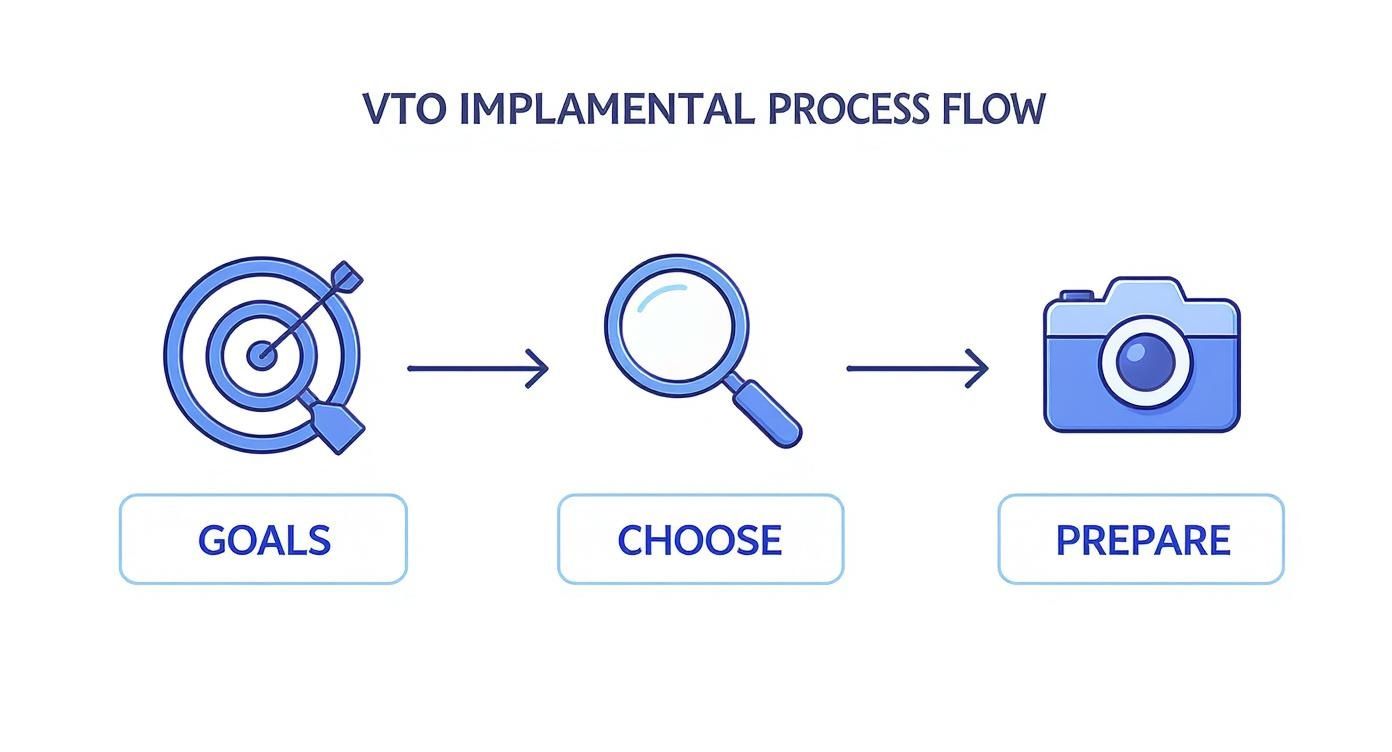
The key takeaway here is that a successful rollout starts with defining what you want to achieve, then picking the right partner and getting your product assets ready.
Zalando’s Fitting Room
The Challenge: For a massive apparel retailer like Zalando, fit is everything. Their biggest operational headache was the notoriously high return rates that plague the fashion industry, primarily due to poor fit.
The Solution: They created a virtual fitting room where shoppers can see clothes on a 3D avatar that matches their own body measurements. Early data revealed that about half of the users who tried the tool checked out more than one size, proving there was a real demand for a better way to judge fit online. Zalando’s goal is to build a scalable system that provides hyper-accurate size recommendations, directly targeting the number one reason for returns and building significant customer trust.
Measuring Your Success and Proving ROI
So, you’ve launched your virtual try-on feature. Congratulations! But the real work—proving it was a smart investment—is just beginning. Now, it’s time to track the impact on the metrics that actually move the needle for your business.
Think of your virtual try-on tool as a new team member hired to boost sales and cut returns. Just like any employee, it needs a performance review. The great news is you can track its performance using the tools you already have, like your Shopify dashboard and Google Analytics.
Key Performance Indicators to Watch
You don’t need to get lost in a sea of data. Focus on a few key performance indicators (KPIs) that tell a clear story about how virtual try-on technology is changing shopper behavior and your bottom line.
Here are the essential metrics to monitor:
- Conversion Rate (Users vs. Non-Users): This is your most important metric. Set up a segment in your analytics to directly compare the conversion rate of shoppers who use the VTO feature against those who don’t. If VTO users are converting at a higher rate—and brands often see this jump by 30% or more—you have clear proof of its effectiveness.
- Return Rate Reduction: This metric directly impacts your profit margin. Track your overall return rate before you launched the feature and compare it to the rate after. Dive deeper by filtering for return reasons like “wrong size” or “didn’t fit as expected.” A noticeable drop here is concrete evidence that you’re helping customers get the right fit the first time.
- Engagement Rate: How many people are actually clicking that “Try It On” button? This simple number tells you if your new feature is visible and appealing. A high engagement rate shows that customers are curious and excited to interact with your products on a deeper level.
- Average Order Value (AOV): Are VTO users spending more per order? It’s common. The confidence a virtual try-on provides can encourage shoppers to add that extra item to their cart. It’s a fantastic secondary benefit that’s absolutely worth tracking.
A Simple Framework for Tracking
You don’t need to be a data scientist to figure this out. Here’s a simple, actionable plan to get started.
- Set Your Baseline: Before you go live, document your current numbers. What were your average conversion rate, return rate, and AOV over the last quarter? This is your “before” snapshot.
- Create Custom Events in Analytics: This sounds technical, but it’s often straightforward. Work with your VTO app’s support team or use Google Tag Manager to create a trigger that fires every time a shopper uses the try-on feature. This is how you’ll isolate their journey for analysis.
- Build a Simple Dashboard: In Google Analytics or your Shopify reports, create a dedicated dashboard. All you need are a few widgets showing your KPIs, with a side-by-side comparison of “VTO Users” vs. “Non-VTO Users.”
- Review and Optimize Monthly: Make a habit of checking this dashboard once a month. Is engagement low? Maybe the button needs a better placement or a different color. Are conversions not lifting as expected? Perhaps the user experience could be smoother. This feedback loop is how you turn a good tool into a great one.
By consistently measuring these outcomes, you’ll have all the evidence you need to prove the value of your virtual try-on technology and make smart, data-backed decisions to grow your store.
Common Questions About Virtual Try-On
Jumping into new tech always brings up questions. If you’re wondering about the practicalities of virtual try-on before you commit, you’re not alone. We’ve gathered the most common questions from Shopify merchants and provided clear, practical answers.
How Much Does It Really Cost?
This is usually the first question. The honest answer? It varies, but it’s more accessible than you might think. Many modern virtual try-on technology apps, like Icona, use a tiered pricing model. This often includes a free plan to get you started, with paid plans that scale with you based on monthly usage.
The best way to look at cost is through the lens of ROI. If a $50/month plan can reduce your return rate by even 15% and increase conversions, it quickly pays for itself. It’s not about finding the cheapest option, but the one that generates the most value for your store.
Will It Be a Headache to Integrate With My Shopify Theme?
Worried you’ll need to hire a developer? Relax. The best virtual try-on tools are built specifically for Shopify, meaning installation is typically a no-code process.
In most cases, getting started is this simple:
- Search for the app on the Shopify App Store.
- Click “Add app” and grant the necessary permissions.
- Follow a quick setup wizard inside your Shopify admin.
The “Try It On” button usually appears on your product pages automatically—no coding required.
Do I Need Special Product Photos?
This used to be a major hurdle. In the early days, you might have needed expensive 3D modeling or complex photoshoots. Not anymore. Today’s AI-powered VTO systems are designed to work with the high-quality product photos you already use.
Your standard flat-lay or “ghost mannequin” shots are typically all the AI needs. It’s sophisticated enough to analyze those 2D images and realistically map them onto a customer’s body, saving you significant time and money.
What About Customer Data and Privacy?
This is a critical concern. Any trustworthy virtual try-on provider prioritizes privacy. When a customer uploads their photo, it should be used for one thing only: that specific try-on session.
Top-tier apps ensure customer images are encrypted, never used for training AI models, and automatically deleted from their servers within a very short window—often just a few days. Always choose a provider that is transparent and clear about their privacy policy.
Ready to see how a virtual fitting room can transform your Shopify store? With Icona, you can add a powerful, AI-driven virtual try-on experience to your product pages in minutes. Boost your conversions, slash your return rates, and give your customers the confidence they need to click “buy.” Start your free plan today and see the difference for yourself at tryicona.com.
Picture this: a customer is browsing your online store, sees a dress they love, and with a single click, sees exactly how it looks on them—all from their living room. That’s not science fiction anymore; it’s the reality of virtual try on technology. This isn’t just some flashy gimmick. It’s a powerful tool that uses Augmented Reality (AR) and AI to build a tangible connection between your digital products and your customer’s real world, directly boosting your conversions and slashing return rates.
Understanding Virtual Try On Technology and Why It Matters
Virtual try on (VTO) technology directly attacks the single biggest challenge in online fashion: the inability to try things on. When you let customers digitally “wear” your products, you erase the guesswork that kills conversions and drives up return rates. A Shopify study revealed that a staggering 40% of online returns are due to sizing issues. For any Shopify merchant, tackling this problem is a huge deal. It means more sales, fewer costly returns, and a brand experience that actually builds loyalty.
At its core, VTO simply brings the fitting room experience online. Instead of forcing shoppers to rely on confusing size charts and photos of models who don’t look like them, it lets them see how a piece of clothing or an accessory fits their body or face. This creates a personal, engaging moment that a static product page could never replicate.
The Soaring Market Demand
And make no mistake, this is where the market is heading. Fast. According to a report from Grand View Research, the global virtual try-on market was already valued at USD 11.38 billion in 2024. That figure is expected to explode to USD 46.42 billion by 2030.
That’s a compound annual growth rate (CAGR) of 26.4%. For Shopify store owners, the message is crystal clear: getting on board now isn’t just about being innovative; it’s about securing a competitive edge as customers come to expect these kinds of immersive shopping features.
A Visual Glimpse into VTO
It’s one thing to talk about it, but another to see it. Here’s a simple example of a shopper using their phone to see how a pair of glasses looks on them.

You can see how the tech flawlessly overlays the digital glasses onto the user’s face, giving them a genuine preview of both style and fit. This kind of interaction is what turns a passive window shopper into a confident buyer. If you want to see more real-world examples, we’ve covered different aspects of virtual try on in other articles.
Why It’s a Game Changer for Ecommerce
The “try before you buy” concept has always been the gold standard for a reason. It builds confidence. VTO finally brings this trusted model to the digital world, and the impact on the bottom line is immediate.
By bridging the gap between the digital and physical worlds, virtual try-on technology gives online shoppers the confidence that was once only possible in a brick-and-mortar store. This confidence is the key to unlocking higher conversions and reducing the costly problem of returns.
Ultimately, virtual try-on isn’t just a “nice-to-have” feature. It’s a strategic tool that directly solves major business challenges.
- Reducing Return Rates: When customers know something will fit, they’re far less likely to send it back.
- Increasing Conversion Rates: Confidence is the final hurdle before the “buy” button. VTO gets shoppers over that hurdle.
- Enhancing Customer Engagement: An interactive fitting room keeps people on your site longer, making them more likely to explore and buy more.
How Virtual Try-On Technology Actually Works

Let’s pull back the curtain on the tech that brings virtual try-ons to life. It’s less magic and more a clever mix of sophisticated software working together. At its core, virtual try-on technology solves one of the biggest headaches in online shopping: helping customers visualize how an item will actually look on them, in their space.
The process usually kicks off when a shopper uses their phone’s camera for a live video or just uploads a photo. From there, a set of smart algorithms gets to work, digitally fitting your product onto their image. The real trick, however, lies in how different apps achieve this.
The Core Tech Behind the Scenes
The “magic” isn’t just one thing; it’s a team of technologies working in sync. As a store owner, you don’t need to be an engineer, but knowing the basics helps you understand what’s creating that smooth experience for your customers.
- Computer Vision: Think of this as the “eyes” of the system. It’s what allows the software to analyze a customer’s photo or video and identify key points—like the shape of their face for a pair of sunglasses or the outline of their torso for a t-shirt.
- Augmented Reality (AR): This is the part that layers the digital product onto the real world. When a customer sees a pair of virtual glasses perfectly sitting on their nose in a live camera feed, that’s AR doing the heavy lifting.
- Artificial Intelligence (AI) and Machine Learning (ML): This is the “brain” that makes the fit look believable. AI models are fed huge amounts of data on body types and clothing to learn how different fabrics are supposed to hang, fold, and stretch. This is why the tech can simulate a realistic fit instead of just slapping a flat picture onto a person. To get a better sense of this, you can learn more about how AI works in ecommerce applications.
A Step-by-Step Look at the Main Methods
Not all virtual try-on tools work the same way. They generally fall into two main camps, each offering a different kind of experience. Here’s how they work from your customer’s perspective.
Method 1: 2D Image Overlay (Photo-Based Try-On)
This is the most popular and straightforward approach, perfect for apparel and a great fit for Shopify apps like Icona. For the shopper, it’s incredibly simple.
- Step 1: Upload a Photo. The customer clicks the “Try It On” button on your product page and uploads a full-body picture of themselves. The app usually gives them simple pointers to get the best shot (e.g., stand straight, good lighting).
- Step 2: AI Analyzes the Image. The software scans the photo, identifying the person’s posture and body shape. Simultaneously, it analyzes the 2D image of your product, like a dress or shirt.
- Step 3: See the Digital Fit. The AI intelligently drapes the product image over the customer’s photo, bending and adjusting the item to match their contours. The final result is a new static photo of them “wearing” your product, giving them a realistic preview.
Method 2: 3D AR Try-On (Live Camera Try-On)
This method is far more interactive and dynamic, which is why it’s a go-to for accessories like glasses, jewelry, hats, and makeup. It all happens in real-time through the device’s camera.
- Step 1: Activate the Camera. After the customer grants permission, the software accesses their device’s camera and starts tracking their face or body live on screen.
- Step 2: Map Key Points. The tech instantly identifies and maps dozens of key points on the user’s face or body. This creates a digital framework that understands their every move, turn, and tilt.
- Step 3: Overlay the 3D Model. A 3D model of your product—say, a pair of aviator sunglasses—is overlaid onto the camera feed. It locks onto those mapped points, so when the shopper turns their head, the glasses turn with them, just like they would in a real mirror.
Grasping these mechanics makes it clear how VTO does more than just show a product; it creates an interactive fitting room that builds the confidence customers need to click “Add to Cart.”
The Game-Changing Benefits for Your Shopify Store
Putting virtual try-on technology on your site is way more than just adding a cool gimmick. It’s a serious business move that hits your most important metrics right where it counts. When you give shoppers the confidence to see how a product actually looks on them before they commit, you’re solving the single biggest headache of selling clothes online.
The positive effects spread throughout your entire business, from keeping customers happy to fattening up your bottom line. It’s all about swapping that “I’m not sure…” feeling for a confident “I need this!” right at the checkout. You’re giving your customers power, and that, in turn, makes your brand stronger.
Slash Your Return Rates
Let’s be honest: returns are a profit-killer. They drain your resources, eat up your time, and frustrate everyone involved. The top reason for fashion returns? A bad fit or an item just not looking right—the very problems virtual try-on is built to solve.
When a customer can see for themselves that a dress flatters their body shape or a shirt’s color works with their skin tone, their confidence to buy goes through the roof. This means no more unpleasant surprises when the box arrives, and way fewer packages making a U-turn back to your warehouse.
Think about this: a staggering 70% of all returned fashion items are sent back because of poor fit or style. VTO tackles that problem head-on, protecting your revenue and building a ton of customer trust in the process.
Boost Conversions and Increase Sales
The biggest wall standing between a browser and a buyer is pure, simple uncertainty. Virtual try-on smashes through that wall. It gives shoppers that final nudge of reassurance they need to click “Add to Cart” instead of closing the tab. According to Shopify, adding 3D/AR experiences like VTO can increase conversion rates by up to 94%.
And it gets better. Confident shoppers don’t just buy more often—they tend to buy more stuff. Once they trust that your clothes will look great on them, they’re much more willing to explore other styles or grab a few extra items. This is how you start seeing a real bump in your Average Order Value (AOV), which is key for healthy growth.
The numbers from brands already using this tech speak for themselves. On average, we’re seeing a 30% increase in sales conversion rates and a 45% boost in buyer confidence, which leads to 60% less hesitation at checkout. These aren’t just minor tweaks; they’re major wins that directly fuel your business. You can dive into more data on how VTO drives results on Sensape.com.
Impact Of Virtual Try-On On Key Ecommerce Metrics
| Metric | Average Improvement | Business Impact |
|---|---|---|
| Conversion Rate | 30-94% Increase | More browsers become buyers, directly boosting revenue from existing traffic. |
| Return Rate | 25-40% Decrease | Significantly reduces costs from reverse logistics and unsellable inventory. |
| Average Order Value (AOV) | 10-20% Increase | Confident shoppers are more likely to add more items to their cart per session. |
| Customer Engagement | 70-100% Increase | Shoppers spend more time on product pages, increasing brand affinity. |
As the table shows, the improvements aren’t just in one area; VTO lifts performance across the entire customer journey, leading to more sustainable and profitable growth.
Create a Superior Shopping Experience
In a sea of online stores, the shopping experience you offer is what makes you stand out. A virtual fitting room immediately makes your brand feel modern and memorable. It shows you’re not just selling products; you’re solving your customers’ problems with smart tools.
This kind of interactive feature turns passive scrolling into an engaging, personal journey. It’s what gets people talking about your brand and keeps them coming back for more.
Here’s how VTO truly elevates the customer experience:
- Personalization: The focus shifts from a generic model to the shopper themselves. To take it even further, VTO works beautifully alongside other powerful ecommerce personalization tools.
- Engagement: Customers stick around longer on your product pages, interacting with your brand and discovering more of what you have to offer.
- Accessibility: It brings the fitting room to anyone, anywhere, making shopping with you more inclusive and incredibly convenient.
At the end of the day, investing in virtual try-on technology is about building a smarter, more profitable, and customer-focused business. By cutting down returns, driving up conversions, and creating an experience people love, you’re building a brand that’s set up for the long haul.
Getting Started: A Step-by-Step Guide to Virtual Try-On
Bringing virtual try-on technology to your Shopify store might feel like a huge undertaking, but it’s actually quite manageable when you break it down into actionable steps. By following a structured plan, you can ensure this powerful tool starts delivering results, whether that’s getting a handle on returns or seeing a real lift in your conversion rates.
This infographic neatly summarizes the entire value loop—how giving shoppers more confidence translates directly into more sales and fewer returns.
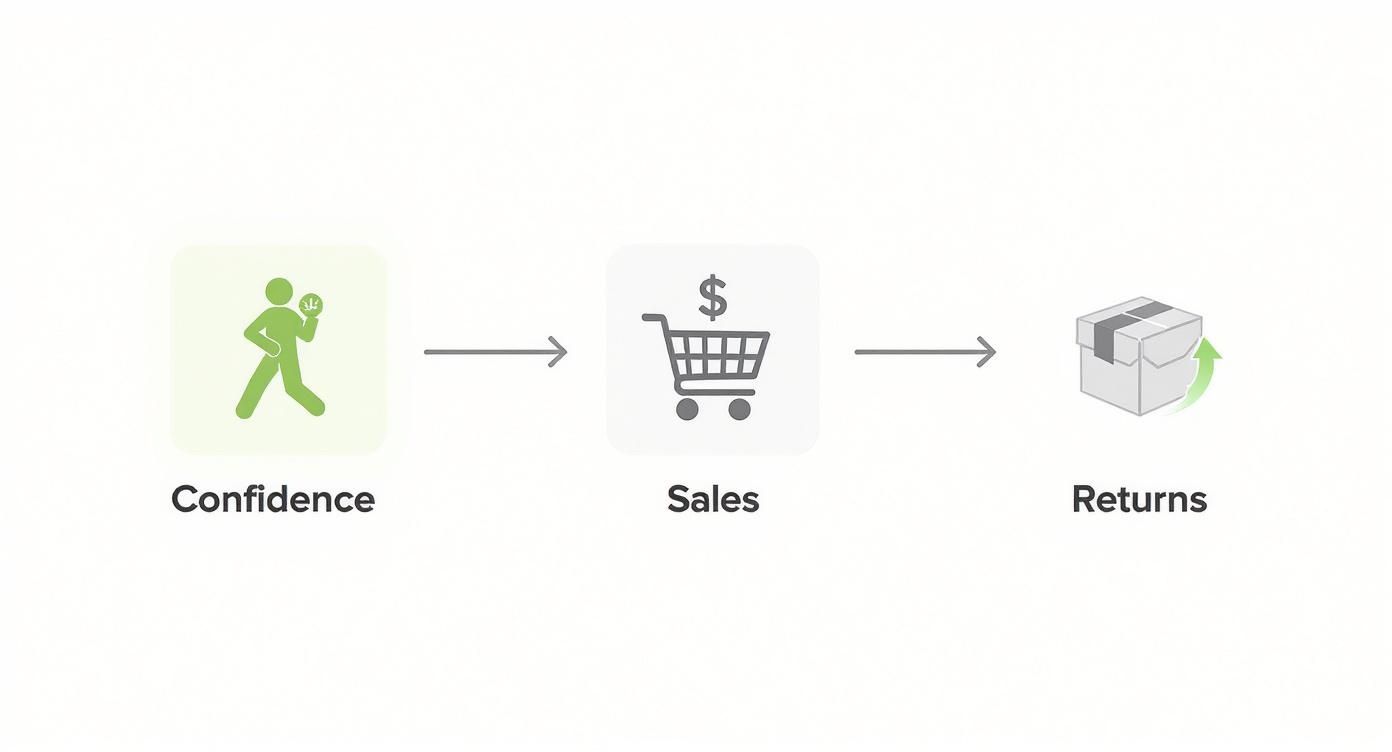
It’s a powerful cycle. When customers feel sure about their purchase, they’re not only more likely to buy but also far less likely to send something back.
Step 1: Define Your Goals and Scope
Before you even start browsing apps, you need a crystal-clear vision of what you’re trying to accomplish. What’s the number one problem you want this technology to solve? This first step is absolutely critical because it will shape every single decision that follows.
Actionable Steps:
- Analyze Your Data: Look at your Shopify analytics. Which products have the highest return rates? Where are your conversion rates the lowest?
- Set Specific, Measurable Goals: Don’t just aim to “reduce returns.” Set a concrete target like:
- Reduce return rates on our top 5 dress styles by 25% within three months.
- Increase the conversion rate for our new jacket collection by 15%.
- Boost the average time on page for products with VTO by 30 seconds.
- Define Your Pilot Program: Don’t roll this out across your entire catalog at once. Start small. Select a curated collection of 10-20 of your best-sellers or the products with the highest return rates. This keeps the project manageable and gives you clean, undeniable data on its impact.
Step 2: Research and Select a VTO Provider
Now that you know what you need, you can start looking for the right partner. The Shopify App Store offers a growing number of virtual try-on solutions, and each has its own unique strengths and features. Your mission is to find the one that perfectly aligns with your goals and budget.
Actionable Steps:
- Create a Shortlist: Browse the Shopify App Store for VTO apps. Add 3-4 promising candidates, like Icona, to a comparison sheet.
- Vet Each App with a Checklist: Evaluate each provider against these key criteria:
- Ease of Integration: Does it promise a “no-code” setup?
- Performance Impact: Read reviews specifically mentioning site speed.
- User Experience: Test their demo stores on your phone. Is it fast and intuitive?
- Pricing Model: Does it offer a free trial or a plan that fits your budget?
- Support: What do reviews say about their customer service?
- Ask for a Demo: Reach out to your top choice. A good provider will be happy to walk you through their product and answer your specific questions.
Step 3: Prepare Your Product Assets
Once you’ve picked your VTO app, the next job is to get your product assets in order. This is where you prepare the digital versions of your garments that customers will actually “try on.”
Actionable Steps:
- For 2D Photo-Based VTO (like Icona):
- Select the products for your pilot program.
- Take high-quality, front-facing photos of each product laid flat.
- Ensure the background is neutral (white or light grey works best) and the lighting is even.
- Follow any specific image guidelines provided by the app developer.
- For 3D/AR VTO:
- Contact the provider to understand their 3D modeling process.
- Gather the required materials, which may include multiple photos of each product from various angles, technical sketches, or even physical samples.
- Confirm the timeline and cost for creating each 3D model.
Step 4: Integrate, Test, and Launch
This is the home stretch. After installing your chosen app from the Shopify App Store, you’ll configure it directly from your Shopify dashboard.
Actionable Steps:
- Install and Configure: Follow the app’s setup guide. This usually involves selecting the products you want to enable VTO for and customizing the look of the “Try It On” button.
- Internal Testing: Before going live, get your team to test the feature on different devices (iPhone, Android, desktop) and browsers (Chrome, Safari) to catch any bugs.
- Gather Feedback: Ask a small group of loyal customers to try it and give you honest feedback. Is it easy to use? Does the fit look believable?
- Launch and Promote: Once you’re confident, make it live! Announce the new feature to your email list and on social media to build excitement and drive traffic to your newly enhanced product pages.
Real Brands Winning With Virtual Try On Technology
Theory is great, but the real magic happens when you see how actual brands are using virtual try-on technology to solve real problems and boost their bottom line. It’s not just a toy for massive corporations, either. The strategies these pioneers are using offer a clear blueprint for any Shopify store looking to get ahead.
Let’s break down a few examples from brands that are knocking it out of the park.
Sephora Revolutionizing Beauty
Sephora‘s “Virtual Artist” is a masterclass in using AR to eliminate a huge barrier to buying. Before this, picking a new foundation or lipstick online was a complete shot in the dark.
- The Problem: Customers were hesitant to buy makeup online without trying shades on their skin first.
- The VTO Solution: They implemented an AR tool that uses a customer’s phone camera to let them instantly test thousands of products.
- The Result: The tool drove over 200 million try-ons, giving customers the confidence to experiment with and purchase new products. The virtual makeup market is now on track to hit $1.12 billion by 2025, a trend Sephora helped pioneer. You can find more insights at FreeYourself.com.
Warby Parker Disrupting Eyewear
Warby Parker built its empire on making it simple to buy glasses online. Their virtual try-on app took that convenience to a new level.
- The Problem: While their home try-on program was popular, it was logistically slow and expensive.
- The VTO Solution: Their mobile app uses AR to accurately map a customer’s face and place frames on them with stunning realism.
- The Result: Shoppers can “try on” the entire catalog in minutes, not days. This move significantly streamlined the customer journey, making the process faster, more fun, and intensely personal, solidifying their brand as a customer-first innovator.
Zalando Tackling The Fit Problem
European fashion giant Zalando is going after the apparel industry’s biggest nightmare: fit.
- The Problem: High return rates from clothing that didn’t fit customers’ unique body shapes.
- The VTO Solution: They rolled out a pilot where customers could create a 3D avatar matching their body measurements to see how clothes would fit.
- The Result: Early data showed that customers using the tool were significantly less likely to return items due to size issues. This proactive guidance helps shoppers get the right size the first time—the single most effective way to cut the costly returns that plague fashion retail.
These brands prove that virtual try-on technology isn’t just a gimmick. When applied with a clear goal, it’s a powerful tool that delivers real, measurable business value.
Choosing The Right Virtual Try-On App For Your Store
Picking a partner from the Shopify App Store is probably the single most important decision you’ll make when adding virtual try-on technology to your brand. Get it right, and the app slides into your store seamlessly, delivering results almost immediately. But the wrong one? It can be a real headache, bogging down your site and creating a clunky experience for shoppers.
Let’s walk through a clear, actionable checklist to help you cut through the noise and evaluate your options. Your goal is to find a solution that fits your technical setup, budget, and, most importantly, your business goals.
The market is shifting fast toward accessible, cloud-based tools. In fact, AR is expected to grab a 63.4% share of the tech segment by 2025. On top of that, cloud-based solutions are projected to hold a dominant 69.3% market share by the same year, proving the industry is leaving clunky, expensive hardware behind. You can dig deeper into these virtual try-on market trends on Future Market Insights.
Your VTO App Evaluation Checklist
Use this checklist as you compare apps. A little bit of thoughtful homework now will save you a ton of time, money, and frustration down the road.
Seamless Shopify Integration: How neatly does the app plug into your existing store? Look for a “no-code” solution that you can install and configure yourself right from the Shopify dashboard. A Shopify-native app like Icona is built specifically for this, making the setup infinitely smoother.
Impact on Site Speed: A slow site kills conversions. A well-built app should load asynchronously, meaning it won’t stop the rest of your page from appearing. Always read reviews for mentions of performance and run the provider’s demo store through a page speed tool yourself.
Mobile-First Experience: The vast majority of your customers will use this on their phone. The experience must be fast, intuitive, and flawless on a mobile device. If it feels awkward or slow on a smartphone, it’s a non-starter.
Quality and Realism: How convincing is the try-on? Whether it’s a 2D approach or a full 3D AR experience, the result has to look realistic enough to build a customer’s confidence. A low-quality, gimmicky render can do more harm than good.
Analytics and Insights: The best tools provide data. Look for a dashboard that tracks key metrics like try-on sessions, engagement rates, and—most critically—the impact on your conversion rate. This is how you’ll measure your ROI.
Scalable Pricing Model: You need a pricing structure that can grow with you. A provider that offers a free plan or a trial period is a huge plus, as it lets you test the waters and prove the app’s value before committing.
By carefully vetting potential partners against this checklist, you can move forward confidently and choose the VTO app that will genuinely elevate your store, cut down on returns, and create a shopping experience your customers will actually love.
Answering Your Top Questions About Virtual Try-On
Diving into new tech always comes with a few questions. It’s smart to get the full picture before you invest time and money. When it comes to virtual try-on technology, most Shopify merchants I talk to usually have the same key concerns. Let’s get them answered.
Will This Slow Down My Shopify Store?
This is the most common and valid concern. The good news is that modern virtual try-on apps are designed with performance in mind. They typically load their scripts asynchronously, which means they load in the background without blocking the rest of your page. Your product images, text, and “Add to Cart” button will appear first, so the VTO tool won’t create a bottleneck.
Action Step: Before committing, check an app’s reviews for comments on performance. A smart move is to run a page speed tool (like Google PageSpeed Insights) on their demo stores to see the real-world impact. A great VTO solution should never force you to trade speed for features.
How Do I Get 3D Models Of My Products?
Don’t worry, you don’t need to become a 3D artist! Most quality virtual try-on providers handle this for you. For 3D/AR experiences, you typically send them high-quality photos of your product from all key angles, and their team builds the digital version.
For photo-based solutions, it’s even easier. An app like Icona just needs a standard flat-lay product photo on a clean background. Their AI does the heavy lifting, turning that simple 2D image into a realistic try-on render. This approach saves a ton of time and money.
Is This Actually Affordable For A Small Business?
Yes, it is now. A few years ago, this tech was reserved for massive brands with six-figure budgets. The Shopify app ecosystem changed all that. Today, you’ll find plenty of VTO apps with flexible pricing plans, many of which start with a free trial or an affordable entry-level tier.
Action Step: Prove the ROI quickly. Don’t roll it out everywhere at once. Start with a small, curated collection of your best-selling items or the products that get returned most often. The boost in conversions and savings from fewer returns often pay for the subscription fee and then some, making it a profit-generating tool.
What Kinds Of Products Are Best For Virtual Try-On?
Virtual try-on shines with products where visual fit and style are key to the purchase decision. It’s a game-changer for categories like:
- Apparel: The #1 use case. Perfect for tops, dresses, and jackets where customers need to see how the fabric drapes and the style fits their body shape.
- Eyewear: Sunglasses and prescription glasses are a classic use case for AR try-on.
- Cosmetics: Letting customers swipe through lipstick shades on their own face is a proven sales driver.
- Accessories: Jewelry, watches, and hats are perfect candidates for helping customers instantly see if an item fits their personal style.
The key takeaway is simple: virtual try-on technology transforms the uncertainty of online shopping into confident purchasing. By giving your customers a virtual fitting room, you directly address the biggest pain points in ecommerce—fit uncertainty and high return rates—while creating a memorable, personalized experience.
Ready to see how a virtual fitting room can change the game for your store? With Icona, you can add a realistic, AI-powered try-on feature to your product pages in just a few minutes—no coding needed. It’s a straightforward way to lift your conversion rate, cut down on returns, and give shoppers the confidence to click “buy.”
Start your free trial with Icona today!
Staring at a high cart abandonment rate is frustrating, but it’s also one of your biggest growth opportunities. Figuring out how to reduce cart abandonment isn’t about finding one silver bullet; it’s about systematically removing the friction that makes a customer hesitate, turning their “maybe later” into a confident “buy now.”
Why Shoppers Really Abandon Carts (It’s Not What You Think)

An abandoned cart is rarely a hard “no.” It’s almost always a “not right now” or a “not like this.” It’s that moment of friction where a customer’s initial excitement slams into an unexpected obstacle. Your job is to find and eliminate those snags.
Instead of seeing it as a lost sale, think of it as raw, unfiltered feedback from people who were this close to buying. They liked your products enough to add them to their cart! The breakdown is happening somewhere in that final mile. Let’s dig into the common culprits.
Financial Sticker Shock: The #1 Conversion Killer
Surprise costs are, by far, the number one reason people leave. Nothing kills the buying mood faster than getting to the checkout and seeing the total jump unexpectedly.
Baymard Institute’s research is crystal clear on this: 48% of US shoppers have abandoned a cart because extra costs like shipping, taxes, and fees were too high. This isn’t just about the money; it’s a trust issue. The customer mentally committed to one price, and now it feels like a classic bait-and-switch. You can dive deeper into these cart abandonment stats to see just how critical transparency is.
Real-World Example: Imagine a customer finds a dress for $60. They add it to their cart, excited about the price. At checkout, they’re hit with a $12 shipping fee and $5 in taxes, turning their $60 purchase into a $77 one. That 28% increase feels deceptive and is often enough to make them close the tab.
The Checkout Chore: Friction in the Final Step
Right behind surprise fees is a checkout process that feels like work. Your customer is ready to hand over their money, but you’re making them jump through hoops.
Common friction points I see all the time include:
- Forced Account Creation: Nobody wants to create yet another account with a password they’ll forget just to buy a t-shirt. It’s a huge barrier, especially for first-time buyers. Baymard found that 24% of users abandon a cart if forced to create an account.
- Too Many Form Fields: Are you really going to call them? Then don’t make the phone number a required field. Every unnecessary box you ask them to fill out is another chance for them to leave.
- Limited Payment Options: People have their favorite ways to pay. If a shopper loves the convenience of Apple Pay but only sees a manual credit card form, that might be all it takes for them to drop off. In fact, 9% of shoppers will abandon a purchase if their preferred payment method isn’t available.
Every extra click or form field you add is another opportunity for a customer to second-guess their purchase. The goal should be to make buying from you feel effortless.
By pinpointing exactly why shoppers are bouncing, you can stop staring at a frustrating metric and start implementing targeted, high-impact fixes that actually move the needle.
Top Cart Abandonment Reasons and Actionable Quick Fixes
This table breaks down the most common issues and the first, most impactful fix you can implement for each.
| Abandonment Reason | The Actionable Fix | Impact Level |
|---|---|---|
| Unexpected Shipping Costs | Use a shipping bar to announce the free shipping threshold site-wide. | High |
| Forced Account Creation | Enable guest checkout and make it the default option in your Shopify settings. | High |
| Long/Complex Checkout | Remove non-essential form fields (e.g., make phone number optional, hide ‘company’). | Medium |
| Lack of Payment Options | Add accelerated checkouts like Shop Pay, Apple Pay, and PayPal in your payments settings. | High |
| Concerns About Returns | Make your return policy clear and link to it from your product pages and footer. | Medium |
| Slow Website Performance | Optimize images with a Shopify app and ensure your theme is mobile-responsive. | High |
Starting with these quick fixes can often provide the biggest initial lift in your conversion rate while you work on the more in-depth strategies.
How to Reduce Cart Abandonment with a Frictionless Checkout
Think of your checkout as the final sprint in a marathon. After all the work a customer has done—browsing, selecting items, falling in love with a piece—this is where you can lose the race. A clunky, confusing, or demanding checkout is a primary reason people just give up and leave.
The goal here is to make paying so seamless that customers barely have to think. It’s about systematically finding and removing those small, frustrating hurdles. Let’s walk through the highest-impact tweaks you can make right inside your Shopify admin.

This screen in your Shopify settings is your command center. You can see the options right there to make accounts optional—this is one of the first and most important things you should change.
Step 1: Ditch the Forced Account Creation
One of the most common—and most damaging—mistakes is forcing a new customer to create an account. For someone making a quick purchase, this feels like an unnecessary commitment. As mentioned, a staggering 24% of shoppers say they’ll abandon their cart if they’re required to create an account.
The fix is incredibly simple: enable guest checkout.
How to Do It:
- In your Shopify admin, navigate to Settings > Checkout.
- Under the “Customer accounts” section, select the option “Accounts are optional.”
- Click Save. You’ve just removed a massive point of friction.
Pro Tip: You can still encourage sign-ups after they’ve paid. On the order confirmation page, add a prompt like, “Want to make your next order faster? Save your details by creating an account.” At this point, it feels like a helpful suggestion, not a roadblock.
Step 2: Turn On Every Express Payment Option
We live in a world of one-click buying. Manually typing in credit card numbers and shipping addresses, especially on a phone, feels like a chore. This is exactly what express checkouts were made for.
How to Do It:
- From your Shopify admin, go to Settings > Payments.
- Activate Shop Pay. It allows customers to save their info for a one-click checkout across Shopify.
- Scroll down to “Additional payment methods” and activate digital wallets like Apple Pay, Google Pay, and PayPal.
By enabling these, you let customers use payment details they already have stored. A checkout that might have taken minutes can be done in seconds with a single tap. For a deeper dive, we have more hands-on strategies in our guides on Shopify checkout optimization.
Step 3: Conduct a Form Field Audit
Every field you ask a customer to fill out adds friction. Take a hard, honest look at your checkout form. For each box, ask yourself: is this information absolutely essential to ship the product?
How to Do It:
- Go to Settings > Checkout.
- In the “Form options” section, set fields like “Company name” to Hidden.
- Set the “Phone number” field to Optional.
- Ensure “Shipping address” is the only required address. The second address line should always be optional.
Remember, the checkout abandonment rate on mobile phones can be as high as 80.2%. Shortening that form makes a huge difference on a small screen. Retailers who nail a streamlined, one-page checkout often see their conversion rates jump by 15-25%.
Build Unshakeable Product Confidence
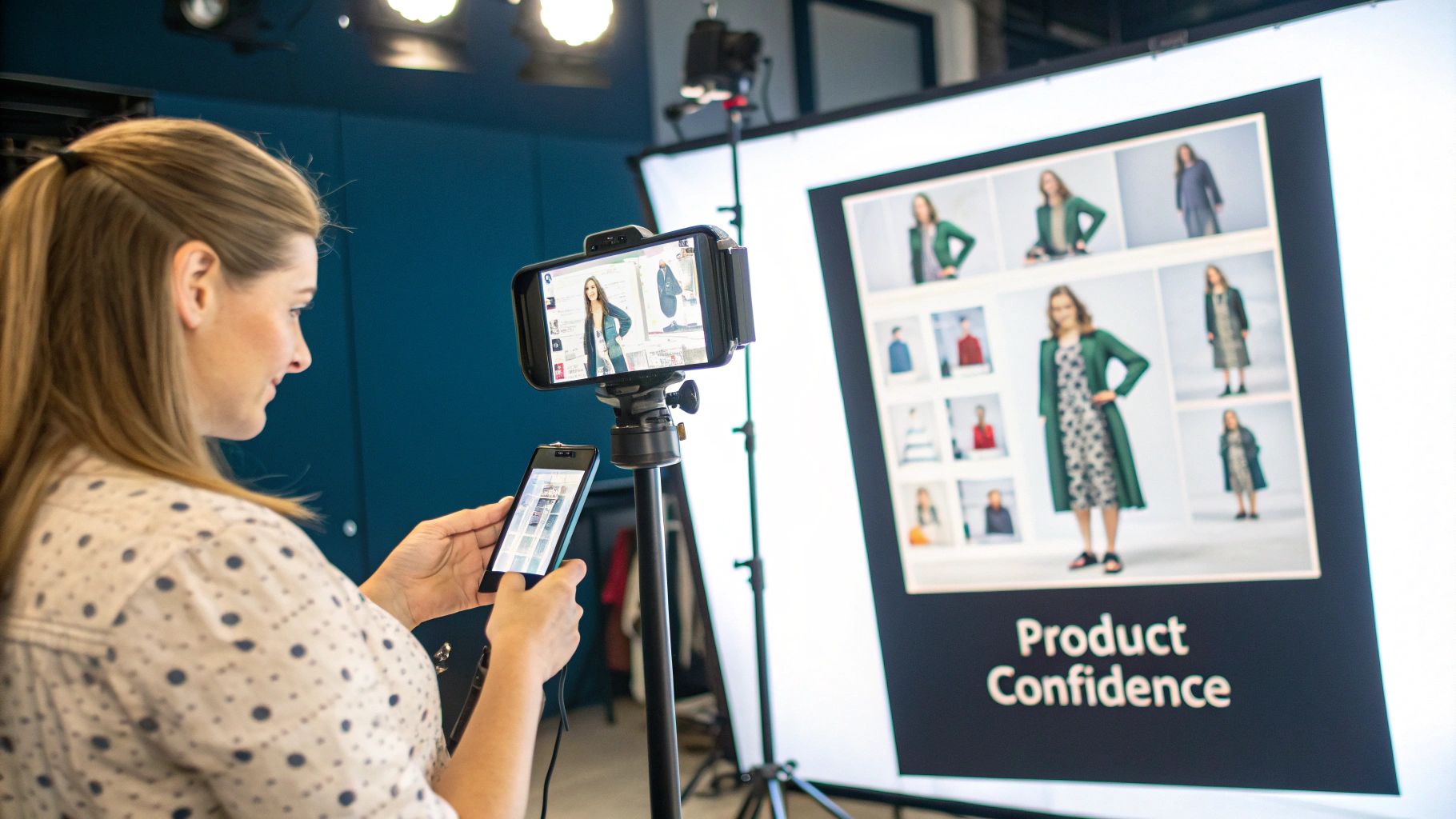
When it comes to fashion, the biggest reason people bail on their carts isn’t just the price—it’s doubt. For every item a customer adds, a little voice in their head is asking questions: Will this actually fit me? What does the fabric feel like? Is that color the same in real life?
Answering these questions before they become deal-breakers is how you turn a hesitant browser into a confident buyer. You don’t have a physical fitting room, so your job is to build a digital one that leaves no room for uncertainty.
Step 1: Bring Your Products to Life with Rich Visuals
Standard, flat product photos on a white background just don’t cut it anymore. Your customers need to see your apparel from every angle, in different lighting, and on different bodies.
How to Do It:
- Go Beyond Front-and-Back: Shoot every item from the front, back, side, and a 45-degree angle. Zoom in on the details—the texture of the fabric, the quality of the stitching, the finish on a button.
- Show, Don’t Just Tell: Get your clothes on a model and show them in motion. A photo of a dress flowing as someone walks is infinitely more compelling than a stiff mannequin shot.
- Embrace Video: A quick, 15-second clip of a model moving in an outfit communicates fit, drape, and material in a way static images never can. It’s a small effort for a huge payoff, as product videos can boost conversions by up to 80%.
Real-World Example: Fashion brand ASOS is a master of this. They provide studio shots, a catwalk video for every single item, and photos of the product on models of different heights and sizes. This multi-faceted approach answers almost any visual question a shopper might have.
Visual Merchandising Impact on Purchase Confidence
| Technique | How It Builds Confidence | Potential Impact on Abandonment Rate |
|---|---|---|
| High-Res Zoom | Lets shoppers inspect fabric texture, stitching, and small details, mimicking an in-hand inspection. | Significant Reduction: Answers quality and material questions upfront. |
| 360° View | Provides a complete, uninterrupted view of the product, eliminating surprises about the back or side fit. | Moderate Reduction: Helps customers understand shape and structure. |
| On-Model Video | Shows how the garment drapes, moves, and fits during real-world motion. | Significant Reduction: The best way to communicate fit and feel digitally. |
| Lifestyle Context | Displays the item in a real-world setting, helping shoppers visualize it in their own lives. | Moderate Reduction: Connects the product to the customer’s aspirations. |
| User-Generated Photos | Provides authentic social proof on diverse body types, building trust and relatability. | High Reduction: Shows how the product looks on “real people,” not just models. |
Step 2: Craft Descriptions That Answer Questions
Your product descriptions need to do more than just list facts. They should tell the story of the item, answering the questions a customer would ask if they were holding it in their hands.
How to Do It:
- Describe the Feel: Instead of a sterile “100% Cotton,” try painting a picture: “Crafted from a soft, breathable 100% organic cotton that gets even cozier with every wash.”
- Give Fit Notes: Add practical fit advice. Simple notes like “Runs true to size,” “Size up for a more relaxed fit,” or including the model’s height and the size they’re wearing are absolute gold for shoppers.
- Use Bullet Points: List key features like material, care instructions, and fit type in an easy-to-scan bulleted list.
Step 3: Empower Shoppers with Virtual Try-On
The number one question for any online clothing shopper is, “Will this fit me?” Size charts are a starting point, but they’re often confusing and don’t account for unique body shapes.
Virtual try-on tools, like the Icona app, are built to eliminate this specific uncertainty. They allow a customer to upload a photo and instantly see how a garment will look on their own body. It’s a personalized fit visualization that’s far more powerful than any size guide. By adding a simple try-on button to your product pages, you give every shopper a personal fitting room, providing the final nudge of confidence they need. Explore other ecommerce personalization tools to build crucial customer trust.
Step 4: Leverage Social Proof with Authentic Reviews
After everything you’ve shown them, the most powerful confidence booster comes from other customers.
How to Do It:
- Install a Review App: Use a Shopify app like Judge.me or Loox to collect and display reviews.
- Incentivize Photo Reviews: Offer a small discount on a future purchase for customers who upload a photo with their review.
- Showcase Reviews Prominently: Feature your best reviews and user-generated photos directly on your product pages.
A gallery of user-generated content showing your apparel on a diverse range of body types is one of the most effective conversion assets you can have.
Master Pricing and Shipping Transparency
If there’s one golden rule in ecommerce, it’s this: nobody likes a surprise party at checkout. Unexpected costs are the number one reason shoppers abandon their carts. This isn’t just about the extra dollars; it’s about a breakdown of trust at the most critical moment.
The only way to combat this is with radical transparency. Your mission is to make the final price so clear, so early in the process, that by the time a customer hits the checkout page, there are zero questions left to ask.
Step 1: Display All Costs Upfront
The absolute worst place to reveal the true cost of an order is on the final payment screen. You have to introduce these costs way earlier in their journey.
How to Do It:
- Install a Shipping Rate Calculator: Add a calculator directly to your cart page. It lets shoppers pop in their zip code and see the exact shipping cost before they even begin checking out.
- Use an Announcement Bar: That little bar at the top of your site is prime real estate. Use it to broadcast your free shipping threshold (e.g., “Free Shipping on All Orders Over $75!”)
- Be Clear About Taxes: While showing exact taxes on a product page is tricky, a simple disclaimer like “+ taxes calculated at checkout” near the price works wonders. It sets the expectation early.
The moment a customer feels misled by your pricing, you’ve likely lost them for good. Total transparency builds the trust needed to not only complete this purchase but also to come back for the next one.
Step 2: Choose and Frame Your Shipping Strategy
How you structure your shipping fees matters just as much as when you show them. You’ll set all of this up in your Shopify shipping settings.
This dashboard is your command center. Getting these rules right is fundamental. Let’s look at the most popular options:
- Free Shipping: This is the heavyweight champion. 73% of consumers are more likely to purchase if a retailer offers free shipping. If your margins can handle it, offer it store-wide. If not, use a threshold (e.g., over $100) to bump up your average order value (AOV).
- Flat-Rate Shipping: My go-to recommendation for most apparel brands. A single, predictable fee like “$5 Standard Shipping” removes all uncertainty.
- Calculated Shipping: This pulls real-time rates from carriers. While accurate, it can create price anxiety. If you use this, a shipping calculator on the cart page is essential.
Real-World Example: The fashion retailer Everlane is a master of transparency. They clearly state their $75 free shipping threshold in the announcement bar. For orders below that, they offer a simple, flat-rate shipping fee. This clarity eliminates any guesswork for the shopper.
Set Up a Killer Cart Recovery System
An abandoned cart isn’t a lost sale—it’s a warm lead. A shopper was interested enough to add your product to their cart. All that’s left is a gentle, strategic nudge to get them across the finish line.
The Magic Is in the Automated Follow-Up Email
A single “you left something behind” email is a decent start, but a multi-part sequence is where you’ll see the real results. The data is compelling: cart recovery emails have an average conversion rate of 10.7%. This tells us that shoppers are not only seeing but also acting on these reminders. Check out the latest stats on the effectiveness of cart recovery emails to see how much revenue they can drive.
Let’s walk through building a proven three-part email sequence you can set up with a tool like Klaviyo or Omnisend.
How to Craft the Perfect Three-Email Sequence
Timing and tone are everything. Each email has a specific job, from a simple reminder to gently creating a bit of urgency.
Email 1: The Gentle Reminder (Send after 1 hour)
The goal is to be helpful, not pushy. The customer could have gotten distracted or their browser might have crashed.
- Subject Line Ideas: “Did you forget something?” or “Your cart is waiting for you!”
- Body Copy: Keep it short and sweet. Remind them what they left behind with a clear picture of the item. Include one prominent call-to-action button, like “Return to Your Cart.”
- Example: “Hey [Customer Name], it looks like you left some great items in your cart. We’ve saved them for you so you can pick up right where you left off. Ready to make them yours?”
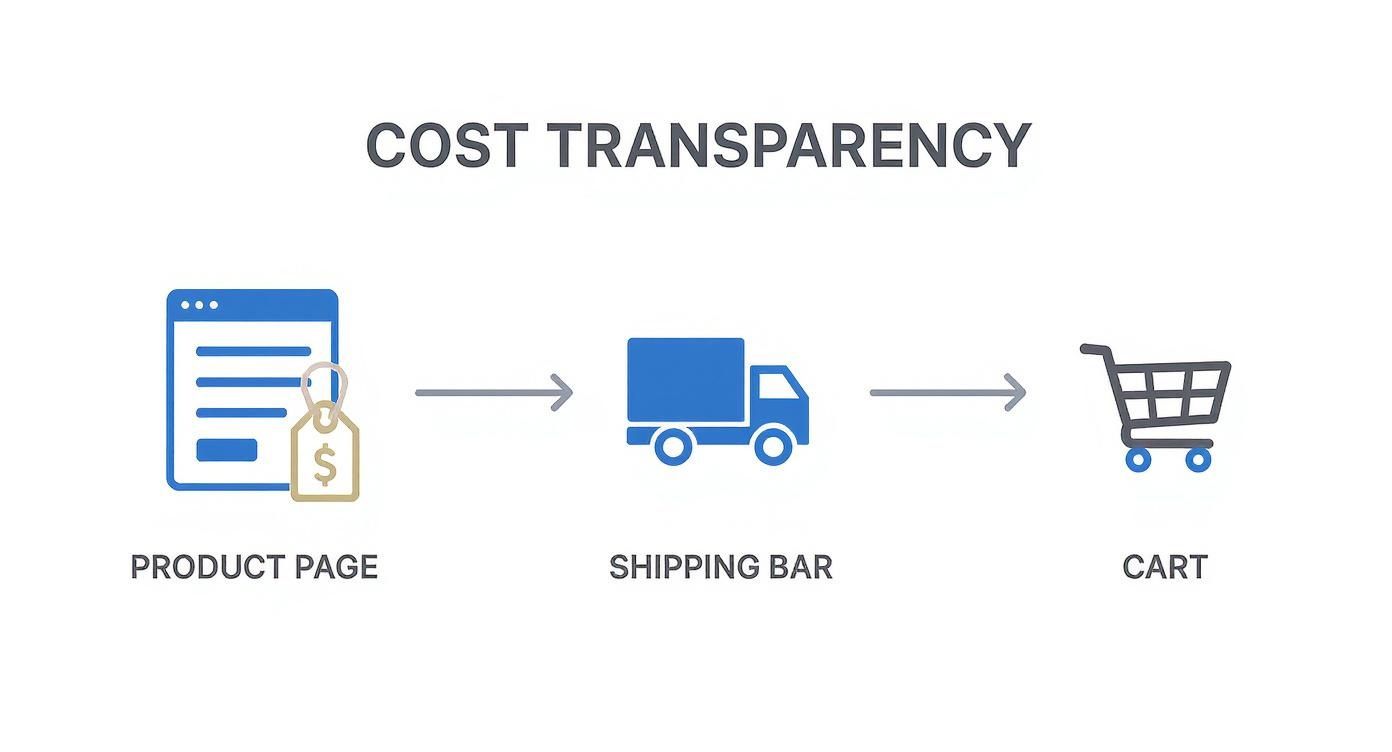
The flow here shows how building trust early by being upfront with costs is a huge part of preventing abandonment in the first place.
Email 2: Overcome Hesitation (Send after 24 hours)
If the first reminder didn’t work, there might be some hesitation. This email is your chance to address it by building confidence and showing social proof.
- Subject Line Ideas: “Your [Product Name] is getting a lot of attention” or “Still thinking it over?”
- Body Copy: Remind them why the product is great. Drop in a glowing customer review or a star rating. You can also proactively answer questions by linking to your FAQ or return policy.
- Example: “We noticed you’re still considering the [Product Name]. It’s one of our bestsellers! Here’s what a recent customer had to say: ‘I absolutely love this jacket, the fit is perfect!’ Don’t miss out.”
Email 3: The Final Nudge (Send after 72 hours)
This is your last shot, and it’s the right time to introduce a small incentive. A discount can be incredibly effective for price-sensitive shoppers.
- Subject Line Ideas: “A special treat just for you” or “Last chance to claim your cart.”
- Body Copy: Create subtle urgency. Mention that the items in their cart might sell out. If you offer a deal, make it clear and simple, like a 10% discount or free shipping.
- Example: “We don’t want you to miss out! Complete your order in the next 24 hours and enjoy free shipping on us. Use code: COMEBACK at checkout.”
Pro Tip: Not every abandoned cart needs a discount. Segment your recovery campaigns. For instance, offer discounts only to first-time customers or for carts over a certain threshold, like $100. This protects your margins while still giving a powerful nudge.
For a deeper dive, you can explore our complete guide to Shopify cart recovery techniques.
Putting It All Together: Your Actionable Roadmap
Alright, let’s turn theory into a practical plan. You don’t have to tackle everything at once. We’ll split this into two phases: quick wins you can implement this week and bigger projects that will drive long-term growth.
This is your roadmap for learning exactly how to reduce cart abandonment without the guesswork.
Phase 1: Quick Wins (Implement This Week)
These are the low-hanging fruit. Making these simple changes can have a surprisingly big impact on your numbers, often in a matter of days.
- Step 1: Offer Guest Checkout: Go to
Settings > Checkoutand make customer accounts optional. It’s a simple toggle that can stop up to 24% of your shoppers from walking away. - Step 2: Turn On Express Payments: Activate Shop Pay, Apple Pay, and PayPal in your
Settings > Payments. This is a massive win for mobile shoppers. - Step 3: Be Loud and Clear About Shipping: Use an announcement bar to clearly state your shipping fees or your free shipping threshold. This transforms a nasty surprise into a clear incentive.
Phase 2: Growth Levers (Implement This Month)
Once you’ve plugged the most urgent leaks, it’s time to build genuine trust and confidence in your products, which pays off in both lower cart abandonment and higher customer loyalty.
- Step 1: Level Up Your Product Visuals: Add on-model videos to show how the fabric moves and shoot high-res detail shots of texture and stitching.
- Step 2: Set Up Cart Recovery Emails: Use a tool like Klaviyo or Shopify Email to create an automated three-part cart recovery email sequence. It’s a safety net that works 24/7.
- Step 3: Solve the “Fit” Problem: This is the biggest elephant in the room for online fashion. A virtual try-on tool is your most powerful asset here. An app like Icona replicates that in-person fitting room experience, giving customers the proof they need that an item will look great on them. It’s that final dose of confidence that not only closes the sale but also drastically cuts down on returns.
Have More Questions? We’ve Got Answers
You’re not alone in wondering about the finer points of cart abandonment. Here are some of the most common questions I hear from Shopify store owners.
What’s a Good Cart Abandonment Rate to Aim For?
It’s tempting to look for a magic number, but a “good” rate is relative. While the e-commerce average often sits around a staggering 70-80%, what matters is your store’s performance.
Instead of chasing an industry-wide benchmark, focus on improving your own baseline. A 10-15% reduction from where you are right now is a fantastic starting point. That’s a realistic goal that will have a real, measurable impact on your bottom line.
How Quickly Should I Send That First Recovery Email?
Timing is everything. Send that first email within one hour of the cart being abandoned. Don’t wait.
This is your golden window. The items are still fresh in their mind. Your first message should feel like a friendly tap on the shoulder—a helpful reminder, not a pushy sales pitch. You can then plan a second email for 24 hours later (with social proof) and a final one at 72 hours if you want to include a small incentive.
An abandoned cart isn’t a hard “no.” More often than not, it’s just a “not right now” caused by a distraction. A timely, helpful follow-up is the simplest way to win back a sale you nearly had.
Will Offering Guest Checkout Sabotage My Email List?
Absolutely not. In fact, forcing customers to create an account is more likely to sabotage the sale itself. It’s a huge point of friction, causing 24% of shoppers to walk away.
Here’s the smarter play: let them check out as a guest. Then, on the post-purchase “Thank You” page, give them the option to create an account to save their info for their next visit. This way, you secure the sale first and still get a chance to build that customer relationship on their terms.
Tackling cart abandonment means removing every last bit of doubt from your customer’s mind. By optimizing your checkout, being transparent with costs, and building unshakeable product confidence, you pave a smoother path from browser to buyer.
Ready to solve the biggest reason shoppers hesitate in fashion e-commerce—”Will it fit me?” Icona gives your customers a virtual try-on experience, providing the confidence they need to click “Buy Now.” See exactly how it works at https://apps.shopify.com/icona.
Ever walked into your favorite neighborhood shop where the owner greets you by name? They remember you’re on the hunt for a new spring jacket and immediately point you to a new arrival they know you’ll love. That’s the magic of a personal touch. Ecommerce personalization tools are all about recreating that exact feeling online to help you increase conversions and reduce returns.
Instead of hitting every visitor with the same generic homepage, these tools act like a savvy digital sales associate for your Shopify store, working around the clock to create unique shopping journeys for every single person.
What Are Ecommerce Personalization Tools?
At their core, ecommerce personalization tools are software solutions that use data to tailor your online store’s experience to the individual shopper. They move beyond the old “one-size-fits-all” approach and start a genuine one-to-one conversation with your customers, improving their shopping experience.
These tools are constantly learning. They watch how users behave—what pages they click on, the items they add to their cart, their purchase history—to figure out what each person is looking for. The result? A shopping experience that feels less like a catalog and more like a helpful guide, leading customers directly to products they’ll actually want to buy.
Moving Beyond Generic Marketing
A website without personalization is like a silent salesperson. It just stands there, showing the same products in the same order to a fashion-forward teen and a mom shopping for kids’ clothes. Personalization completely changes that dynamic, making your storefront interactive and responsive.
Think about how it works for different shoppers:
- For New Visitors: The tool might use their location to display a “Free Shipping to Your Area!” banner or showcase your current best-sellers to make a strong first impression.
- For Returning Customers: It can greet them with a “Welcome Back!” message and display items related to their last browsing session or previous purchases.
- For Loyal Shoppers: It can unlock exclusive discounts or give them early access to new collections, reinforcing that you value their business.
This isn’t just a nice-to-have feature; it’s a powerful business strategy. The market for personalization tools was valued at USD 3.5 billion in 2023 and is expected to skyrocket to USD 9.5 billion by 2032. It’s clear that brands are catching on to the massive ROI of creating tailored experiences.
The big idea is simple: make every shopper feel seen and understood. When you show customers that you get them, they’re far more likely to trust you, buy from you, and keep coming back.
The Rise of AI in Personalization
Today’s most powerful personalization is fueled by artificial intelligence (AI). AI algorithms are incredible at sifting through massive datasets to predict what a customer will do next, often with startling accuracy. This tech is the engine behind everything from the “You might also like…” carousels we all know to much more advanced applications. To see how this fits into the bigger picture, it’s worth exploring comprehensive ecommerce solutions that integrate this technology.
For fashion and apparel brands, this is where things get really exciting. AI-driven tools like Icona are changing the game by personalizing the single most uncertain part of buying clothes online: the fit. Instead of just recommending a dress, virtual try-on technology lets a customer see how that dress will actually look and drape on their body. It answers their biggest question and provides the final piece of confidence they need to hit that “Add to Cart” button, directly impacting conversions and returns.
The Main Types of Personalization Tools
Diving into the world of ecommerce personalization can feel overwhelming, like stepping into a department store with endless aisles. To make sense of it all, let’s break the tools down into a few key categories. Each one has a specific job, but they all work toward the same goal: creating a better, more profitable shopping experience on your Shopify store.
This diagram lays out the core pillars of personalization, starting with the basic idea and branching out into smart recommendations, adaptive website content, and even AI-powered try-on experiences.
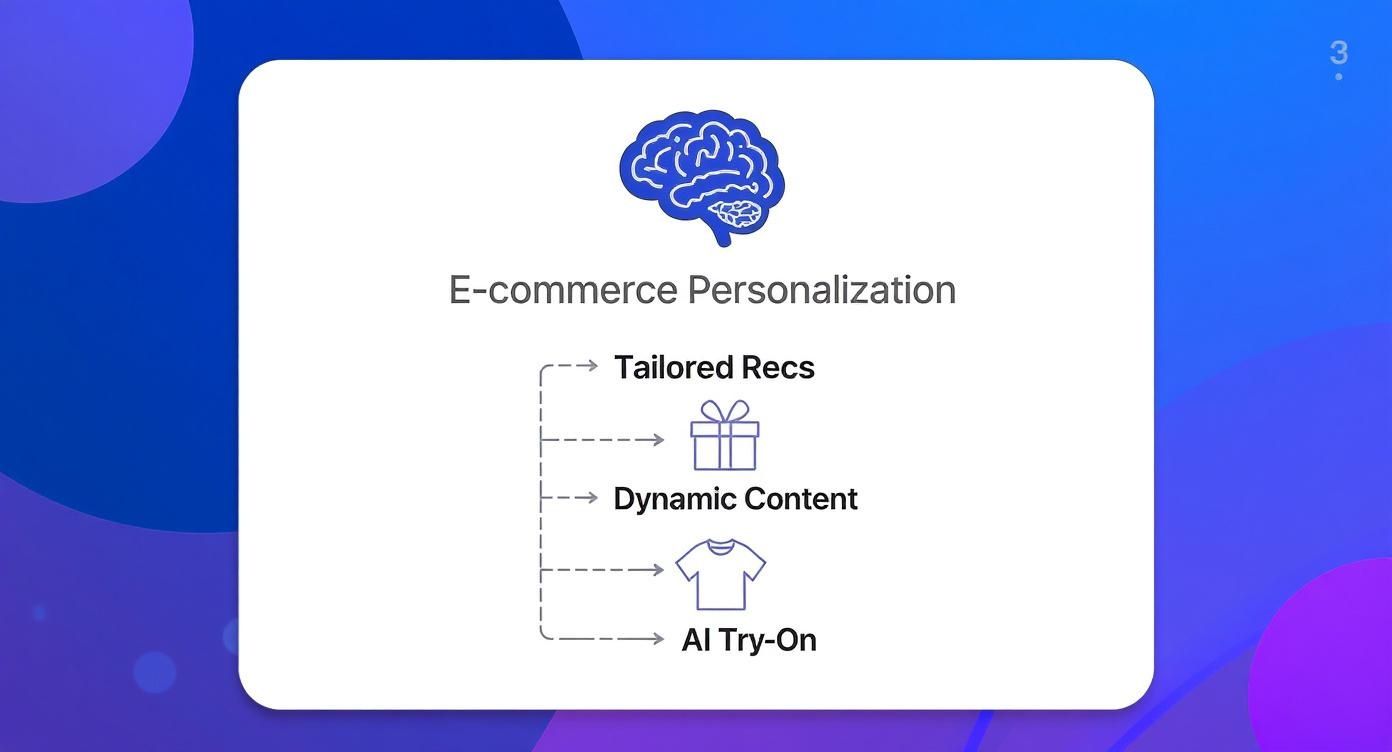
As you can see, these tools don’t just work in isolation. They build on each other to create a journey that feels like it was designed for each individual shopper.
To get a clearer picture, let’s look at how these categories stack up against each other.
Comparing Personalization Tool Categories
| Tool Category | Primary Function | Key Benefit for Merchants | Shopify Store Example |
|---|---|---|---|
| Product Recommendations | Suggests relevant products based on user data. | Increases average order value (AOV) and product discovery. | A “You might also like” carousel appears below a product a customer is viewing. |
| Dynamic Content | Changes website content based on visitor attributes. | Creates a more relevant and engaging first impression. | The homepage banner shows raincoats for visitors from Seattle but swimsuits for visitors from Miami. |
| Immersive Experiences | Lets shoppers visualize products on themselves using AI. | Reduces return rates and builds shopper confidence. | A customer uses a virtual fitting room to see how a dress will fit their specific body shape. |
Each category tackles a different part of the customer journey, from initial discovery to the final purchase decision. Now, let’s dig into what makes each one tick.
1. AI Product Recommendation Engines
You’ve definitely seen these in action. Recommendation engines are the force behind those “You might also like” and “Frequently bought together” sections on product and cart pages. Think of them as a digital shopping assistant that uses AI to analyze a customer’s browsing habits, past purchases, and what similar shoppers have bought. The goal? To serve up items they’re almost certain to love.
For example, a Shopify store selling outerwear can use an engine to suggest a matching scarf and gloves when a shopper is looking at a winter coat. It’s a simple, effective way to make product discovery feel natural and, more importantly, boost your average order value.
2. Dynamic Content Tools
Dynamic content takes personalization beyond just products. These tools change the actual content of your website—banners, pop-ups, even shipping announcements—based on who is visiting. It’s about making the entire store feel like it’s adapting in real-time.
Imagine a visitor from sunny California landing on your apparel store in July. Instead of greeting them with heavy winter parkas, a dynamic content tool would automatically showcase your new swimwear collection. It’s a small, automated tweak that makes the site feel instantly more relevant.
These tools can trigger content changes based on a few key data points:
- Geolocation: Showing different content based on a visitor’s country, state, or city.
- Behavioral Data: Altering banners for a returning customer versus a brand-new visitor.
- Traffic Source: Displaying a special welcome message for shoppers who clicked through from a specific Instagram ad.
3. Immersive Experience Personalization
While recommendations and dynamic content are powerful, a new category is really shaking things up for fashion brands: immersive experience tools. This is where AI-powered virtual try-on solutions like Icona are making their mark. These tools get right to the heart of the biggest problem in online apparel shopping—fit uncertainty.
Instead of just suggesting another product, they personalize the moment of decision itself.
By allowing shoppers to see how a garment will actually look and fit on their unique body, virtual try-on offers the most personal experience possible. It answers the critical “Will this fit me?” question before the customer ever clicks “Add to Cart.”
This technology is a game-changer for cutting down return rates, which are a massive headache for any apparel merchant. For instance, a Shopify store selling sunglasses saw a 25% increase in conversions after adding virtual try-on to help shoppers see how frames would look on their face. Shoppers bought with more confidence because they had a realistic preview. Exploring the full range of virtual try-on features shows just how this technology can transform the most critical part of the buying process.
These tools don’t just save you money on returns; they build incredible trust and turn hesitant browsers into confident buyers.
How Personalization Directly Impacts Your Sales
Let’s get straight to the point: how do ecommerce personalization tools actually make you money? This isn’t just about creating a warm, fuzzy feeling for shoppers. A solid personalization strategy directly impacts your bottom line, boosting sales while simultaneously plugging leaks in your revenue, like costly product returns.
The market for these tools tells the story. It’s projected to skyrocket to around $15 billion by 2033, up from an estimated $5 billion in 2025. That explosive growth isn’t just hype; it shows how essential custom shopping experiences have become for turning browsers into buyers and keeping them loyal. You can dig deeper into this market growth over at Data Insights Market.
Boosting Conversions and Average Order Value
The first and most obvious win you’ll see is a jump in your conversion rate. When shoppers feel like a store gets them, they’re simply more likely to make a purchase. Personalized experiences create a better shopping journey that naturally leads to higher sales.
Think about personalized product recommendations. When you intelligently suggest a matching top for a skirt a customer just added to their cart, you’re not just being helpful. You’re increasing the Average Order Value (AOV). It’s a low-effort, automated way to encourage bigger purchases without coming off as pushy.
This is what it looks like in terms of your key performance indicators (KPIs):
- Higher Conversion Rates: You’re clearing the path to purchase by showing people exactly what they’re looking for, sometimes before they even know it themselves.
- Increased Average Order Value (AOV): Smart cross-sells and upsells, powered by real user data, naturally lead to bigger cart sizes.
- Improved Customer Lifetime Value (CLV): A fantastic, personalized experience is memorable. It turns a first-time buyer into a repeat customer who trusts your brand.
Solving the Billion-Dollar Returns Problem
For any apparel brand, returns are the silent killer of profits. The single biggest reason for a return is almost always the same: “it didn’t fit.” This guesswork creates a massive logistical headache and eats away at your revenue. This is where AI-powered immersive tools, like a virtual try-on, can make a huge difference.
When you give a shopper the power to see how a dress will actually look and fit on their body before clicking “buy,” you eliminate the biggest point of friction and doubt. That boost in confidence is a powerful motivator to purchase and an even more powerful reason to keep the item.
A personalized experience isn’t just about what you recommend; it’s about how you empower the customer. Virtual try-on personalizes the most critical moment of decision, giving shoppers the confidence they need to buy and keep their purchase.
A Shopify boutique specializing in dresses was getting hammered with returns because of inconsistent sizing between designers. After adding an AI virtual fitting room, they slashed their return rate by 30% in just one quarter. That move saved them thousands in reverse logistics and restocking fees, but it also made their customers happier, leading to a wave of positive reviews. You can see how other brands have found similar success by reading through their testimonials.
Ultimately, these tools have a ripple effect across your most important business metrics. Fewer returns directly increase your net revenue and make inventory management much cleaner. At the same time, building that shopper confidence drives higher initial conversion rates and creates a much deeper level of trust in your brand.
It’s a clear win-win. You provide a far better shopping experience, and your business gets the financial rewards.
Choosing the Right Tools for Your Apparel Store
Picking the right personalization tool for your Shopify apparel store isn’t about finding a magic bullet. It’s about finding a partner that plugs in smoothly, scales with you, and actually makes you money. The wrong tool can drag down your site speed and frustrate shoppers, but the right one can become your best sales associate.
The market is flooded with options, from simple recommendation widgets to complex AI platforms. A great tool for a home goods store might be totally useless for a fashion brand, where fit and visualization are everything. You need to focus on solutions that solve the unique problems of selling clothes online.
For fashion merchants, that means one thing above all: helping customers answer the question, “Will it fit me?”
The Essential Evaluation Checklist
Before you even think about signing a contract, you need a no-nonsense checklist. This will help you see past the slick sales pitches and figure out what really matters for your store and your customers.
- Seamless Shopify Integration: Does the tool install easily from the Shopify App Store, or will you need a developer on speed dial? A good tool should feel like a natural part of your Shopify admin, not some clunky, bolted-on piece of software.
- Scalability and Performance: Your store’s traffic will hopefully grow, and your tools need to keep up without making your site painfully slow. Ask vendors how their tech impacts page load times. A slow site kills conversions, period.
- Transparent and Fair Pricing: You’re looking for clear, predictable pricing that makes sense for your business. Be wary of confusing usage fees or hidden costs that pop up once you start getting popular. It’s worth checking out how some providers structure their subscription plans to get a feel for a straightforward model.
These are the foundational checks. If a tool can’t pass these, it’s not worth your time. If it does, you can move on to the features that will actually make a difference to your shoppers.
Vetting AI-Powered Features Like Virtual Try-On
For clothing stores, AI-driven features like virtual try-on are no longer a “nice-to-have.” They’re becoming essential for tackling the billion-dollar problem of returns. But here’s the catch: not all AI is created equal. The difference between a realistic preview and a glitchy, cartoonish one is the difference between a sale and an abandoned cart.
When you’re looking at a virtual try-on, the goal is a realistic preview that gives your customer a shot of confidence. Accuracy is everything.
Don’t be afraid to put vendors on the spot. Ask these tough questions to really understand the quality of their technology:
- Can You Demo This With My Products? A canned demo is easy. The real test is seeing your own best-selling dress or jacket rendered by their AI. Hand over some product images and see how well their system handles your actual inventory.
- What Data Was Your AI Trained On? This is a big one. An AI trained on a narrow, non-diverse set of body shapes will give terrible results for a huge chunk of your customer base. A high-quality tool is built on a massive, diverse dataset to ensure it works for real people of all sizes.
- How Do You Protect Customer Privacy? Shoppers are trusting you with a personal photo. You absolutely must know how that data is handled. Look for vendors with crystal-clear policies on data encryption, storage, and, most importantly, deletion.
By asking these direct questions, you can cut through the marketing fluff and find an ecommerce personalization tool that not only works with your store but also delivers the accurate, trustworthy experience your customers need to click “buy.”
Using Virtual Try-On in Your Personalization Strategy
AI-powered virtual try-on isn’t just some flashy gimmick; it’s a game-changing layer in any serious personalization strategy, especially for Shopify apparel brands. It doesn’t replace other ecommerce personalization tools—it makes them better. Think about it: a recommendation engine might suggest which dress a shopper will like, but a virtual try-on shows them exactly how it will look and fit on their own body.
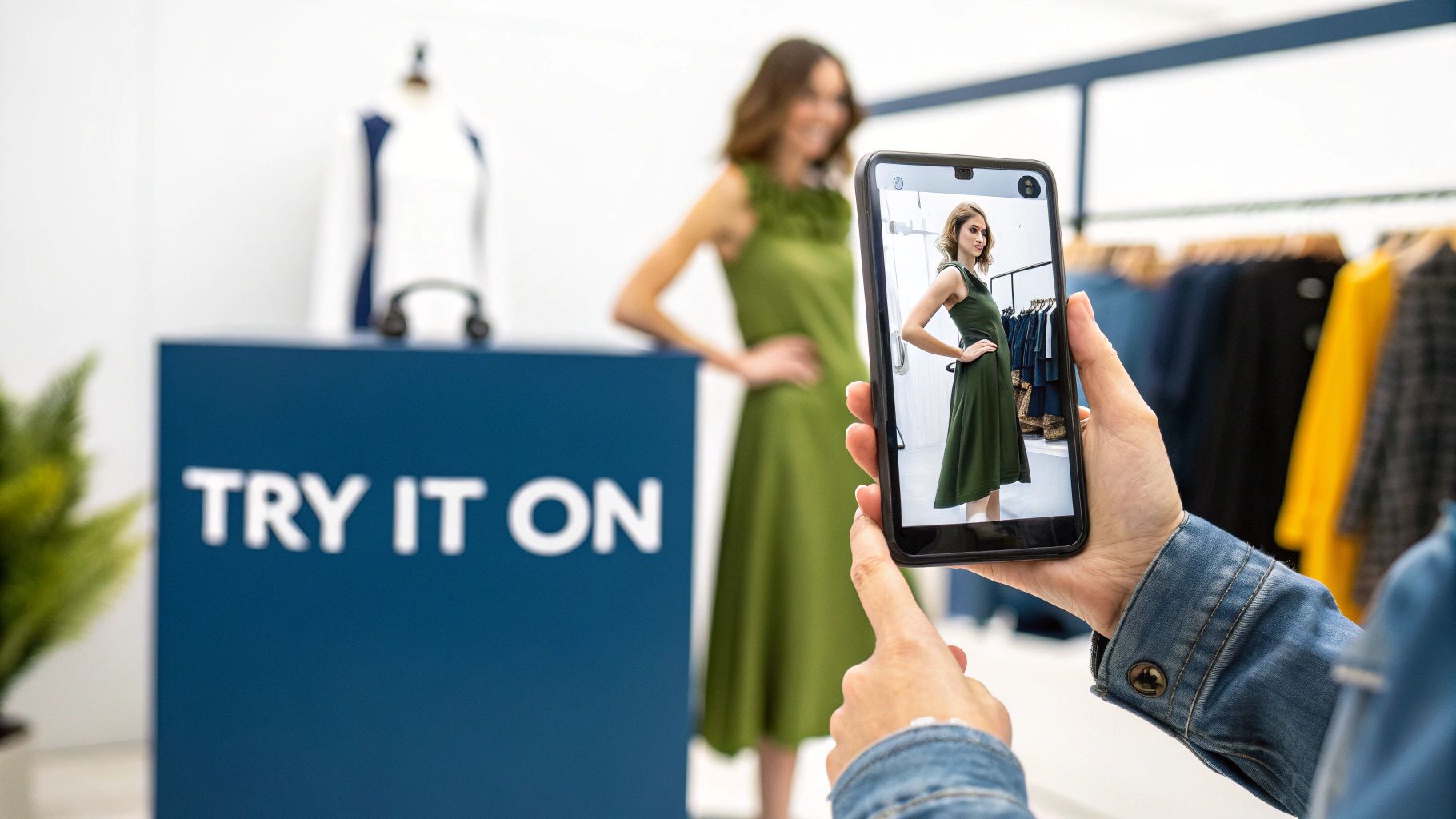
This technology zeroes in on the single most critical moment in online clothes shopping: the point of decision. It visually answers the one question that stops most purchases cold—”Will this actually fit me?” By removing that doubt, it creates a deeply personal and confident experience.
This is precisely why the fashion and apparel sector dominates the personalization software market, holding a massive 37% share. The whole market is exploding, set to hit USD 2.4 billion by 2033 thanks to a 24.8% compound annual growth rate. That explosive growth tells you everything you need to know about how essential these tools are becoming. You can dig into the numbers yourself by checking out the full ecommerce personalization software market report.
Making Implementation Simple for Shopify
One of the biggest myths about AI tools is that you need a huge budget and a team of developers just to get started. With modern Shopify apps like Icona, that couldn’t be further from the truth. The setup is designed to be ridiculously easy, letting you add this powerful personalization feature without touching a single line of code.
Here’s a look at how straightforward it is:
- Install the App: Head to the Shopify App Store, find the app, and install it with a couple of clicks.
- Configure Your Settings: Manage everything right from your familiar Shopify dashboard. You can pick which products get the try-on feature and customize how the button looks.
- Go Live: That’s it. The app automatically adds a “Try It On” button to your product pages. No need to mess with theme files or worry about breaking your site’s design.
The whole process is built to be seamless, so you can stay focused on your customers and products, not on a complicated technical project.
Virtual try-on bridges the gap between a recommendation and a confident purchase. It’s the final, personalized step that turns a browser’s interest into a buyer’s conviction.
Best Practices for a Successful Launch
Rolling out a virtual try-on feature is exciting, but a smart launch strategy will make all the difference. Instead of flipping the switch for your entire catalog at once, take a more strategic approach to get the best results and learn what works.
Start with Your Best-Sellers
Your top-selling items are already proven winners. They get the most traffic and have the highest sales potential. By adding virtual try-on to these products first, you’re putting this powerful tool in front of the largest possible audience right away.
This approach lets you:
- Maximize Immediate Impact: You’ll get more data faster and see the biggest potential lift in conversions right out of the gate.
- Test and Learn: It’s easier to understand how customers engage with the feature on products you already know inside and out.
- Build Social Proof: Great experiences on popular items can generate buzz and encourage other shoppers to give it a try.
Make the “Try It On” Button Prominent
This feature is one of your most powerful selling points, so don’t bury it! The “Try It On” button needs to be unmissable. Place it right next to the “Add to Cart” button and use a contrasting color that grabs the eye. The goal is to make it the most obvious, inviting next step for anyone visiting the page.
A Shopify store selling sunglasses was getting hammered by returns from people who bought frames that just didn’t suit their face shape. After adding a virtual try-on with a bright, obvious button, they saw a 25% jump in conversions on those product pages and a huge drop in fit-related returns.
Measuring Your Success and Next Steps
So, you’ve picked out some powerful personalization tools for your Shopify store. That’s a huge step. But how do you actually know if they’re working? The final piece of the puzzle is figuring out your return on investment (ROI) to see the real-world impact. It’s time to move past gut feelings and dig into the data.
Success here isn’t just about a spike in sales. It’s about building a healthier, more resilient business by making the entire customer journey better. You need to know which of your new tools and tactics are actually moving the needle.
Key Metrics to Monitor
To get a clear picture of your ROI, you don’t need to track a hundred different things. Just focus on a few critical key performance indicators (KPIs) that tell the most important parts of the story. You can find most of what you need right in your Shopify Analytics dashboard or Google Analytics.
These are the numbers that really matter:
- Conversion Rate on Personalized Pages: Look at the specific product pages where you’ve added a virtual try-on. What’s their conversion rate? Now, compare that to similar product pages without the feature. A noticeable lift is the clearest sign that you’re on the right track.
- Average Order Value (AOV): Are your personalized recommendations actually leading to bigger shopping carts? Keep a close eye on your AOV. If it’s climbing, it means your cross-selling and upselling efforts are working and shoppers are adding more to their orders.
- Return Rate: For any apparel brand, this is the big one. Track your return rate before and after you roll out a virtual fitting room. Every percentage point drop in returns means more profit stays in your pocket and, just as importantly, your customers are happier with their purchases.
By focusing on the change in your return rate, you can directly measure how much shopper confidence you’ve built. This single metric often provides the clearest justification for your investment in immersive personalization.
Taking Your First Actionable Step
You now have a solid understanding of what personalization tools are, why they matter, and how to choose one. The most important thing now is to avoid getting stuck in “analysis paralysis” and just take one small, concrete step forward. You don’t need to rebuild your entire store overnight.
To get a truly accurate read on what’s driving results, you might also want to look into some of the top marketing attribution tools to connect your efforts to outcomes.
The journey to a fully personalized store starts with a single product. From there, you can measure the impact, learn what works for your audience, and then scale your strategy with confidence.
Frequently Asked Questions
When you start digging into personalization for your store, a few common questions always seem to pop up. Let’s tackle some of the ones we hear most often from Shopify merchants.
Do I Need to Be a Huge Store to Use These Tools?
Absolutely not. That’s a common myth. Many of the best personalization tools today are built specifically for platforms like Shopify as scalable, affordable apps. Think of tools like Icona; they’re designed for businesses of all sizes.
The trick is to start smart. Don’t try to personalize everything at once. Pick one tool that solves a clear problem you have—like a virtual try-on to tackle high return rates—and you’ll see a return on your investment much faster. A small boutique can get just as much value from making sharp, data-backed decisions as a massive retailer.
Will Personalization Tools Slow Down My Site?
That’s a fair question. Site speed is everything, for both your customers and your SEO. The good news is that any reputable personalization app developer knows this. They build their tools using techniques like asynchronous loading to make sure the impact on your page load time is minimal, if there’s any at all.
A good rule of thumb is to check the reviews before you install any app. Look for comments about performance. You can also just ask the provider directly how they handle optimization. A great tool should make the shopping experience better, not slower.
We saw a Shopify store selling sunglasses add a virtual try-on and get a 25% bump in conversions with zero noticeable change in their site speed. It proves that with the right tech, you don’t have to choose between a cool feature and a fast site.
How Does AI Virtual Try-On Handle Different Body Types?
This is where the technology gets really impressive. Modern AI virtual try-on isn’t just a flat image slapped onto a photo. It uses complex machine learning models that have been trained on massive, diverse datasets of different body shapes and sizes.
When a shopper uses the tool, the AI analyzes their specific measurements and shape to predict how a garment will actually drape and hang on them. It’s a world away from a simple overlay. The goal is to give a realistic preview that inspires confidence in shoppers of all shapes and sizes, which is crucial for building trust and, just as importantly, cutting down on those pesky fit-related returns.
Ready to see how a virtual fitting room could transform your product pages? With Icona, you can give your customers the confidence they need to click “buy,” helping you boost conversions and slash return rates. Get started today and see it in action.
Actionable Takeaway: Try adding a virtual try-on demo to one of your top-selling products this week.